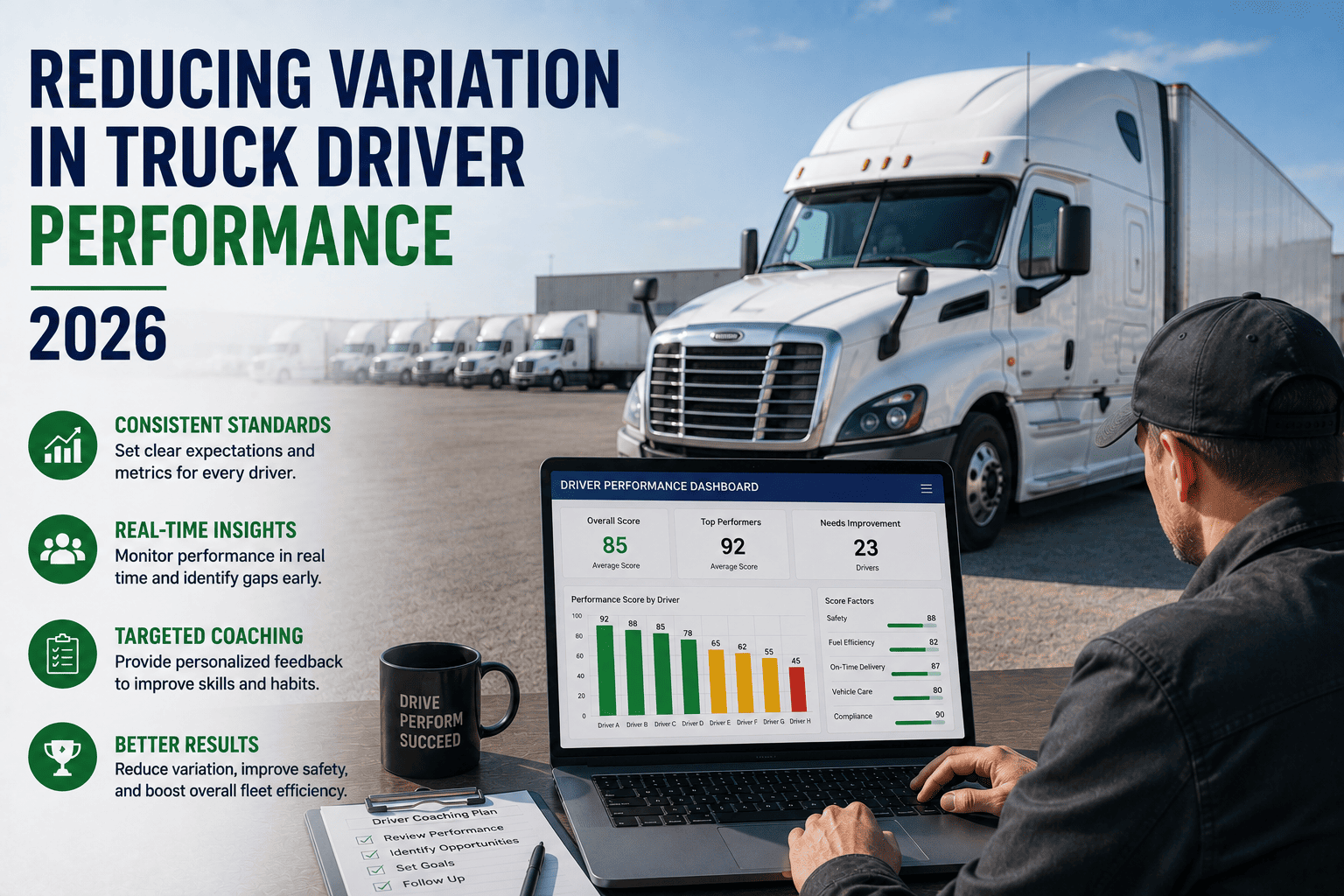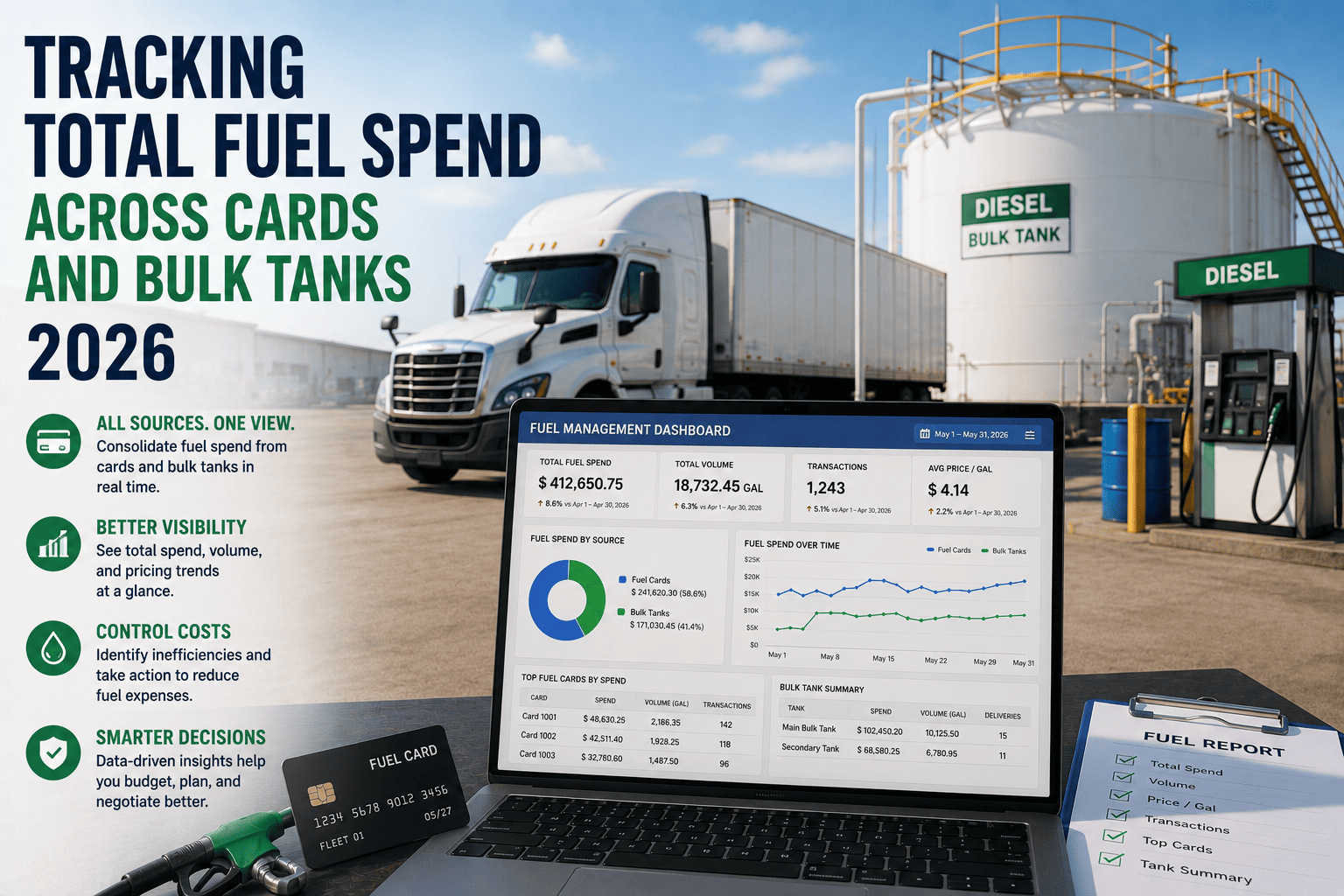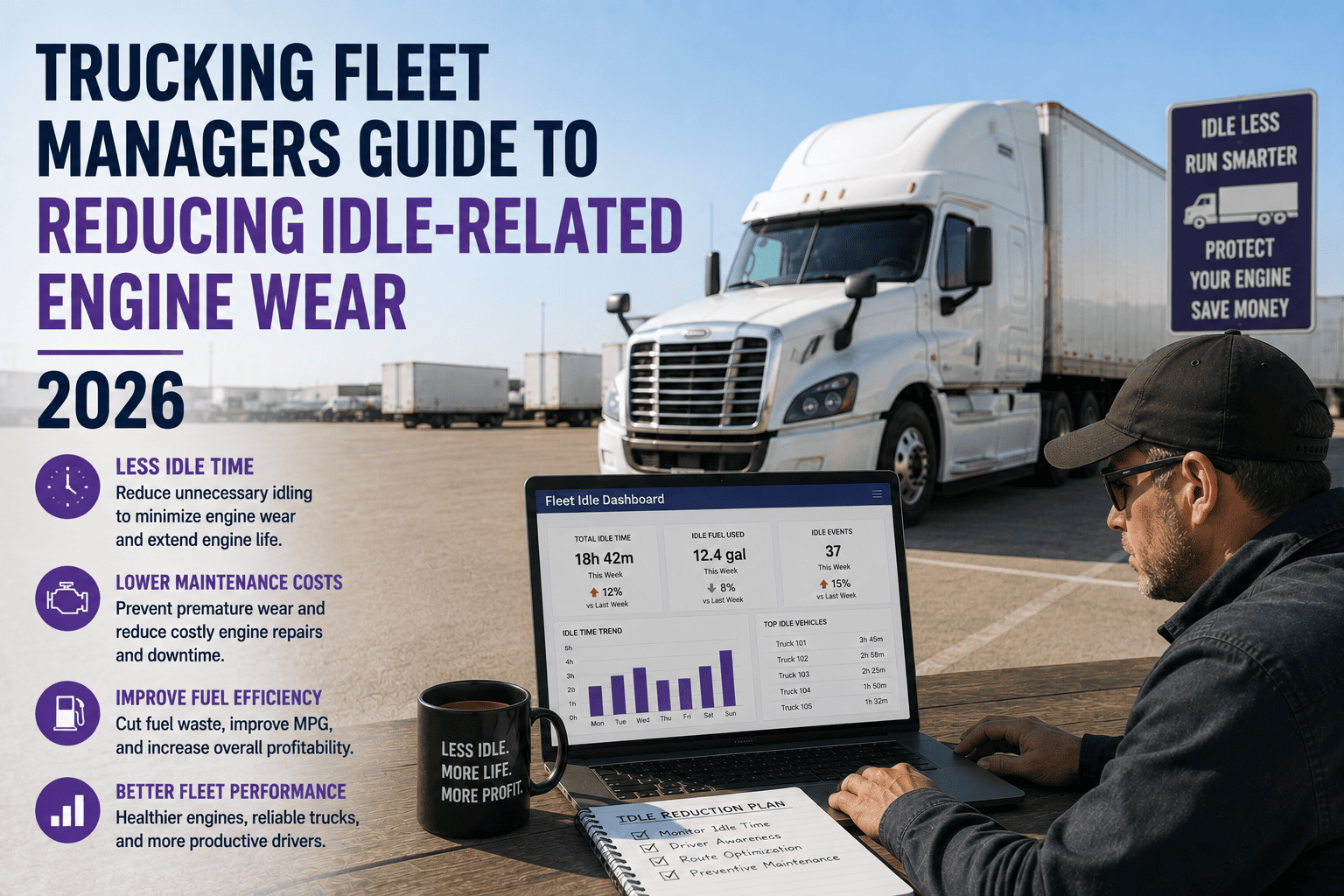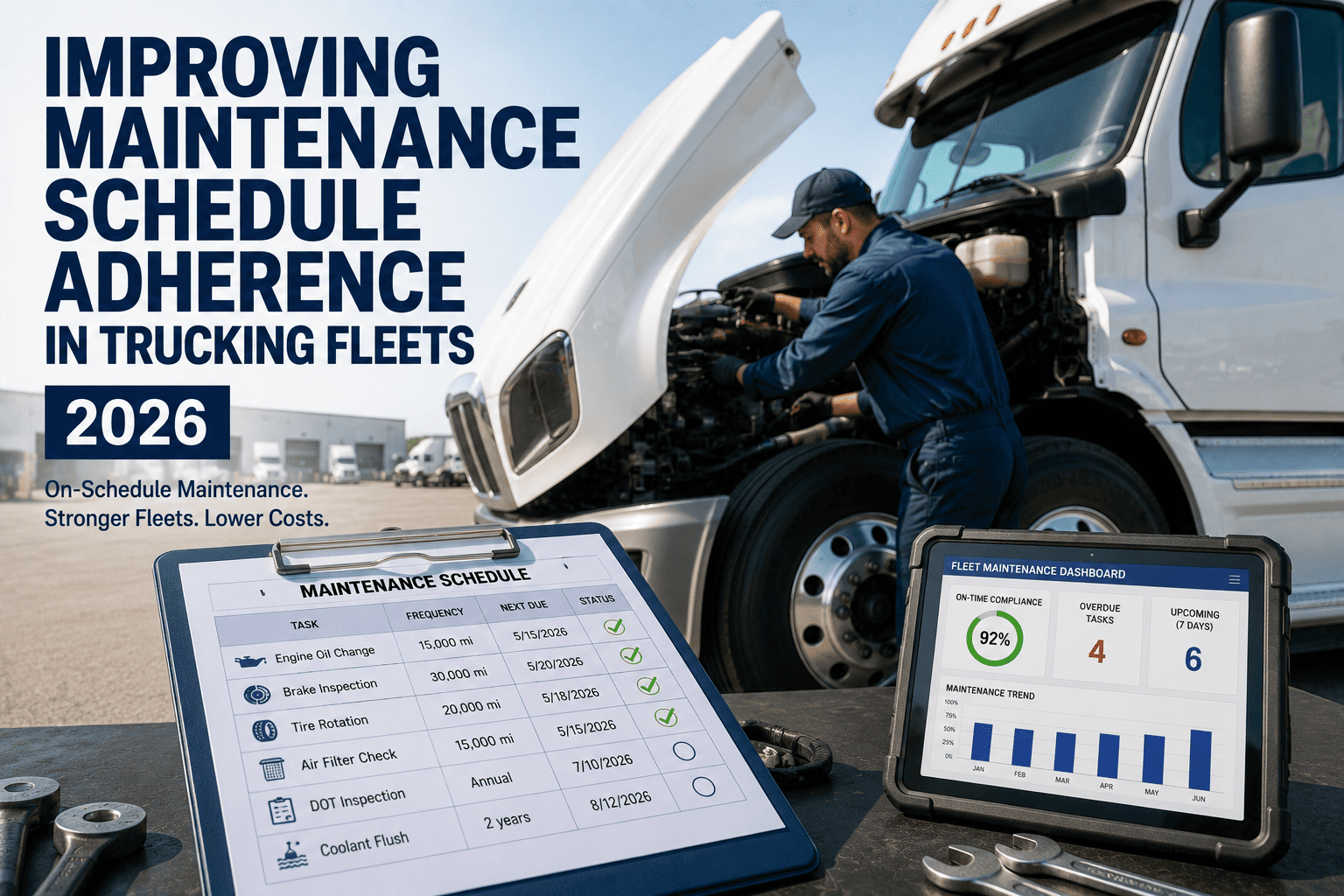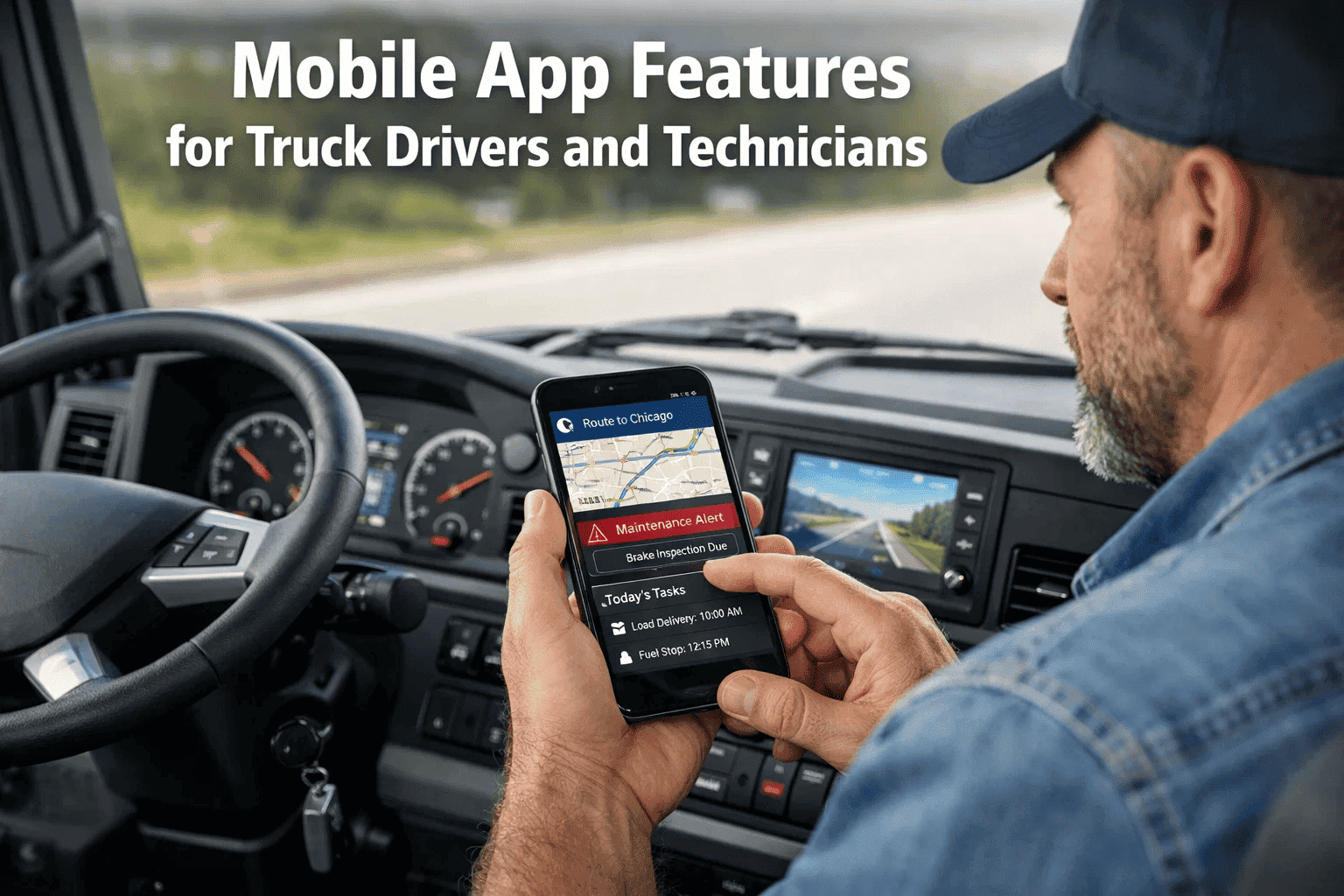
In the fast-paced transportation and logistics industry, drivers and technicians are the frontline workers ensuring supply chain reliability. Yet, many fleets still rely on paper-based workflows, radio dispatch, and fragmented communication tools. This disconnect leads to delayed maintenance, compliance errors, and frustrated drivers. By equipping your workforce with a dedicated mobile application for fleet management, you can synchronize operations from the cab to the shop floor. Book a demo to see how the FleetRabbit mobile app empowers drivers and technicians.
The Critical Need for Mobile Connectivity in Logistics
Transportation companies managing heavy-duty trucks and trailers operate in highly dynamic environments. A driver encountering a mechanical issue on the road cannot wait hours for dispatch to relay information to a shop manager. Similarly, a technician performing a preventive maintenance (PM) service needs immediate access to vehicle history without walking back to a desktop terminal. The lack of mobile integration is a primary driver of inefficient asset utilization.
By deploying the FleetRabbit mobile application, logistics executives can bridge the gap between their mobile workforce and centralized management. The app serves as a digital co-pilot, guiding drivers through compliance requirements while providing technicians with the technical data needed to execute repairs swiftly.
Empowering Technicians for Maximum Fleet Uptime
While driver apps focus heavily on compliance and routing, the technician side of the mobile experience is dedicated entirely to asset uptime. Fleet managers understand that the efficiency of the maintenance shop directly dictates the profitability of the fleet. FleetRabbit equips mechanics with tools that turn a traditional wrench-turner into a data-driven technician.
Through the mobile interface, technicians can scan barcodes on parts to check inventory levels instantly. They can access historical repair logs to diagnose recurring issues and capture signatures for completed third-party vendor services. This level of accessibility ensures that repairs are done right the first time, significantly reducing vehicle rework rates.
Equip Your Workforce with the Best Mobile Tools
Stop relying on outdated clipboards and fragmented communication. FleetRabbit’s mobile application brings enterprise-grade fleet management to the palm of your hand. Book a demo to explore our mobile capabilities.
Navigating Roadside Inspections with Mobile Confidence
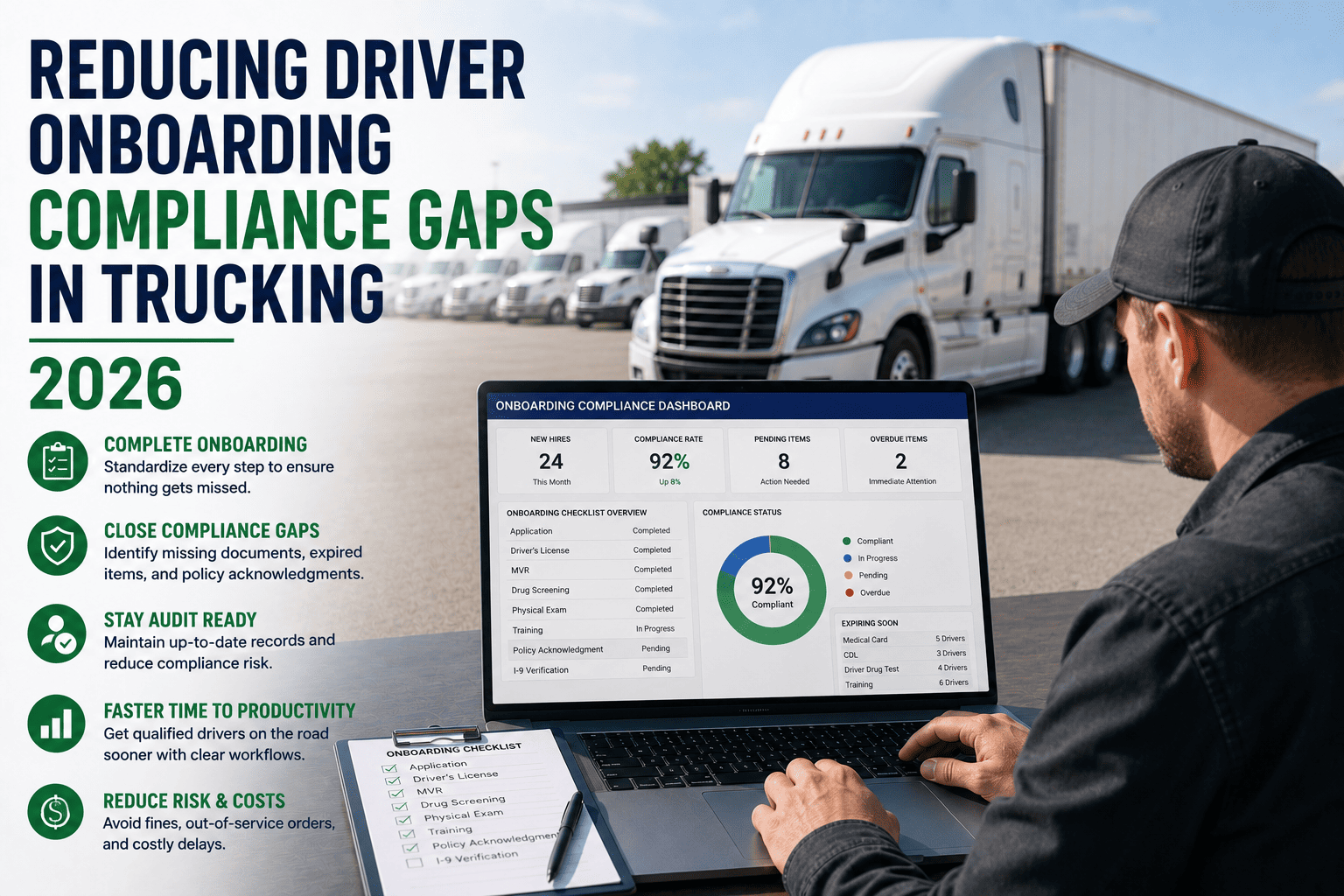
One of the most stressful experiences for any truck driver is an unexpected roadside DOT inspection. When relying on paper logs, drivers must scramble to find the correct binder, ensure all recent entries are legible, and manually calculate their remaining hours of service. This archaic process not only delays the driver but also significantly increases the risk of compliance violations due to human error, smudged ink, or misplaced pages.
With the FleetRabbit mobile app, the entire inspection process is digitized and streamlined. Drivers can instantly activate a dedicated 'Inspection Mode' on their smartphone or tablet, which securely locks the device interface to display only the necessary compliance data required by the officer. This feature eliminates the risk of officers accidentally navigating to other sensitive areas of the app or the driver's personal device. The digital logs are presented in a clean, standardized format that is universally recognized by enforcement agencies, ensuring a swift and penalty-free inspection experience.
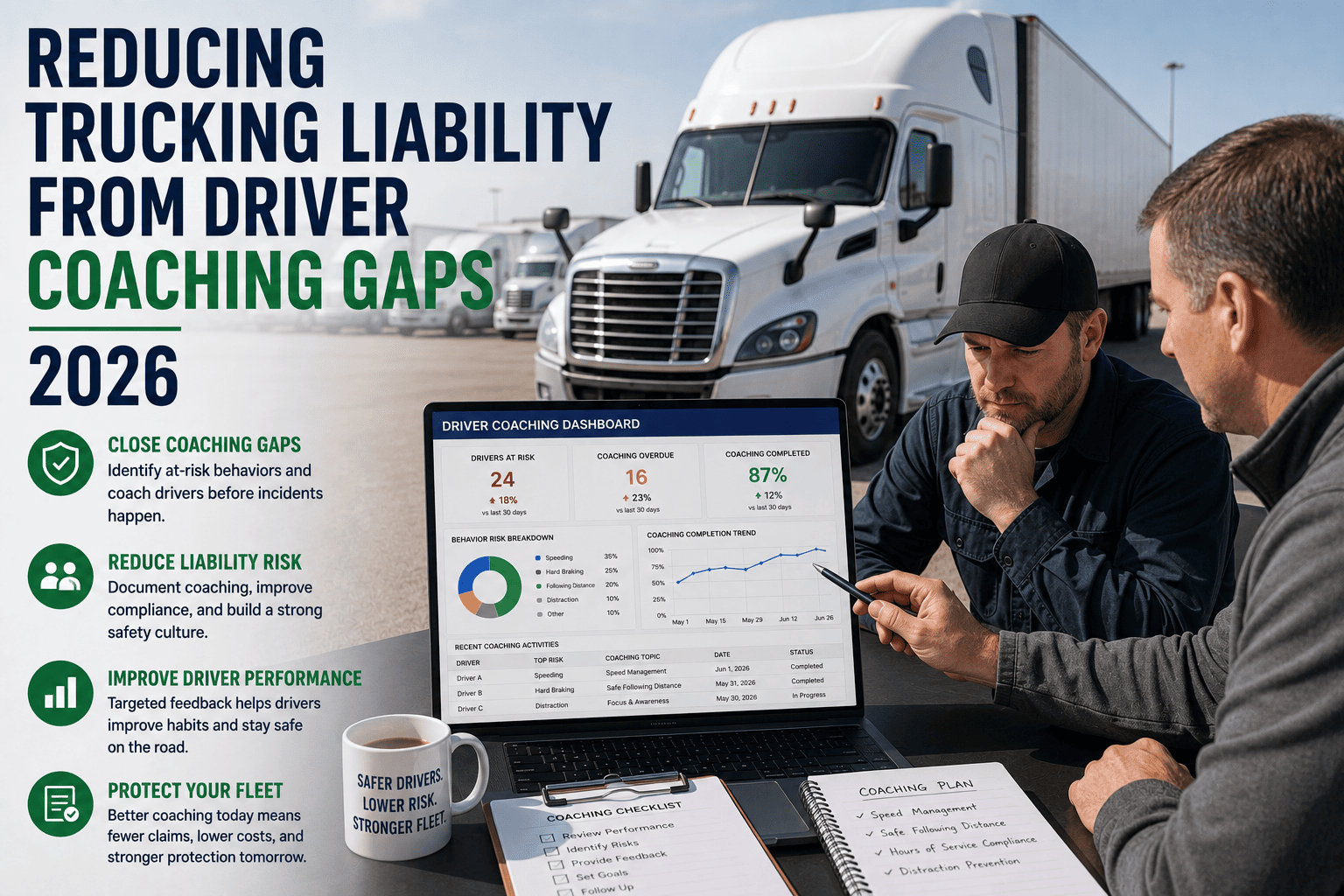
Furthermore, because the mobile app is continuously syncing with the cloud, dispatchers and fleet safety managers have real-time visibility into the driver's compliance status. If a driver is approaching their hours-of-service limit, automated alerts can notify both the driver and the back office, allowing for proactive route adjustments before a violation occurs. This level of synchronized oversight is impossible with traditional paper-based systems.
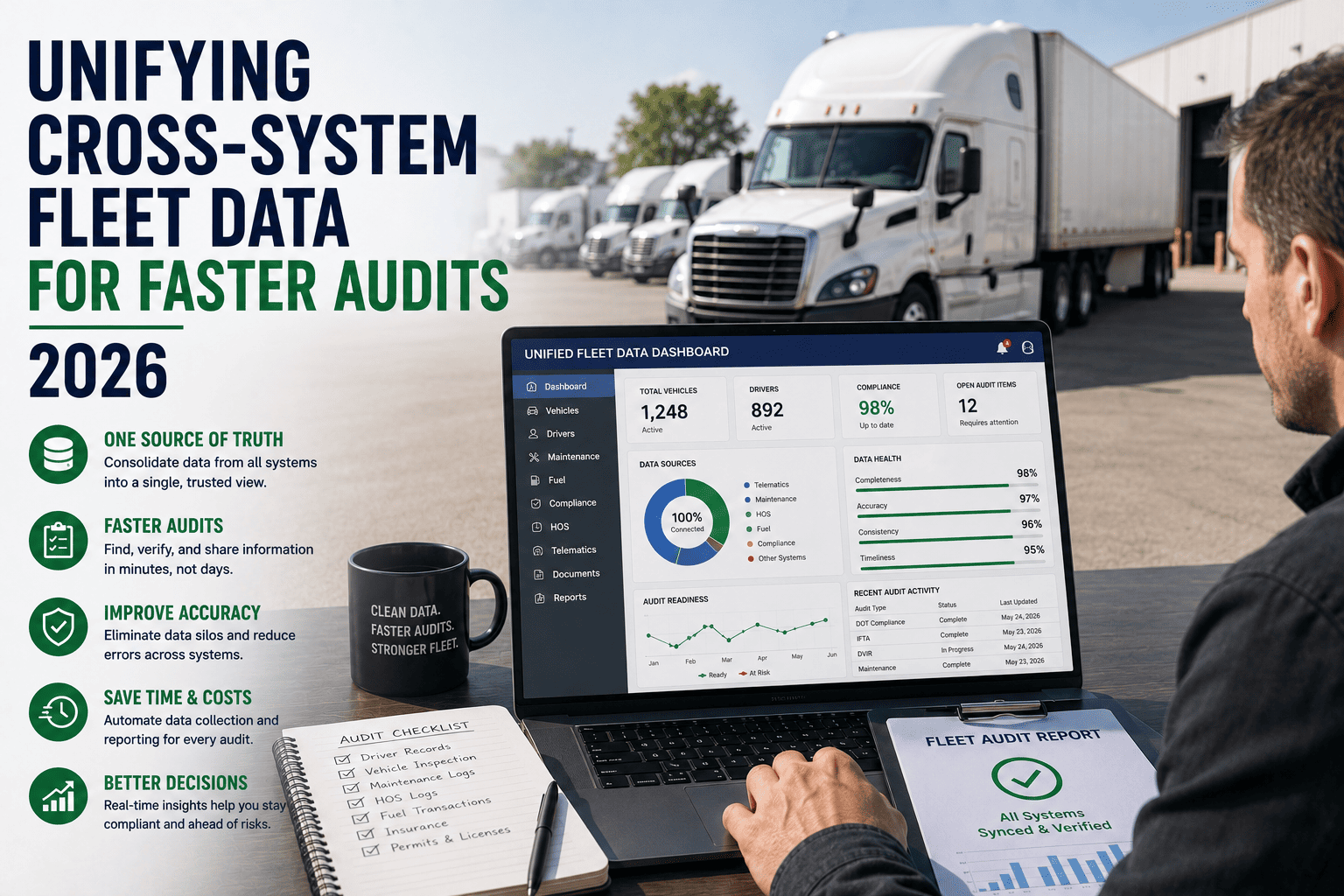
In addition to standard roadside inspections, regular DOT compliance audits can be a logistical nightmare for back-office personnel when relying on physical records. Sifting through months of paper logs to verify driver hours, vehicle defects, and maintenance responses requires hundreds of administrative hours. FleetRabbit's mobile ecosystem automatically categorizes and archives all driver entries and technician sign-offs into a centralized, easily searchable cloud database. When an auditor requests records, your fleet manager can generate comprehensive compliance reports in a matter of seconds, transforming a weeks-long audit preparation process into a few simple clicks.
Accelerating Shop Productivity with Technician Tablets
The traditional maintenance shop workflow is riddled with inefficiencies. A technician diagnoses an issue, walks across the massive shop floor to a desktop computer to log the defect, walks to the parts room to check inventory, and then returns to the bay to begin the repair. This constant back-and-forth motion wastes valuable wrench time and drastically reduces the number of work orders a mechanic can complete in a single shift.
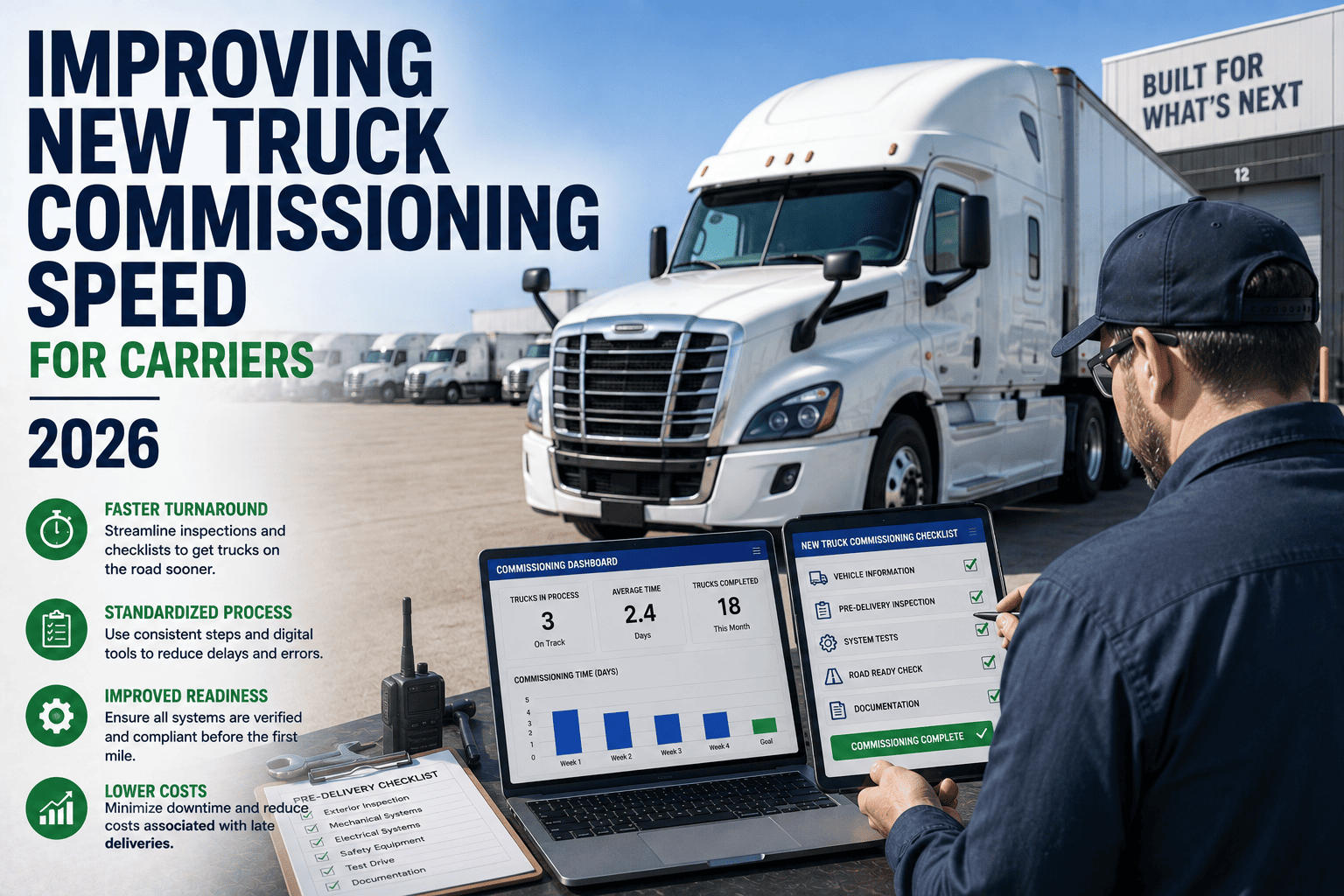
Equipping technicians with ruggedized tablets running the FleetRabbit app fundamentally transforms shop productivity. The technician brings the tablet directly to the service bay. From there, they can pull up the vehicle's entire maintenance history, view active defect reports submitted by the driver, and access manufacturer service manuals—all without taking a single step away from the truck. If a specific part is needed, the technician uses the tablet's camera to scan the barcode on the broken component, instantly cross-referencing the shop's digital inventory to verify stock levels.
Moreover, the mobile platform facilitates immediate collaboration. If a junior mechanic encounters a complex engine diagnostic code, they can capture a high-resolution photo or video of the issue through the app and instantly share it with a senior technician or fleet manager for immediate guidance. This real-time troubleshooting accelerates repair times and significantly reduces the occurrence of vehicles returning to the shop for the same unresolved issue.
Seamless Telematics and GPS Synchronization
A mobile application is only as powerful as the data ecosystem it connects to. Standalone apps that do not integrate with the vehicle's onboard hardware provide limited value. FleetRabbit's mobile solution is engineered to communicate directly with the installed telematics hardware, creating a unified data stream that combines human input with machine-generated analytics.
When a driver connects their app to the truck's Electronic Logging Device (ELD) via Bluetooth or direct cable, the mobile interface instantly populates with real-time engine diagnostics, odometer readings, and fuel consumption metrics. This integration ensures that the data logged by the driver perfectly matches the telemetry recorded by the engine, eliminating the data discrepancies that often plague manual reporting systems.
Additionally, the mobile app leverages the smartphone's native GPS capabilities to provide high-precision location tracking and geofencing alerts. Dispatchers can see exactly where a driver is in relation to their destination, while automated geofence triggers can automatically log when a vehicle enters or exits a customer yard. This automation reduces the administrative burden on the driver, allowing them to focus entirely on safe navigation and timely deliveries.
This deep integration also plays a crucial role in preventative maintenance. Because the mobile app syncs with the engine's onboard diagnostics port, it captures critical data points such as extreme braking events, excessive idling times, and sudden coolant temperature spikes. This data is not just recorded; it is actively analyzed to predict future mechanical failures before they occur. A driver might not notice a minor change in engine performance, but the telematics system will catch it and alert the maintenance team through the mobile interface, enabling them to schedule a repair during the driver's next scheduled downtime rather than dealing with an emergency breakdown on the side of the highway.
The Mobile Workflow: From Cab to Shop
A seamless transition of data between the driver and the technician is the hallmark of modern fleet management. FleetRabbit automates this workflow, ensuring that critical information is never lost in translation.
Frequently Asked Questions About Mobile Fleet Apps
Connect Your Entire Fleet with One Application
Eliminate paper trails and communication delays. Provide your drivers and technicians with the mobile technology they need to operate safely, efficiently, and in full regulatory compliance.