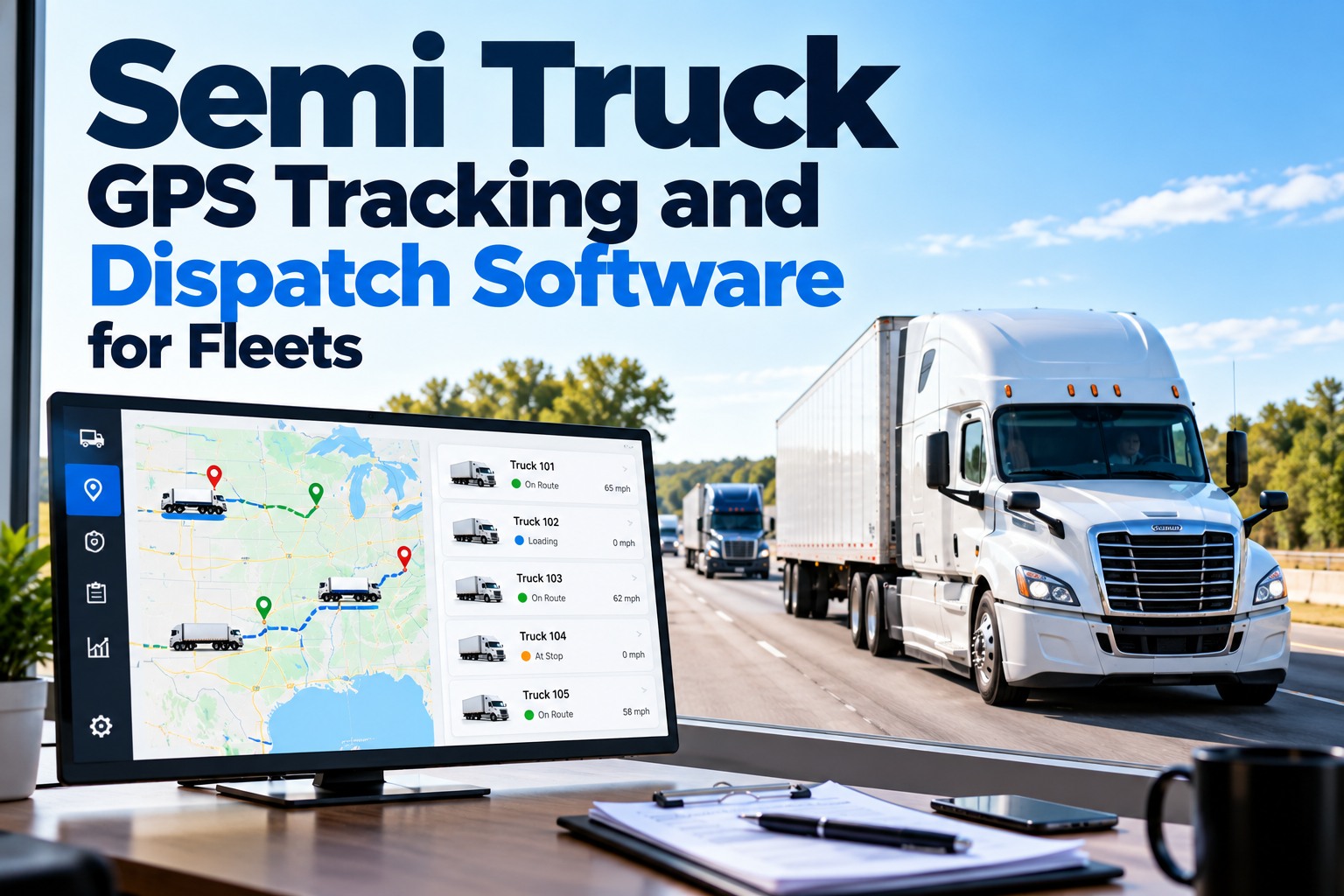
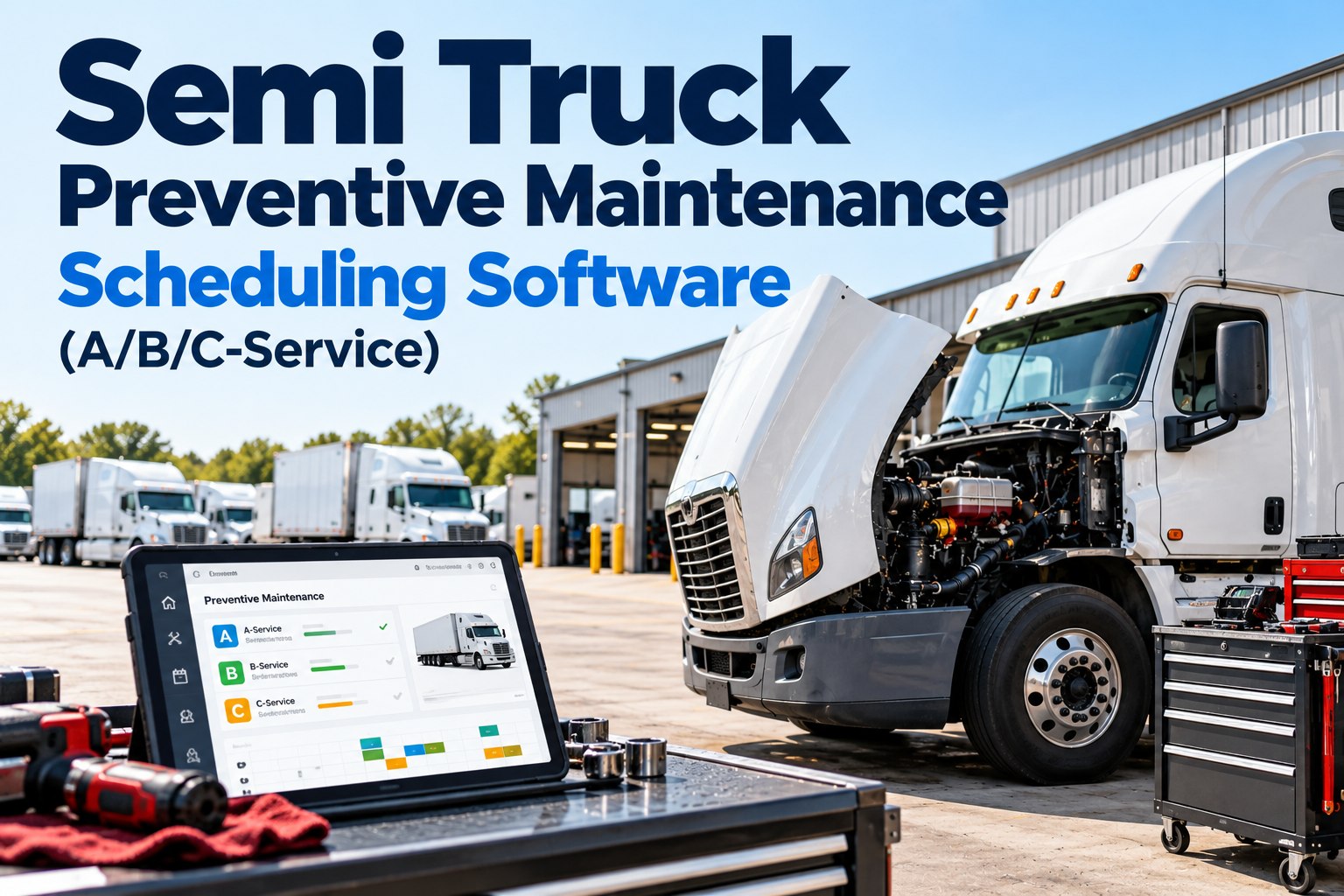
Semi truck GPS tracking software shows where every truck is. The bigger payoff is what that data does for maintenance and dispatch. The odometer and engine hours your tracker already reports can trigger A/B/C services automatically, and the truck's location tells dispatch whether the next load takes it toward the shop or away from it. This guide covers how to connect the dots, from ELD data to trailer PM. Book a 20-minute demo to see FleetRabbit read your GPS data live.
Transportation & logistics · GPS, dispatch and maintenance
A dot on the map tells you where the truck is. Its miles and hours tell you where it needs to be next — and when.
For dispatchers, fleet managers and maintenance leads running tracked tractors and trailers.
Truck 3310
I-40 · eastbound
Next load: 240 mi toward home terminal
Home shop
B-service bay booked
Odometer synced: 3,620 mi to B-service
Engine hours synced
Dispatch sees PM due
Your ELD Already Records Miles and Engine Hours: Use Them to Trigger Semi Truck PM
Under 49 CFR 395.26, every electronic logging device records the same core data at each duty status change, at engine start and stop, and roughly hourly while the truck is moving. Most of it was collected for hours of service, but three fields are exactly what a maintenance schedule needs.
ELD event record · §395.26(b)
8 required data elements
Location
→ nearest shop, dispatch
Engine hours
→ hour-based PM
Vehicle miles
→ mile-based PM
Vehicle ID
→ the right truck's record
When miles and hours sync automatically, nobody has to read an odometer into a spreadsheet, and the whichever-comes-first trigger on every preventive maintenance tier works off real numbers. You can connect your first trucks free.
Dispatch Around the Next Service, Not Through It: Matching Loads to Each Truck's Miles-to-PM
Once dispatch can see miles-to-service next to each truck's location, load assignment changes. In the illustrative board below, three trucks sit at the same terminal and three loads are waiting.
Swipe sideways to see every load
Truck · next service
Load A · 780 mi out
Load B · 240 mi toward home
Load C · 880 mi out
3317
Annual inspection in 9 days
Truck 3310 takes the short load that ends at its own shop; the others take the long runs. No truck misses service, and none is pulled off a well-paying load to make it. That's the whole idea of route-aware maintenance, and a walkthrough shows it on a live dispatch view.
When a Fault Code Lights Up on the Map: Turning a Telematics Alert Into a Roadside Decision
Telematics providers relay engine fault codes along with location. The code alone doesn't tell dispatch what to do; severity plus distance to help does. A simple three-tier rule keeps those calls consistent across dispatchers and shifts.
Codes your OEM marks as engine-protection or shutdown-level, or anything the driver reports as unsafe. Send roadside help to the GPS location.
Codes that can run but shouldn't wait, such as an aftertreatment fault heading toward derate. Re-route to the closest in-network shop.
Informational or intermittent codes. Log them on the truck's record so the technician checks them at the next A, B or C service.
Which codes fall into which tier is your shop's call, based on the engine maker's guidance. What matters is that each alert lands on the truck's maintenance record, not just in a dispatcher's inbox.
Put miles-to-service next to every dot on your map
Odometer and engine hours from your GPS provider, PM due dates from FleetRabbit, one view for dispatch.
Trailers Don't Have Engine Hours: Using GPS Location to Schedule Dry Van and Reefer Trailer Maintenance
A trailer has no ELD and often no odometer, but it still needs brake, tire, light and annual inspections. Trailer trackers and hubodometers fill the gap: location tells you where to catch the trailer, and miles or days tell you when.
53-118 dry van
Annual inspection · 6 days
Pull it into the shop today
53-204 dry van
Brake and tire PM · 2 weeks
Swap it home on the next backhaul
R-07 reefer
Reefer unit service · on hours
Book at the receiving city's dealer
Illustrative trailer list. Reefer units carry their own engine-hour meters, so they can be scheduled like a tractor.
Treating each trailer as its own unit, with its own location, due dates and DVIR defects, is what turns trailer maintenance from "whenever it shows up" into a plan.
What GPS Tracking Can't See: The DVIR and Shop Records That Complete a Semi Truck's Picture
Telematics is good at engines and positions. It's blind to most of what roadside inspectors actually write up.
GPS and telematics know
Location and route history
Odometer and engine hours
Engine fault codes
Idle time and speed
Only the driver and shop know
A cracked mud flap bracket or out-of-adjustment brakes
Tread depth, cuts and sidewall damage
A dead marker lamp on the trailer
What was repaired, by whom, and when
That's why FMCSA-ready DVIR records and repair history belong on the same truck record as the GPS data. Together they answer both "where is it?" and "is it safe to dispatch?"
How FleetRabbit Connects Semi Truck GPS Tracking to Maintenance and Dispatch
FleetRabbit integrates with GPS and telematics providers including Geotab, Samsara, Verizon Connect, TITAN GPS and GPS Insight, and turns their data into scheduled work.
Your GPS provider
Location · odometer · engine hours · fault codes
FleetRabbit
Matches data to each truck's A/B/C ladder, DVIRs and work orders
Shop
PM due on real miles and hours
Dispatch
Miles-to-service beside every truck
Safety
Audit-ready DVIR and repair files
What the 20-minute demo covers
Odometer and engine hours syncing from your provider
A/B/C services coming due on real usage
A fault code turning into a work order
Trailers tracked as their own units
Semi Truck GPS Tracking Software: Questions From Dispatchers and Fleet Managers
Can GPS tracking data schedule semi truck maintenance?
Yes. Odometer and engine hours from a GPS or ELD provider can trigger mile- and hour-based services automatically, so PM comes due on real usage rather than manual readings.
What data does an ELD record?
Under §395.26(b): date, time, location, engine hours, vehicle miles, driver, vehicle and carrier identification. Engine hours and miles are the fields maintenance uses most.
How does maintenance data help dispatchers?
When dispatchers see miles-to-service beside each truck, they can give short or homeward loads to trucks nearly due and keep the others on long runs.
How do you schedule trailer maintenance without engine hours?
Use hubodometer miles or calendar intervals, and use the trailer tracker's location to plan when it will pass a shop. Reefer units have their own hour meters.
Which GPS providers does FleetRabbit work with?
FleetRabbit lists integrations with Geotab, Samsara, Verizon Connect, TITAN GPS and GPS Insight, among others.
Can I try it before connecting my whole fleet?
Location · Miles · Hours · Records
Make Every Dot on Your Map Carry Its Next Service Date
GPS miles and hours driving A/B/C-service PM, dispatch choosing loads with maintenance in view, and DVIRs that cover what telematics can't see.
Free for up to 3 trucks · No credit card required
October 22, 2026
By Emily Parker
All Posts