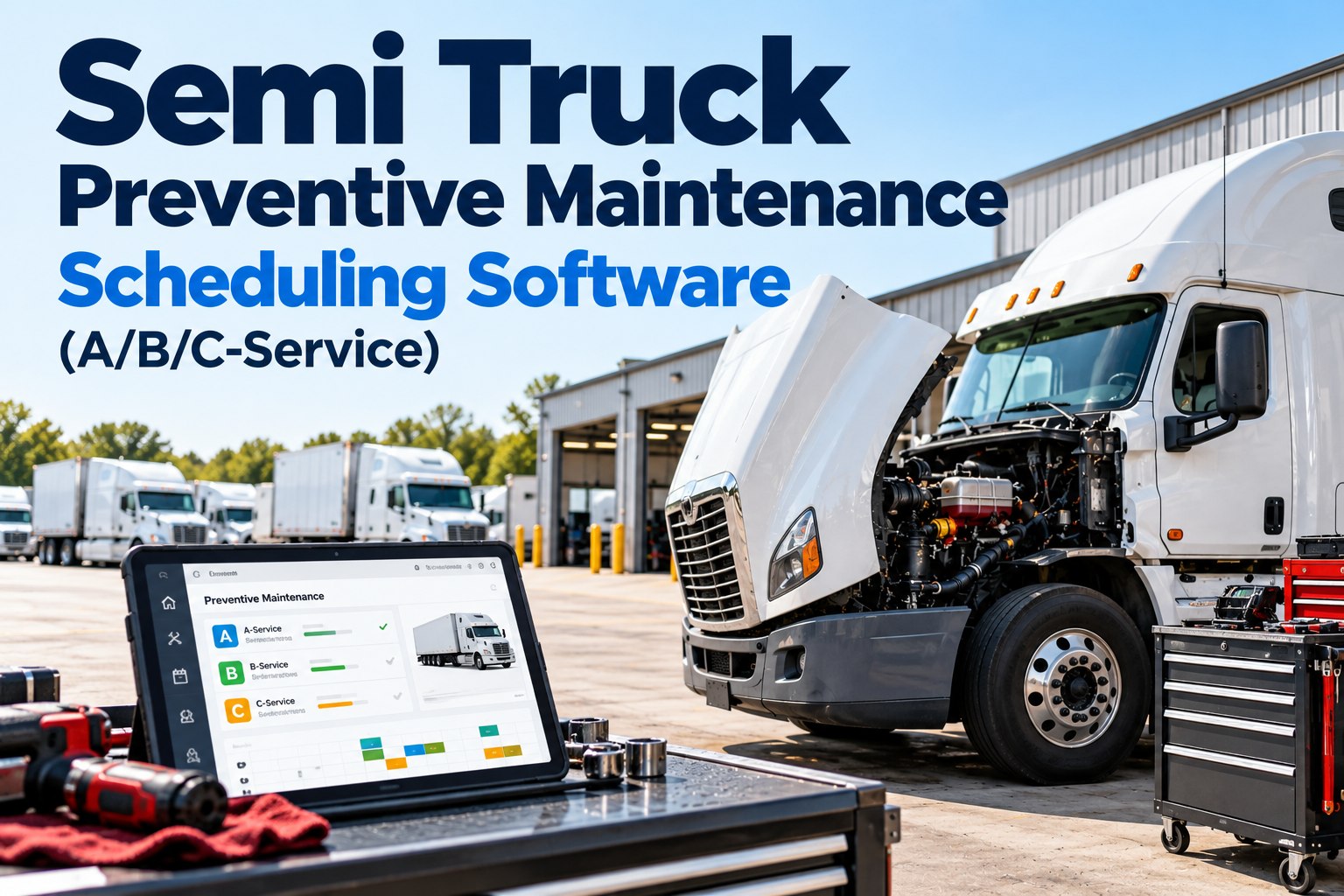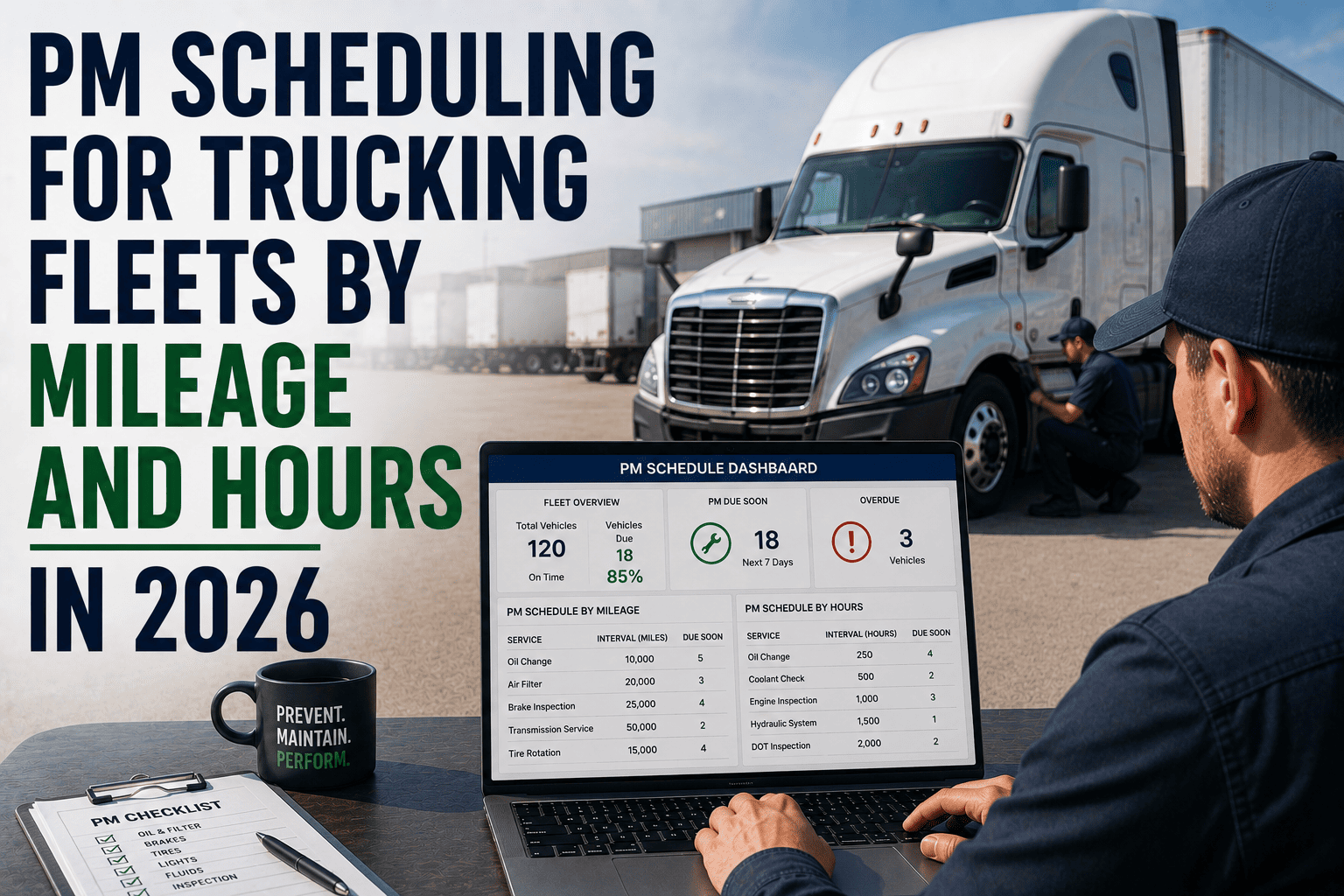
Most fleets do not lose trucks to catastrophic engine failure. They lose them to a missed oil change, a brake inspection that slipped past its mileage trigger, or a coolant flush that was due three weeks ago and never got scheduled. Preventive maintenance scheduling by mileage and engine hours is the discipline that closes that gap, and in 2026 it is the single biggest lever fleet managers have over breakdown rates, repair costs, and DOT compliance scores.
PM scheduling by mileage and hours means setting fixed service triggers, such as an oil change every 7,500 to 25,000 miles or a transmission service every 1,200 engine hours, so maintenance happens before a component fails rather than after. Fleets running structured PM programs see 45 percent fewer breakdowns and 28 percent lower repair costs than fleets relying on memory or paper logs. Sign up free to set mileage and hour triggers for every vehicle in your fleet in under a day.
Why Mileage and Hours Beat the Calendar Alone
A calendar date tells you nothing about how hard a truck actually worked. Two identical trucks on the same purchase date can need completely different service schedules within months. A regional delivery truck running 80,000 miles a year wears differently than a yard tractor that barely moves but idles for 2,000 engine hours doing dock work. Mileage and engine hours measure the thing that actually causes wear: use. That is why the strongest 2026 fleet programs track three triggers at once and service on whichever one fires first.
Mileage Triggers
Best for road trucks with steady, predictable distance. Oil, tires, and drivetrain items are naturally mileage-driven. A linehaul tractor covering consistent daily routes can be scheduled almost entirely off the odometer.
Engine Hour Triggers
Essential for vocational trucks, yard tractors, refrigerated units, and equipment that idles or runs PTO without covering distance. Hours capture wear that an odometer completely misses.
Calendar Triggers
Catches the vehicles that barely move. Rubber, fluids, and seals degrade with time even when a truck sits idle, so a calendar backstop prevents low-mileage vehicles from going years without basic service.
Fault Code Triggers
Telematics-fed fault codes add a real-time layer on top of fixed intervals, flagging a developing problem days or weeks before mileage alone would have caught it.
How the First-to-Occur Rule Works
The professional standard in 2026 is not choosing one trigger over the others. It is running all three simultaneously and servicing whichever one arrives first. A truck scheduled for a 7,500-mile oil change that only covers 2,000 miles in three months still gets serviced on the calendar trigger, because oil degrades with time even when the truck is parked. A vocational truck that covers very little distance but logs 300 idle hours monthly gets serviced on hours, because the engine has been running the whole time. This sounds simple on paper and is almost impossible to track reliably with spreadsheets, which is exactly where most PM programs quietly fail.
Set Three Triggers Per Vehicle
Mileage, engine hours, and calendar days are configured individually for every truck based on duty cycle.
Live Data Tracks All Three
Telematics feeds odometer and hour-meter readings automatically, with no manual entry required.
Whichever Fires First Wins
The system generates a work order the moment any one of the three thresholds is reached.
Clock Resets, Cycle Repeats
Once service is logged, all three triggers reset from the completion date and the cycle starts again.
Manual tracking cannot keep pace with this. Mileage triggers pass without anyone noticing, service dates slip while a truck keeps accumulating risk, and a defect a driver reports on a paper inspection sheet often does not reach a supervisor until hours later. Fleets relying on spreadsheets or paper logs experience roughly 40 percent more unplanned breakdowns than fleets running automated mileage and hour-based scheduling. If you want to see exactly what that automated trigger workflow looks like for your own vehicle classes, book a free demo and we will walk through it live.
FleetRabbit pulls live odometer and engine-hour data straight from telematics and fires a work order the instant any trigger is reached. No spreadsheets, no missed intervals, no manual entry.
Mileage and Hour Intervals by Service Type
Not every component wears at the same rate, which is why fleets layer PM into tiers rather than servicing everything on one interval. A tiered structure means a routine oil-change visit does not turn into a half-day shop event, and a major inspection only happens when the vehicle is actually due for it.
| PM Tier | Mileage Trigger | Engine Hour Trigger | What Gets Checked |
|---|---|---|---|
| PM-A | 10,000 to 15,000 miles | 250 to 400 hours | Oil and filter, fluid levels, tire pressure, visual brake check, lighting |
| PM-B | 25,000 to 30,000 miles | 600 to 800 hours | Tire rotation, brake pad measurement, battery test, steering and suspension inspection |
| PM-C | 50,000 to 60,000 miles | 1,200 to 1,500 hours | Transmission and coolant service, differential fluid, wheel alignment check |
| PM-D | Annual or 100,000 miles | 2,000+ hours | DOT annual inspection, brake overhaul evaluation, emission system, major component review |
When a higher tier comes due, it absorbs every lower tier into the same shop visit rather than splitting them into separate trips. A truck reaching its PM-C threshold gets PM-A and PM-B items checked in that same appointment, and all three interval clocks reset together from that completion date. This nesting is what keeps a tiered schedule efficient instead of turning maintenance into a constant stream of small, disruptive visits.
Why One Interval Does Not Fit a Mixed Fleet
A common and expensive mistake is applying a single mileage interval across an entire mixed fleet. A Class 3 delivery van and a Class 8 straight truck running the same route do not wear the same way, and forcing both onto one schedule over-services the light vehicle while under-servicing the heavy one. Every vehicle model needs its own interval set built around its actual duty cycle, GVWR class, and OEM specification, not a single company-wide rule of thumb.
What Happens When PM Scheduling Breaks Down
The cost of a missed trigger rarely shows up as a single clean number. It shows up as a part replaced with 30 to 40 percent of its useful life still remaining because nobody tracked actual usage, or as a defect a driver flagged on a paper form that gets rediscovered weeks later after it has already caused secondary damage. Just over half of fleet operations still run without a documented PM schedule, relying instead on technician memory or dashboard warning lights, and that gap shows up directly in roadside inspection data.
Building Your PM Schedule in Four Steps
Classify Every Vehicle by Duty Cycle
Group trucks by GVWR class and actual usage pattern, not just by model. A Class 8 linehaul tractor and a Class 8 vocational truck from the same manufacturer need different interval sets because they wear differently.
Set Mileage, Hour, and Calendar Triggers Together
Configure all three trigger types per vehicle and per service item, then apply the first-to-occur rule so no dimension of wear gets missed between checks.
Connect Live Telematics Data
Pull odometer and engine-hour readings automatically instead of relying on driver self-reporting, which removes the manual entry errors that cause most missed triggers in the first place.
Generate Work Orders Before the Window Closes
Issue work orders 10 to 14 days before the service threshold is reached so parts can be sourced at planned rates instead of paying the 15 to 30 percent premium that comes with emergency sourcing.
Once this structure is in place, the maintenance queue runs independently of dispatch. Nobody has to remember which truck is due. The system raises its hand at exactly the right mileage or hour count, every time. If building this out manually sounds like a project you do not have time for, sign up for FleetRabbit and the interval templates, telematics integration, and work order automation come configured out of the box.
Preventive vs. Predictive: Where Each One Fits
Preventive maintenance follows fixed mileage and hour intervals regardless of a component's actual condition. Predictive maintenance layers real-time sensor and fault-code data on top of that fixed schedule to flag a specific component before it fails, even between scheduled intervals. The two are not competing approaches. Predictive data supplements the fixed PM schedule rather than replacing it, catching the failures that develop between intervals while preventing fleets from replacing parts that still have plenty of useful life left.
| Approach | Trigger | Strength | Limitation |
|---|---|---|---|
| Preventive (Mileage/Hours) | Fixed interval reached | Predictable, easy to budget and staff for | Can service parts early or miss issues developing between intervals |
| Predictive (Fault Codes) | Sensor data anomaly | Catches developing failures between fixed intervals | Needs telematics infrastructure and historical data to be accurate |
Engine Hours Matter More Than Most Fleets Realize
Fleet managers who only track mileage routinely under-maintain refrigerated trailers, yard tractors, and any vehicle that runs PTO equipment or idles for extended periods. An odometer simply does not register that wear. Tracking engine hours alongside mileage closes this blind spot and is often the single biggest accuracy improvement a fleet can make to its PM program without touching anything else.
Frequently Asked Questions
The Bottom Line on Mileage and Hour-Based Scheduling
A documented PM schedule built on mileage, engine hours, and calendar triggers is not a nice-to-have for fleets in 2026. It is the baseline that separates fleets controlling their repair costs from fleets quietly bleeding money on breakdowns that scheduled service would have prevented. The intervals themselves are well established. What determines whether they actually work is execution: whether triggers fire reliably, whether work orders generate automatically, and whether anyone has to remember anything at all.
FleetRabbit tracks mileage, engine hours, and calendar days for every vehicle in your fleet at once, applies the first-to-occur rule automatically, and raises a work order before the window closes. There is no spreadsheet to maintain and no trigger to remember.
Stop tracking mileage and engine hours by hand. FleetRabbit configures duty-cycle-based intervals for every vehicle in your fleet and generates work orders the moment a trigger is reached, so nothing slips through the cracks again.