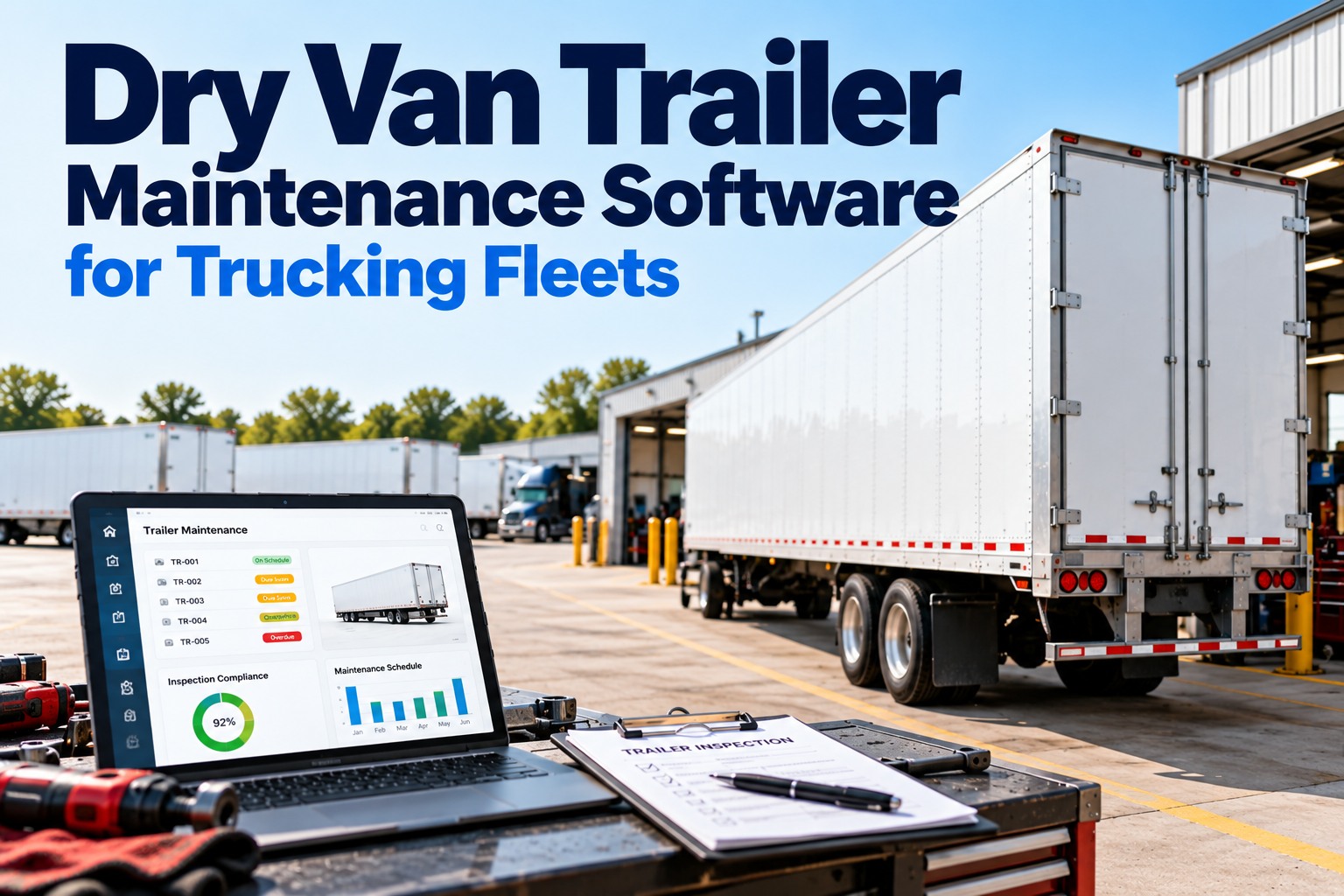
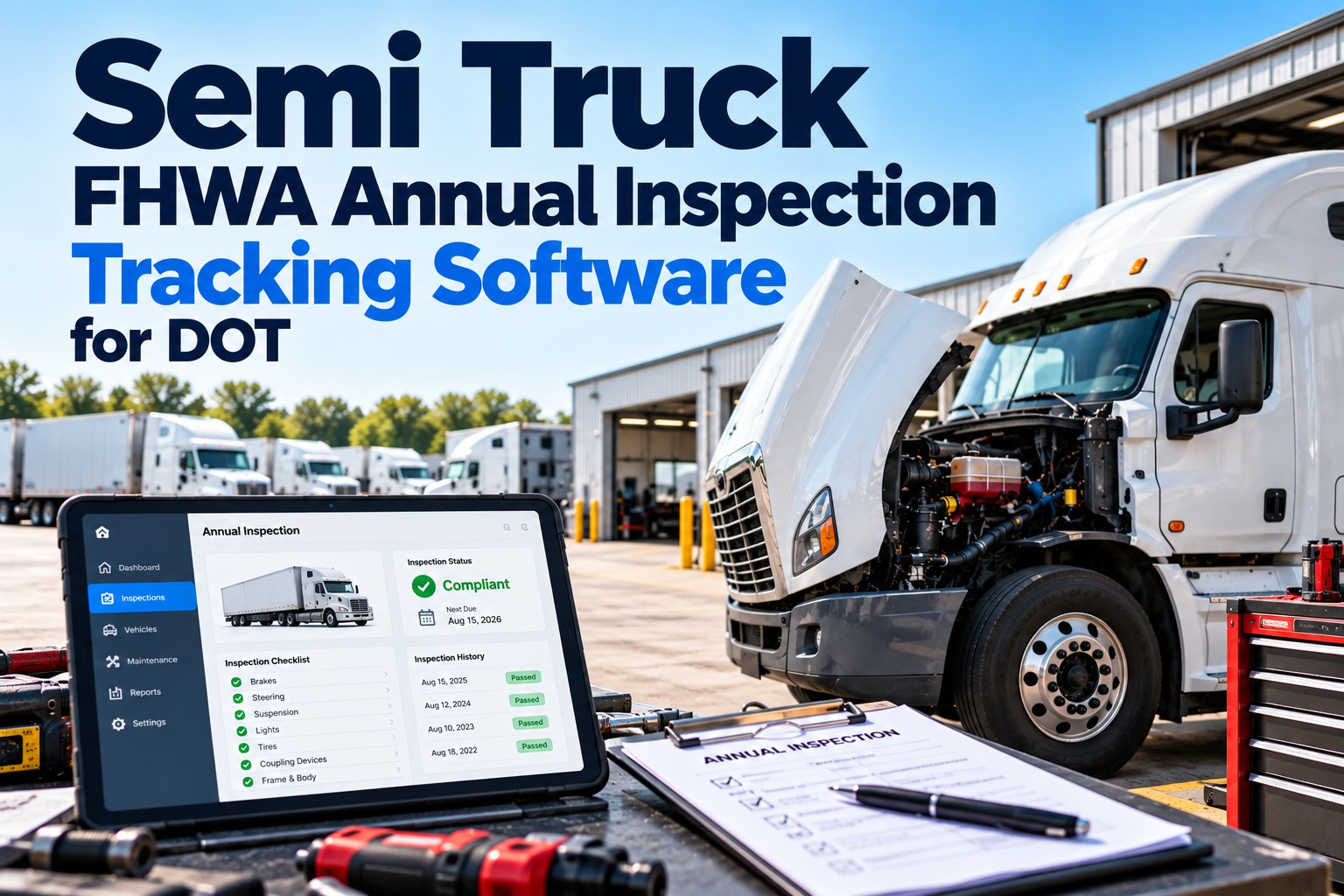
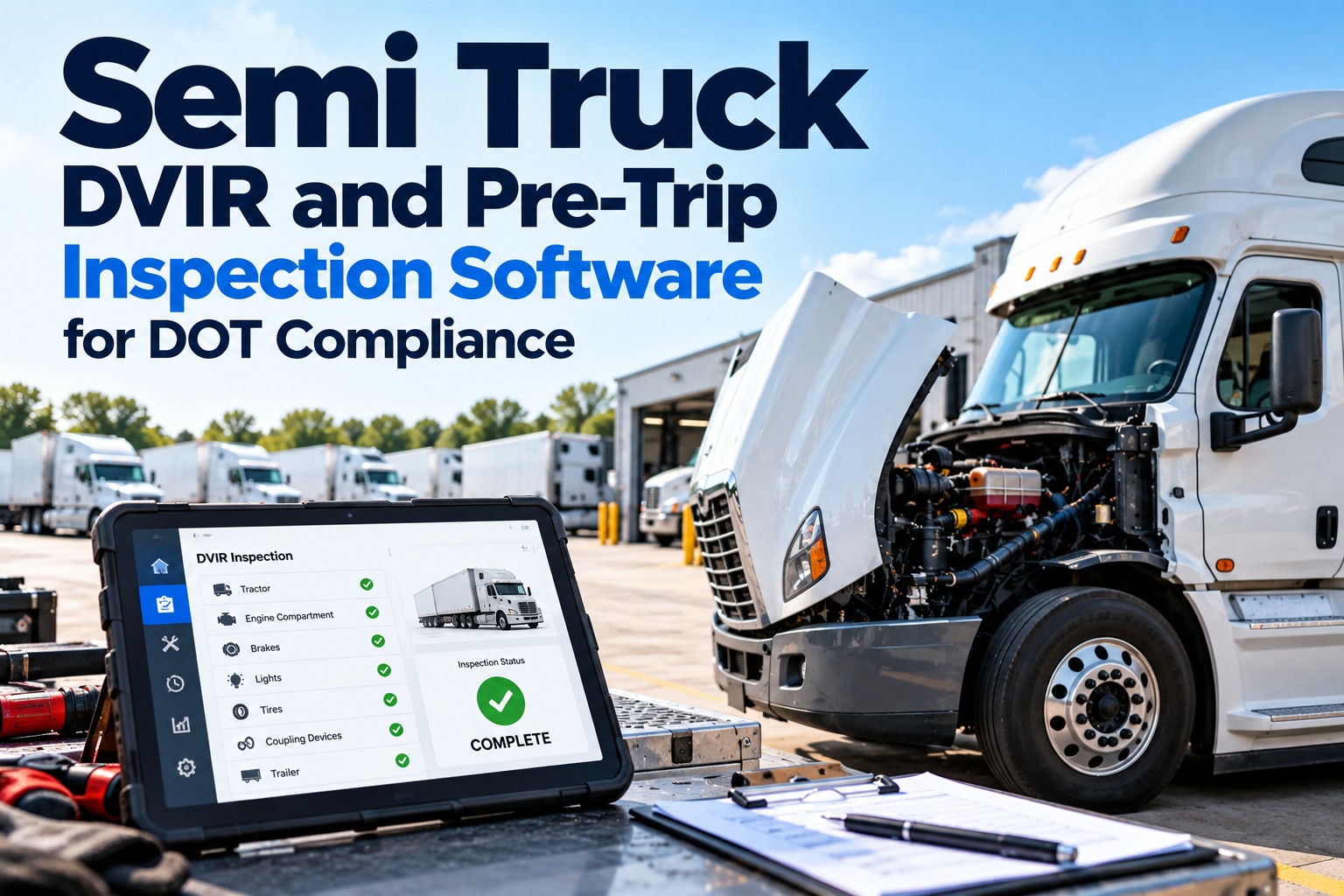
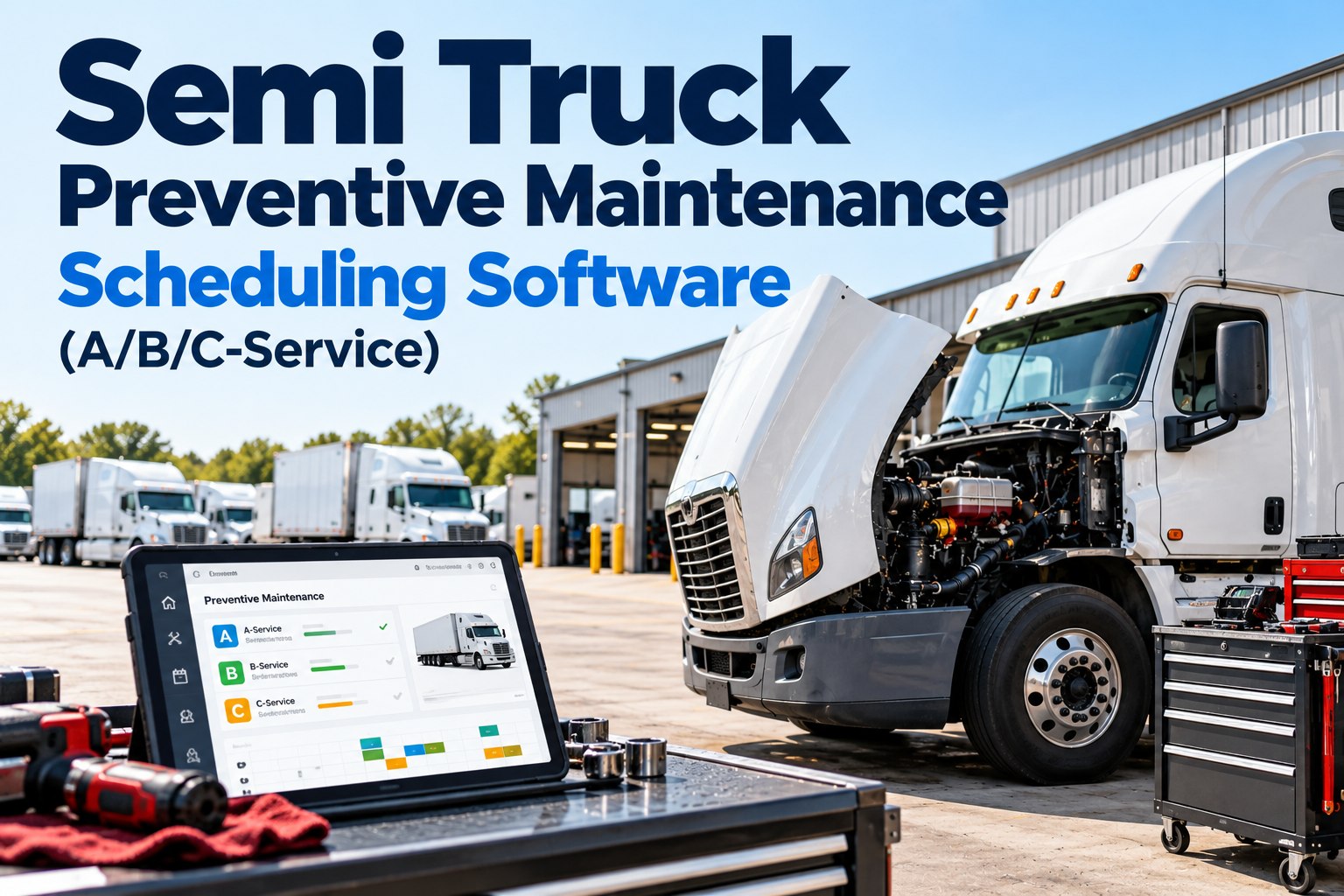
A truck maintenance log is the single most important document for protecting your fleet's reliability and resale value. Without one, you rely on memory, driver honesty, and hope. FleetRabbit's free truck maintenance log template gives you a professional, printable system to track every service, repair, and inspection across your entire fleet. Record oil changes, tire rotations, brake services, DOT inspections, and unscheduled repairs in one organized place. Download the template as PDF for immediate use or import the structure directly into FleetRabbit's automated maintenance tracking system. Book a free demo to see automated maintenance tracking replace your paper logs →
Download a free truck maintenance log template designed for fleet managers. Track vehicle servicing, repair history, parts replacement, and inspection dates. The template includes columns for date, odometer reading, service type, cost, and next service due. Available as printable PDF or spreadsheet format. Also learn how automated maintenance tracking eliminates manual logs entirely for fleets ready to upgrade from paper.
Why Every Fleet Needs a Maintenance Log
A maintenance log is not optional for commercial fleets. DOT regulations require documented inspection records. Warranty claims demand proof of service intervals. Resale value depends on verifiable maintenance history. Without a standardized log across all vehicles, compliance gaps appear, breakdowns increase, and vehicles lose thousands in resale value. Start free with FleetRabbit's automated maintenance tracking →
What Your Maintenance Log Template Includes
The FleetRabbit maintenance log template captures every data point fleet managers need for compliance, warranty protection, and resale value documentation. Each template includes space for 100 service entries per vehicle with sections organized for quick reference. See automated maintenance tracking that eliminates manual logging →
Each template includes dedicated fields for vehicle identification: unit number, VIN, license plate, make, model, year, and assigned driver. This section appears at the top of every log page, ensuring that service records never become separated from the vehicle they document. For fleets with multiple vehicles, the identification section enables quick sorting and filing of logs by unit number or driver name.
The template includes twelve columns per service entry: service date, odometer reading at service, service type, parts replaced, fluid types and quantities, service provider name and location, cost breakdown for parts and labor, payment method, invoice number, next service due odometer, next service due date, and technician notes. This level of detail satisfies DOT audit requirements and manufacturer warranty documentation standards.
Separate section for required commercial vehicle inspections: DOT periodic inspection dates and results, annual inspection certifications, emissions testing records, brake inspection logs, tire condition reports, and lighting system checks. Each inspection entry includes inspector name, inspector certification number, pass or fail result, and corrective action documentation for failed inspections.
Dedicated section for unscheduled repairs including breakdown date, failure description, location of failure, towing costs, repair facility, parts replaced, total emergency cost, and days out of service. This section helps identify recurring issues on specific vehicles and provides data for maintenance schedule adjustments. Patterns in unscheduled repairs often indicate systemic problems with certain vehicle models or driver behaviors.
Professional truck maintenance log template ready for immediate use. Track oil changes, tire rotations, brake services, DOT inspections, and unscheduled repairs. Print as many copies as needed for your fleet. No registration required. No email required. Direct download available in PDF, Excel, and Google Sheets formats.
How to Use Your Maintenance Log Template
A maintenance log only works when used consistently. Follow these five steps to implement the template across your fleet and ensure every vehicle maintains complete, audit-ready service records. Start free with automated maintenance tracking →
Print One Log Per Vehicle
Create a dedicated maintenance log binder for each vehicle in your fleet. Print the template and place it in a three-ring binder kept in the vehicle's cab or at the dispatch desk. One vehicle equals one log. Do not mix multiple vehicles in the same binder. Separate logs prevent confusion and lost records during DOT inspections or warranty claims.
Record at Every Service Event
Train drivers and mechanics to record every maintenance event immediately when service occurs. Do not rely on memory or end-of-month data entry. The log entry happens when the service happens. Include the odometer reading at service time, not estimated. Attach receipts or invoices to the log page. Complete logs require real-time entries.
Assign Responsibility to One Person
Designate one fleet manager or lead mechanic responsible for reviewing all maintenance logs weekly. This person checks for missing entries, verifies odometer readings against GPS data, and flags vehicles approaching service intervals. Single-point accountability prevents logs from becoming incomplete or abandoned.
Calculate Next Service Due Date
For each completed service, calculate and record the next service due odometer or due date directly on the log. Use manufacturer specifications for intervals. Oil changes every 10,000 miles. Tire rotations every 15,000 miles. Brake inspections every 20,000 miles. Having the next due value on the log enables proactive scheduling before intervals are missed.
Keep Logs with Vehicles or Centralized
Choose a storage method based on your operation. For fleets where drivers own their vehicles, keep logs in each cab. For pooled vehicles or shift operations, keep all logs in a centralized binder at the dispatch desk. Whichever method you choose, apply it consistently to all vehicles. Never split methods between vehicles.
Driver writes odometer reading on paper after each trip. Fleet manager transcribes entries to master spreadsheet weekly. At 10,000 miles, fleet manager checks logs for oil change due. Finds three vehicles past due. Calls drivers to schedule service. Drivers forget. Oil change missed by 2,000 miles. Engines accumulate wear. Paper logs require constant manual attention. Gaps appear. Services missed.
GPS automatically records odometer readings on every trip. Fleet manager sets oil change interval to 10,000 miles in the system. At 9,500 miles, automated alert sends to fleet manager and driver. At 9,800 miles, second alert sends. At 10,000 miles, third alert flags compliance issue. Driver schedules service before interval expires. Zero missed intervals. Zero manual tracking effort. Automatic documentation for warranty and DOT compliance.
FleetRabbit automatically tracks odometer readings from GPS data, sends maintenance alerts before intervals expire, and stores complete service histories for every vehicle. Free for up to 3 vehicles. No hardware required. No manual data entry.
Frequently Asked Questions
Download the free truck maintenance log template for immediate use, or start FleetRabbit's automated maintenance tracking to eliminate manual logs entirely. Free for up to 3 vehicles. No hardware required. Setup takes under 10 minutes.