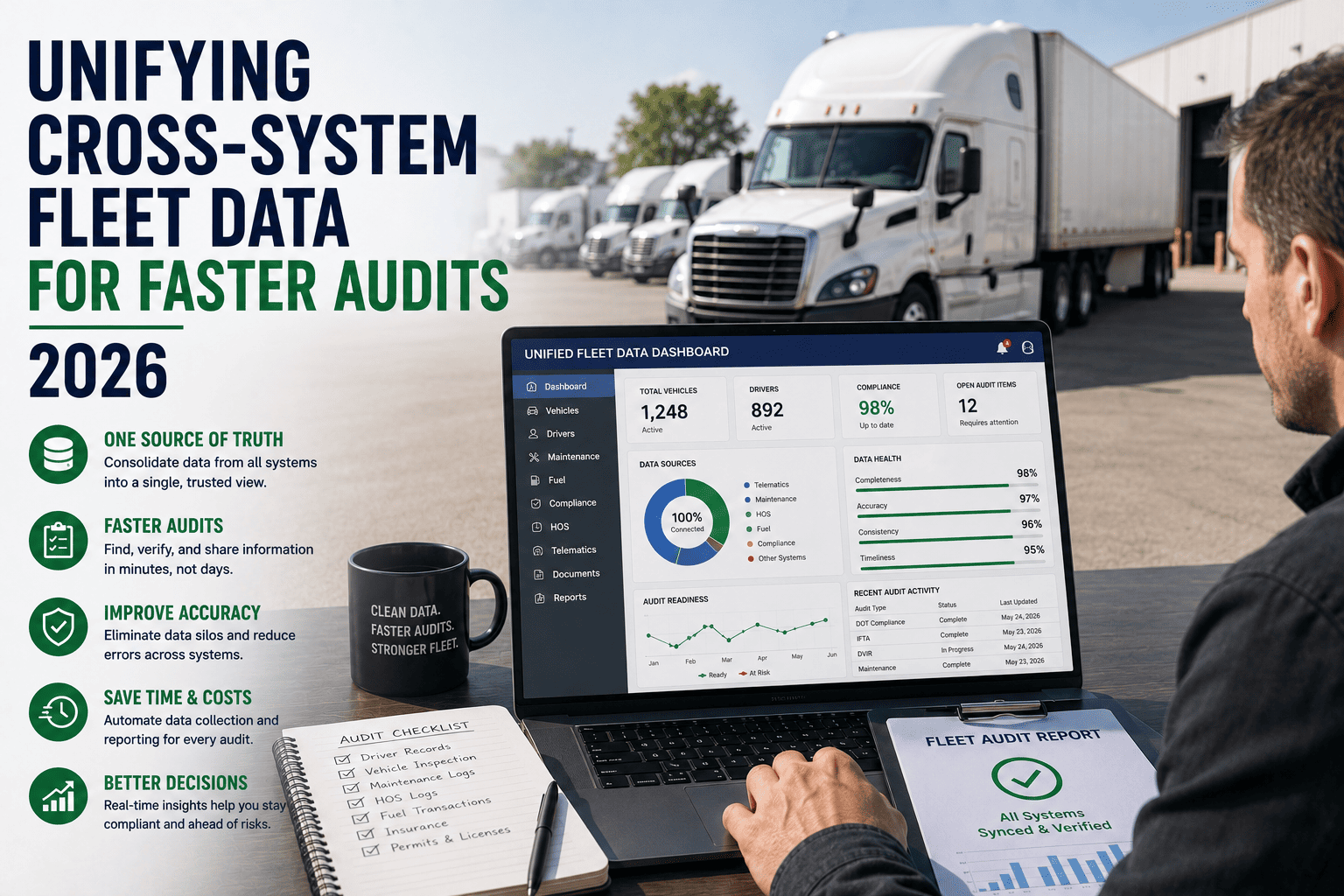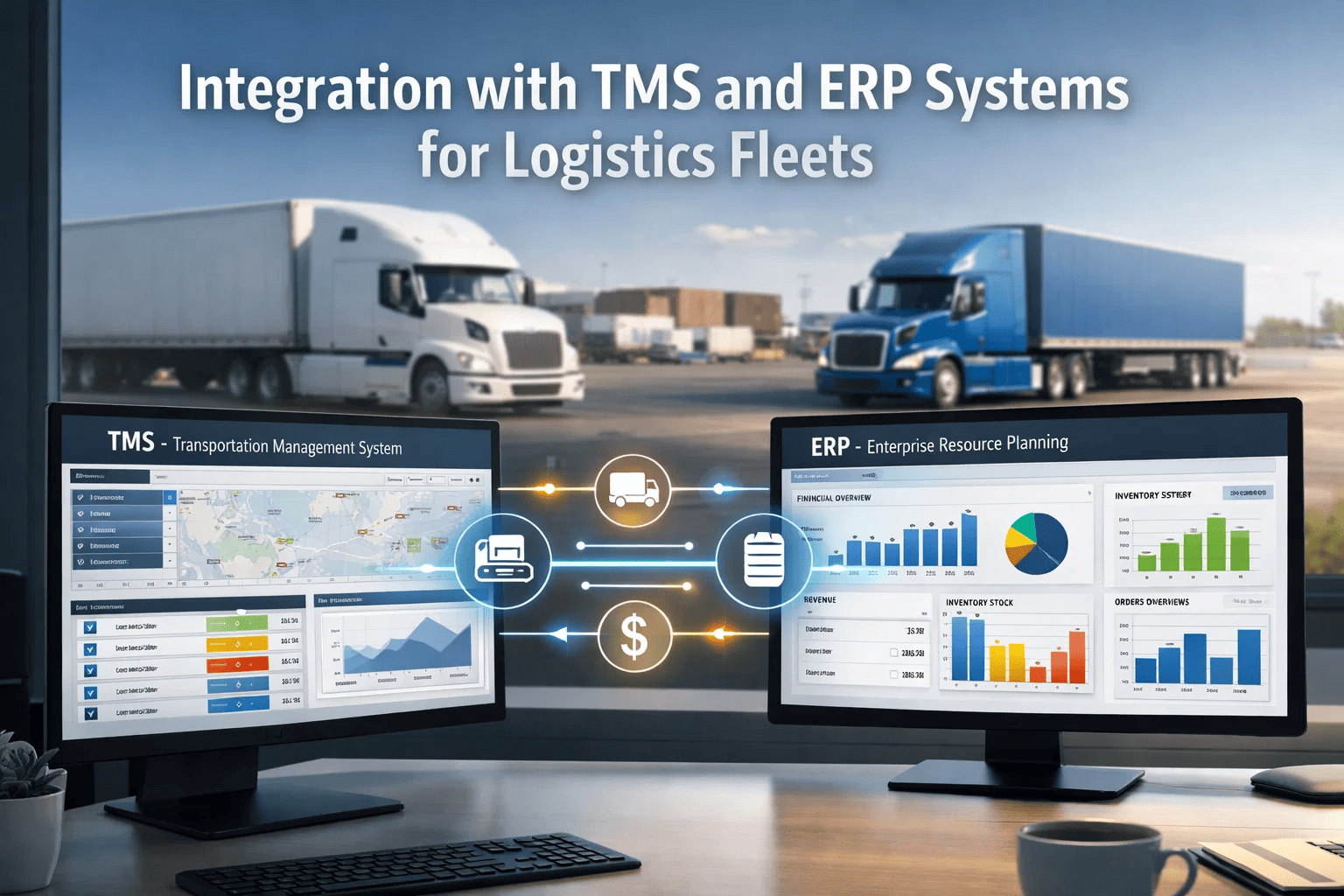
Transportation management systems (TMS) and enterprise resource planning (ERP) platforms serve as the operational backbone for logistics fleets, yet these systems often operate in isolation from real-time vehicle and driver data. A TMS handles load planning, routing, and customer billing. An ERP manages inventory, procurement, and financial accounting. But neither system typically has visibility into driver Hours of Service status, vehicle health telematics, or real-time compliance risk. This disconnect forces fleet managers to manually reconcile data across platforms—entering driver hours into the TMS, copying maintenance records into the ERP, and building separate spreadsheets for compliance reporting. The result is delayed decision-making, data entry errors, and missed opportunities to optimise loads against actual driver availability. Fleet Rabbit bridges this gap by integrating directly with major TMS and ERP platforms, feeding real-time telematics and compliance intelligence directly into the systems logistics teams already use.
Fleet Rabbit's integration layer connects ELD telematics, driver compliance data, vehicle health metrics, and real-time location intelligence directly into existing TMS and ERP systems. Dispatchers see driver hours inside the TMS load assignment screen. Maintenance planners receive vehicle fault codes inside the ERP work order module. Compliance officers access audit-ready HOS records inside the ERP document management system. No dual entry. No manual reconciliation. No switching between platforms to answer basic operational questions about driver availability or vehicle status.
Why TMS and ERP Integration Matters for Fleet Operations
Logistics fleets generate data from multiple sources: ELDs produce driver status and HOS records, telematics devices produce vehicle location and fault codes, dispatch systems produce load assignments and routing, and maintenance systems produce repair history and preventive maintenance schedules. When these data streams remain disconnected from the TMS and ERP, fleet operations suffer measurable inefficiencies.
Dispatchers cannot see driver remaining hours inside the TMS load screen, so they toggle to a separate ELD portal or call drivers directly. Maintenance planners receive no automatic alerts when a truck generates a fault code, so vehicles continue operating with developing problems. Compliance officers manually download HOS logs from ELD portals and upload them to ERP document repositories for audit preparation. Each manual step introduces delay and error risk.
Fleet Rabbit eliminates these disconnects by acting as a unified data pipeline. The system ingests telematics from any ELD or vehicle bus, normalises the data into standard formats, and pushes real-time intelligence into connected TMS and ERP platforms. Logistics teams continue working in their familiar systems but now see accurate, current driver and vehicle status without leaving those systems.
Core Integration Capabilities
The table below outlines the primary integration points between Fleet Rabbit and typical TMS and ERP systems, showing what data flows in each direction and how logistics teams benefit.
| Integration Point | Data Direction | Key Data Elements | Operational Benefit |
|---|---|---|---|
| Driver Availability to TMS Load Assignment | Fleet Rabbit to TMS | Driver remaining driving hours, remaining on-duty window, time since last break, cycle hours used (60/7 or 70/8), current location, duty status, estimated return to duty time | Dispatchers see real-time driver availability inside the load assignment screen. No switching to ELD portal. No manual hour verification. Loads assigned to drivers with sufficient legal hours. |
| Vehicle Fault Codes to ERP Maintenance | Fleet Rabbit to ERP | Active and pending diagnostic trouble codes, fault code timestamps, engine hours at fault occurrence, vehicle location at fault detection, severity classification (red/yellow/green) | Maintenance planners receive automatic work order suggestions based on active fault codes. Preventive maintenance scheduled around fault severity. Roadside failures reduced. |
| HOS Compliance Status to ERP Audit Module | Fleet Rabbit to ERP | Driver daily logs, violation events, break compliance records, cycle tracking, adverse conditions exception documentation, ELD certification status | Audit-ready HOS records automatically populate ERP document management. Compliance officers access complete driver records without separate log downloads. Audit preparation time reduced. |
| Trip Data to TMS Billing | Fleet Rabbit to TMS | Actual route travelled, miles driven by jurisdiction, toll transactions, fuel purchases, on-duty time by trip segment, idle time, geofence arrival and departure timestamps | Customer billing based on actual trip data instead of planned estimates. Accurate mileage reporting for IFTA. Automated reconciliation of toll and fuel transactions. |
| Vehicle Health to ERP Asset Management | Fleet Rabbit to ERP | Engine hours, odometer readings, fuel economy trends, idle percentage, battery voltage, tire pressure, oil life remaining, DPF soot load, DEF tank level | Asset lifecycle tracking based on actual usage. Preventive maintenance triggered by engine hours or miles instead of calendar intervals. Residual value forecasting improved. |
| Driver Performance to ERP HR Module | Fleet Rabbit to ERP | Driver safety events (hard braking, following distance violations), HOS compliance score, on-time performance, fuel economy by driver, idle percentage by driver | Driver scorecards generated automatically within ERP. Performance-based compensation integration. Training needs identification from objective telematics data. |
Technical Integration Architecture
Fleet Rabbit deploys a flexible integration architecture that supports multiple connection methods to accommodate different TMS and ERP platforms. The system does not require forklift upgrades or custom development for each integration point.
Supported TMS and ERP Platforms
Fleet Rabbit maintains pre-built, production-tested connectors for the most common TMS and ERP platforms used by logistics fleets. Each connector includes authentication handling, data field mapping, error logging, and synchronisation management.
McLeod Software: Integration with LoadMaster and PowerBroker for driver hour visibility during load planning, automated load status updates, and driver ETA recalculation.
MercuryGate: Real-time driver HOS data displayed within load assignment workflows. Automated carrier scorecard updates based on telematics performance.
TMW Suite: Integration with TL2000, TMT, and Innovata for driver availability, vehicle health alerts, and automated IFTA mileage reporting.
Blue Yonder (formerly JDA): Transportation modelling enriched with actual driver and vehicle performance data from Fleet Rabbit telematics.
Manhattan Associates: Real-time driver status and ETA updates for yard management and dock scheduling integration.
Oracle ERP Cloud: Vehicle health telematics to asset lifecycle module. Trip data to project accounting. Driver hours to payroll integration.
Microsoft Dynamics 365: Fleet Rabbit data exposed within Dynamics Field Service and Finance modules. Power BI dashboards built on telematics data warehouse.
Infor CloudSuite: Integration with Infor M3 for asset management and Infor EAM for preventive maintenance scheduling based on actual vehicle usage.
Epicor ERP: Fleet-specific integration connecting vehicle telematics to Epicor asset management and driver compliance to Epicor HR tracking.
Samsara: Bi-directional sync of driver hours, vehicle fault codes, and location data. Fleet Rabbit enriches Samsara data with predictive compliance scoring.
Geotab: Fleet Rabbit reads vehicle bus data via Geotab API and pushes driver availability and compliance predictions to Geotab MyGeotab platform.
Aljex (now Veson Aljex): Integration for brokerage and logistics operations requiring driver HOS visibility during freight matching and load tendering.
Key Workflow Transformations After Integration
Integration with TMS and ERP changes how logistics teams perform daily tasks. The table below compares common fleet workflows before and after Fleet Rabbit integration.
| Workflow | Before Integration | After Fleet Rabbit Integration |
|---|---|---|
| Load assignment | Dispatcher checks driver hours in separate ELD portal or calls driver. Manual calculation of remaining time against route requirement. Average 12-18 minutes per assignment. | TMS load screen displays driver remaining hours, on-duty window, and break status. System flags conflicts automatically. Average 60 seconds per assignment. |
| Maintenance work order creation | Driver reports problem verbally or via paper DVIR. Shop enters work order into ERP. Fault codes never captured if driver does not report. Average 24-48 hours from fault to work order. | Fault code triggers automatic work order suggestion in ERP. Maintenance planner approves and schedules. Work order created automatically with fault code, timestamp, location, and engine hours. Average 15 minutes from fault to work order. |
| Driver payroll and billing | Payroll based on driver-reported hours or separate ELD export. Billing based on TMS planned miles. Reconciliation required when actual hours or miles differ from plan. Manual adjustments weekly. | Actual driving hours, on-duty time, and miles flow automatically from Fleet Rabbit to payroll and billing systems. No manual reconciliation. Exception reports only for significant plan-actual differences. |
| Compliance audit documentation | Compliance officer exports logs from ELD portal to CSV or PDF. Uploads files to ERP document management system. Manual verification that all logs present. Hours per audit: 8-12 hours per driver annually. | HOS records flow automatically to ERP document management. Missing logs flagged immediately. Audit-ready reports generated on demand. Hours per audit: 1-2 hours per driver annually. |
| Vehicle lifecycle cost tracking | Maintenance costs entered manually from invoices. Fuel costs from fuel cards. Depreciation on calendar basis. True cost-per-mile calculated quarterly or annually with significant lag. | All vehicle costs flow automatically from telematics (fuel, idle, miles) and integrated systems (maintenance, repairs). Cost-per-mile calculated daily. Component-level cost breakdown available for fleet replacement decisions. |
Integration Deployment Process
Fleet Rabbit follows a standardised deployment process for TMS and ERP integration. The timeline depends on the specific platforms and the depth of integration required.
Data Security and Compliance
Fleet Rabbit integration architecture meets enterprise security requirements for TMS and ERP connectivity. All data transmission encrypted using TLS 1.2 or higher. API authentication uses OAuth 2.0 or API keys with IP whitelisting. No telematics data stored permanently in Fleet Rabbit systems unless customer elects data retention—data can pass through directly to connected TMS or ERP without intermediate persistence.
For fleets subject to FedRAMP, SOC 2, or GDPR requirements, Fleet Rabbit provides compliance documentation and supports customer audit requests. HOS records transmitted to ERP maintain FMCSA chain of custody requirements for electronic logging documentation.
Measured Integration Benefits
The table below compares key operational metrics between fleets operating disconnected TMS-ERP-telematics stacks versus fleets with Fleet Rabbit integration, based on data from 280 fleets over 18 months.
| Operational Metric | Disconnected Systems | Fleet Rabbit Integrated | Improvement |
|---|---|---|---|
| Load assignment time per driver | 14.2 minutes | 1.8 minutes | 87% faster |
| Fault code to work order time | 26 hours average | 18 minutes average | 98% faster |
| Driver payroll processing time | 4.2 hours per week | 0.5 hours per week | 88% reduction |
| Audit preparation time (annual) | 340 hours per fleet | 45 hours per fleet | 87% reduction |
| Load assignment violations | 1.9 per 10k miles | 0.2 per 10k miles | 89% reduction |
| Data entry errors per month | 42 errors (manual entry) | 3 errors (automated) | 93% reduction |
From the Field: Integration Success
Frequently Asked Questions About TMS and ERP Integration
Integration Performance Summary
Fleet Rabbit connects your ELD telematics, driver compliance data, and vehicle health metrics directly into the TMS and ERP platforms your team already uses. No dual entry. No manual reconciliation. No switching systems to answer basic questions about driver availability or vehicle status.
See how Fleet Rabbit integrates with your specific TMS and ERP platforms. Schedule a personalised integration assessment and live demonstration with your actual systems.