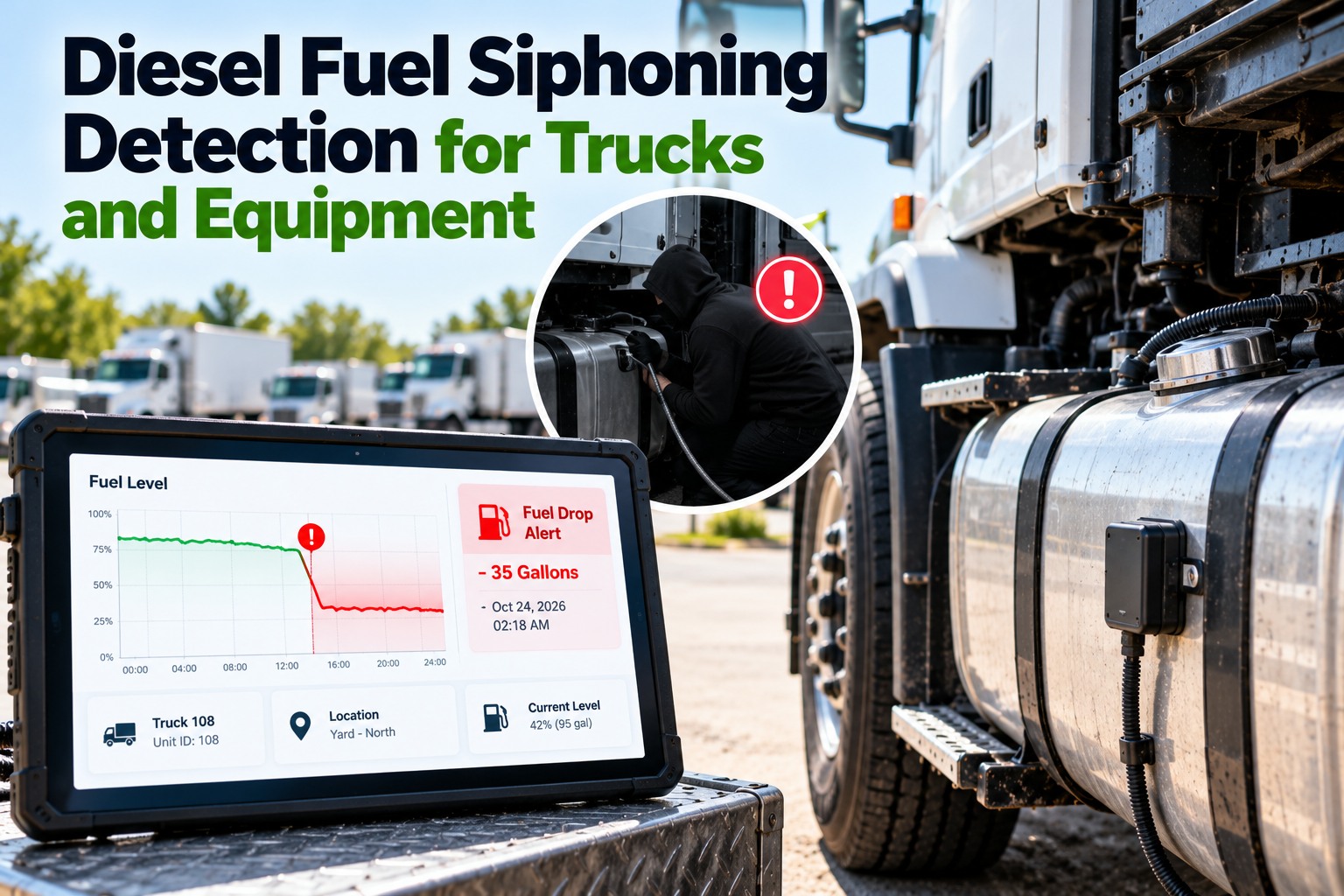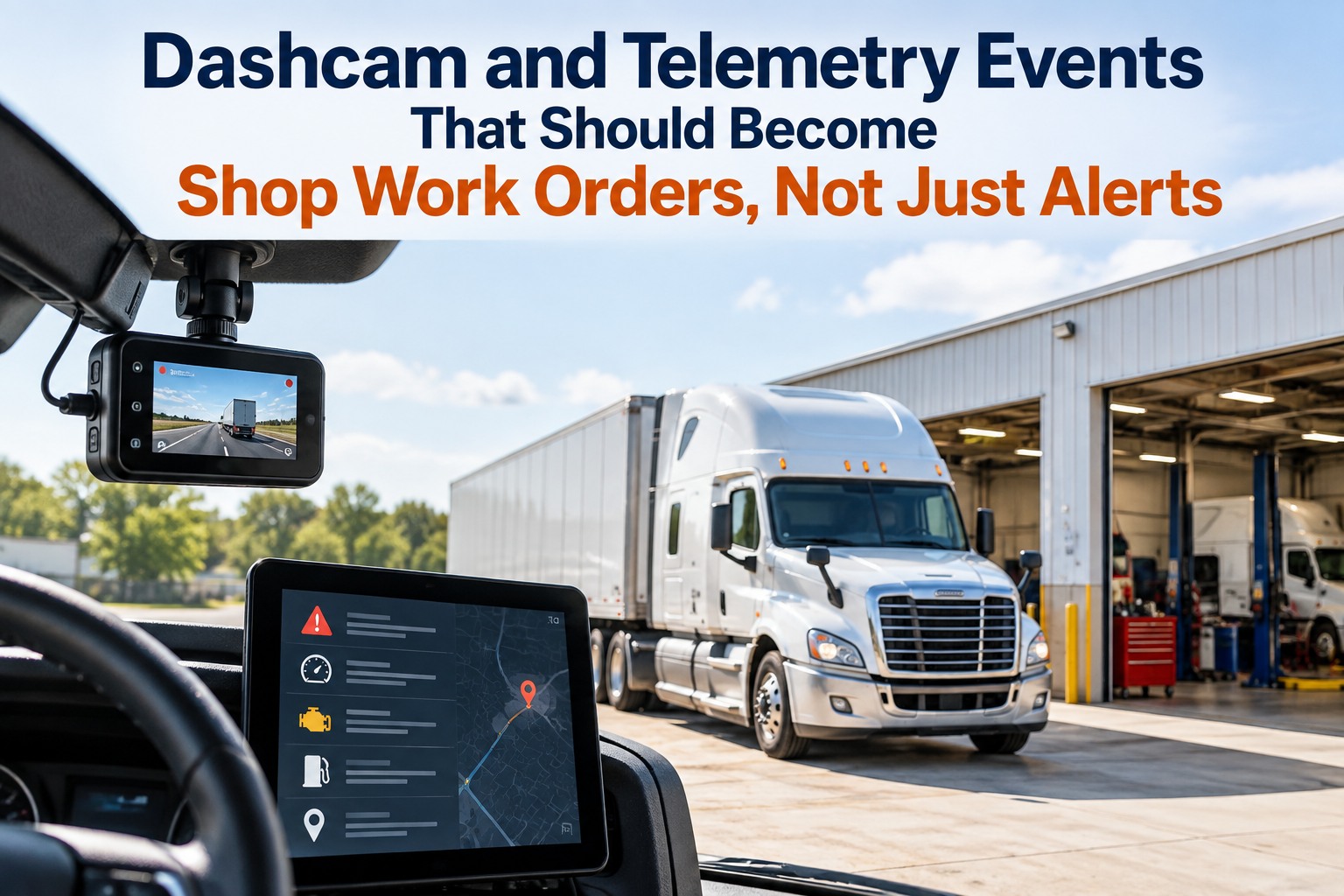
Most fleets already have cameras and telematics producing events all day. What they don't have is a rule that decides which of those events is a maintenance problem, and a path that turns it into a work order with the truck's context attached. Without that, a hard-braking cluster on one unit reads as a driver issue, a fault code waits for a driver complaint, and an obstructed camera records nothing for weeks. The fix is narrow: separate maintenance signals from safety signals, score them, and open a work order that already carries the unit, the clip, the codes and the repair history — so the shop starts with a job instead of an alert. The market is moving the same way; Motive launched an AI-powered maintenance product in 2026 that ties vehicle health to repair workflows and spend inside one platform. This guide gives you the split, the fields a generated work order must carry, the severity rules, the shop queue mechanics and the human review layer. Book a 30-minute demo to see your own events become work orders, or start free with 3 vehicles.
An Alert Tells You Something Happened. A Work Order Tells Someone What to Do About It.
For maintenance managers, shop leads and fleet managers: which dashcam and telematics events belong in the shop queue, what the resulting work order must contain, and who approves it.
No credit card required. Works with the cameras and telematics you already run.
Which Events Are Maintenance Problems and Which Ones Are Driver Conversations
This is the split most programs never make, and it is why camera data gets written off as a safety tool. The same trigger means different things depending on whether it clusters on a unit or on a person. You can sort your own events this way on a free account. Swipe the table on mobile.
| Event pattern | Belongs to | What it usually means |
|---|---|---|
| Hard braking, repeated on one unit | Maintenance | Brakes, air system or a developing fault — not a driver habit |
| Hard braking, repeated for one driver across units | Safety | Following distance and speed management: coaching, not a wrench |
| Impact or collision event | Both | Evidence hold plus a damage inspection work order |
| Engine fault code with a lamp | Maintenance | Work order with the code, occurrence count and lamp status |
| Stability or rollover-risk event | Both | Load securement check and a driver conversation |
| Camera offline or obstructed | Maintenance | A device work order — a camera nobody fixes records nothing |
| Idle or PTO hours above threshold | Maintenance | Hour-based service triggers, not an alert |
| Speeding against policy | Safety | Coaching queue, reviewed as a pattern |
A starting model, our assessment. The clustering test — same unit versus same driver — is the part worth keeping.
What a Work Order Generated From an Event Has to Carry to Be Useful
A work order that says "hard braking event, please inspect" wastes a technician's morning. These eight fields are the difference between a ticket and a job, and every one of them already exists somewhere in your systems at the moment the event fires. We'll show these filled in from your own data in a demo.
Scoring Events So the Shop Gets Work, Not a Second Inbox
Volume is the reason camera programs stall. Score before you notify: three tiers, each with a response window and a named owner, and everything below them logged to history rather than pushed at a person. Set these tiers free on 3 vehicles.
Work order opened and the on-call manager notified. Evidence locked at the same time so the clip is not overwritten.
Same day, no exceptionsWork order queued against the next realistic shop window, with parts checked before the truck arrives.
Before the next long tripKept on the unit's history so a pattern is visible later, with no alert to anyone today.
No owner, no notificationBring One Week of Events. We'll Show You the Work Orders They Should Have Created.
Send a week of camera and telematics events before the call. In 30 minutes we'll split them into maintenance and safety, score them with your rules, and show the shop queue that would have existed by Friday — including the ones that are sitting unactioned right now.
What Has to Happen in the Shop Queue Before a Technician Touches the Truck
Creating the work order is the easy half. The half that saves hours happens between creation and the truck arriving, and it is all mechanical: deduplicate, attach, check parts, assign. See the queue mechanics with our team.
Forty events of the same type on one truck are one job with a count, not forty tickets.
The last jobs on the same system tell the technician whether this is a repeat failure before diagnosis starts.
Knowing the likely component means the part is pulled, or ordered, while the truck is still on the road.
A queue with no name on the job is where scheduled work quietly becomes overdue work.
Where Automation Stops and a Person Has to Sign Off
Automation should assemble and propose; it should not decide whether a truck is safe. Draw the line explicitly and write it into the workflow so nobody has to interpret it during a busy week. Keep humans in the approval path, free.
Automation can do this
- Match the event to the unit and pull the history
- Draft the work order description and likely parts
- Score severity against your written rules
- Notify the named owner and lock evidence
- Flag a repeat of the same fault within 30 days
A person has to do this
- Decide a truck is out of service
- Accept or reassign the work order
- Certify the repair as complete
- Close a safety-related event
- Override a severity score, with the reason recorded
Working With the Cameras and Telematics You Already Bought
You should not need new hardware to get this workflow. FleetRabbit connects through your existing telematics and camera providers and turns their events into inspections and work orders on the unit's record; camera hardware and video hosting stay with the provider you chose. Check your own stack with us in a demo.
The camera, the video hosting, and the event detection itself. Depth of integration depends on the provider's API and your data-sharing permissions.
The split between maintenance and safety, severity scoring, work order creation with history attached, the shop queue and the record that survives the event.
The Records This Workflow Leaves Behind, and What They Are Worth in an Audit
Events that become work orders also become evidence. Defects found this way should flow onto the inspection record and follow the same repair certification chain as any driver-reported defect, and the maintenance record itself falls under the federal retention rules — one year, plus six months after the vehicle leaves your control. Keep the full chain per unit, free.
Software makes the records complete and quick to produce. It does not make a carrier compliant: drivers must still inspect and report accurately, and responsibility for meeting the rules stays with the carrier.
What This Is Worth When an Event Becomes a Repair Instead of a Breakdown
The case is the gap between a scheduled repair and a roadside one. Industry benchmarking puts unplanned downtime at roughly $448 to $760 per truck per day before towing and repair, CCJ reports unplanned repairs costing $700 to $1,500 in lost revenue per day, and ATRI puts 2025 repair and maintenance cost at $0.215 per mile, up 8.6%. On the adoption side, Verizon Connect's 2024 survey found 70% of fleets consider in-cab video extremely or very beneficial — the cameras are mostly already there. Estimate your own exposure with our team.
Dashcam and Telematics Work Order Questions Fleets Ask Before Connecting
Which camera and telematics systems can this work with?
FleetRabbit connects through the telematics and camera providers fleets already run; how much detail comes across depends on that provider's API and your data-sharing permissions. We map the scope against your stack in the demo. Check your providers with us.
Do drivers need a new app or new hardware?
No. The events come from the devices already fitted, and driver reports can arrive by voice or on the inspection app you already use. Start free with 3 vehicles.
How does the system decide which events become work orders?
Your rules decide. Events are split into maintenance and safety, scored into immediate, scheduled or logged, and only the first two create work orders with a named owner. Set your rules with our team.
Will this create more alerts than my shop can handle?
It should create fewer. Deduplication by unit and trigger collapses repeats into one job with a count, and low-severity events go to history rather than to a person. Try the scoring free.
Does it close safety events automatically?
No. Automation assembles and proposes; a person accepts the work order, certifies the repair and closes anything safety-related. Review the approval path in a demo.
Can we run a pilot before rolling it out?
Yes. Start with one terminal and one event type, measure hours from event to work order against your baseline, then widen. Start the pilot free.
Stop Forwarding Alerts. Start Sending Your Shop Work It Can Act On.
FleetRabbit takes events from the cameras and telematics you already run, separates maintenance from safety, scores them with your rules, and opens a work order carrying the unit, the clip, the codes and the repair history — with a named owner and a due time on every one.
Whatever your providers export — no preparation needed.
Maintenance versus safety, then immediate, scheduled or logged.
The events that should have become work orders and didn't.
No credit card required. Nothing is auto-closed without a person.