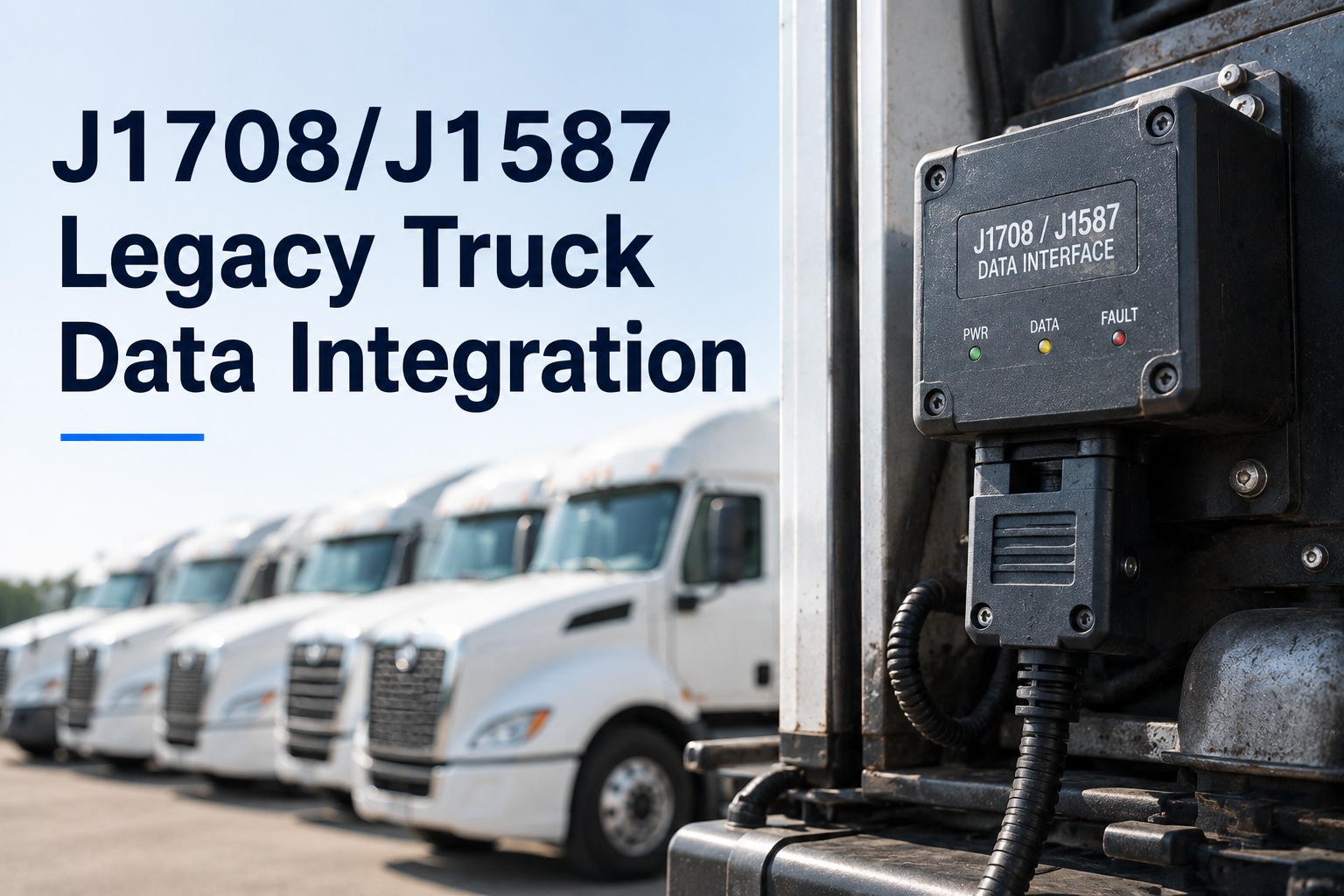
Every mixed-age fleet has the same split. The newer trucks stream fault codes, engine data and diagnostics into whatever platform you run. The older ones sit outside it — not because they generate no data, but because their data speaks a different language on a different wire, and most integrations quietly stopped at the modern protocol. So a fleet ends up managed two ways at once: modern units on live diagnostics, legacy units on paper and driver reports. That split is expensive in a specific way, because the older trucks are usually the ones most likely to develop faults and least likely to have them caught early. The good news is that the legacy protocol is well documented, still present on a great many trucks, and entirely readable with the right device. Start free with three vehicles — put one legacy unit and two modern ones on the same screen and see the whole fleet in one place.
INTEGRATIONS · J1708 / J1587 LEGACY DATA
J1708 and J1587 Legacy Truck Data Integration
Bring older-protocol trucks into the same view as everything else — fault codes, DVIRs, PM schedules and compliance records on one platform, without running the fleet in two halves.
Fleet roster · diagnostic coverage
Unit 214J1939Connected
Unit 219J1939Connected
Unit 087J1708 / J1587No data
Unit 091J1708 / J1587No data
The two units with no diagnostic coverage are also the two oldest units in the fleet. That is the wrong way round, and it is the default almost everywhere.
What J1708 and J1587 Actually Are
Two standards that work as a pair, and the distinction matters when you are specifying hardware.
J1708 — the road
The physical and data link layer. A two-wire, 18-gauge twisted pair running at 9600 bits per second, built on RS-485 transceivers, supporting a maximum of around twenty control modules on the network and cable runs up to roughly 130 feet.
Practical noteNot a CAN network — a device's CAN lines cannot read it, so a dedicated interface is required
J1587 — the language
The transport and application layer riding on top. It defines message format, parameter identification and fault codes, with messages up to twenty-one characters beginning with a message identifier and ending in a checksum.
Practical noteApplies to heavy-duty and most medium-duty vehicles built after the mid-1980s
Reading the fault codes
Legacy faults arrive as a message identifier, a parameter identifier and a failure mode identifier — which module reported it, what parameter is affected, and how it failed. Modern trucks use a suspect parameter number with the same failure mode concept. Different vocabulary, same idea, and both need translating into something a technician can act on rather than a numeric triple in a log.
Which Trucks Have Which Connector
Connector history explains most of the confusion, and it is worth knowing before ordering a single cable.
To 1995
Manufacturer-specific connectorsIndividual makers used their own designs, so anything from this era needs identifying per model rather than by a general rule.
1996–2001
Six-pin Deutsch as standardThe industry's first widely accepted commercial truck datalink connector, and the one you will find on most trucks of that period. Some manufacturers continued using it beyond this window.
2001 onward
Nine-pin DeutschMost makers converted, with the newer protocol arriving alongside. Many of these trucks carry both datalinks on the same connector for backward compatibility.
Also worth knowing
Not universal across makesThe legacy datalink was largely a North American and Volvo-family standard. Several European manufacturers used different diagnostic protocols entirely, so a mixed-origin fleet needs checking make by make.
Same spec.
Same build month.
Different data.
Two identical trucks, and only one of them talks.
A documented case: two tractors of the same specification built in the same month, one reporting on both protocols and the other with the legacy datalink disabled in software. Bring your unit list to a 30-minute call and we'll work through which of your trucks can actually be read, what each one needs, and what the coverage map looks like once they are all in Fleet Rabbit.
Verify Per Unit, Not Per Model Year
The most useful piece of practical advice in this whole area, and the one that saves the most wasted hardware spend.
01
Model year is a guide, not a specification
Two trucks of identical specification and build month can behave differently — one reporting on both datalinks and the other with the legacy one disabled in software. Assuming from the year alone produces a purchase order for devices that will not talk to half the fleet.
02
Check the actual connector on the actual truck
Verify the connector type and which datalinks are live for that specific unit before committing. It takes minutes per truck and it is the difference between a working install and a device sitting on a bench.
03
Record the result against the asset
Connector type, live protocols and device fitted, stored on the vehicle record. Nobody should have to rediscover this the next time a unit needs a replacement device or a diagnostic session.
04
Keep diagnostic cable runs short
Permanent wiring can run long, but diagnostic cables should stay short — a few feet rather than a few metres. Overlong diagnostic leads cause signal problems that present as an intermittent fault in the truck rather than in the cable, which is a diagnosis nobody enjoys.
What Legacy Data Gives You, and What It Does Not
Set expectations honestly. The older protocol was designed in a different era and it shows — but what it does provide is more than enough to run maintenance properly.
← Swipe to see all columns →
The last row is the one that matters commercially. You are not trying to run advanced analytics on a twenty-five-year-old tractor. You are trying to know when a fault appeared, what it was, and whether the unit is due for service — and the legacy datalink answers all three. The gap between protocols is real and largely irrelevant to the job at hand.
Running One Fleet Instead of Two
The integration argument, stated plainly. Every one of these breaks when half the fleet sits outside the system.
One PM schedule
Intervals running on the same triggers across every unit, with the legacy trucks fed by their own engine data rather than by whatever someone last wrote on a card. Older units usually need tighter intervals, which is impossible to justify without their data.
One fault queue
Codes from both protocols translated into readable descriptions and landing in the same place. A technician should not need to know which datalink produced a fault in order to find out that it exists.
One inspection and defect record
DVIR submissions, defects and resolutions against every asset regardless of age — which is also what an audit expects, since the compliance obligation does not soften for older equipment.
One cost picture
Cost per mile and maintenance spend per unit comparable across the whole fleet. This is what actually answers the replacement question — and running legacy units outside the system means the trucks you most need cost data for are the ones you have least of it about.
The replacement decision this unlocks
Fleets keep older trucks longer than planned and then argue about which ones to retire, usually on anecdote — "that one's always in the shop". With legacy units inside the same maintenance system, the argument becomes a comparison of cost per mile, downtime days and repeat faults across every asset on the same basis. That is worth considerably more than the diagnostic data itself.
Practical Setup
Five steps. The first two prevent the most common wasted spend.
1Inventory by connector, not by yearWalk the yard and record connector type and live datalinks per unit. This list is the specification for everything that follows.
2Match the device to what the truck actually speaksLegacy reading needs a device with a suitable interface, since the datalink is not a CAN network and CAN inputs cannot read it. Adapter cabling exists for most connector combinations.
3Translate codes into readable faultsA raw identifier triple is not actionable. Descriptions and repair guidance are what turn a legacy code into a work order somebody can start.
4Set intervals per unit, not per fleetOlder trucks generally need tighter service intervals. Now you have their engine hours and fault history to set them from rather than a default applied across everything.
5Record the configuration on the assetConnector, protocols, device and cable, stored against the vehicle so the next person does not repeat step one.
What to Track
Six figures, all of which need the legacy units inside the system to be meaningful.
Diagnostic coverageShare of the fleet reporting fault codes automatically. The number that reveals how much of your operation is genuinely monitored versus assumed.
Faults caught before failureSplit by protocol. If legacy units are absent from this measure it is because nobody is reading them, not because they are healthy.
Cost per mile by unit ageComparable across the whole fleet. The input to every keep-or-replace conversation, and useless with half the units missing.
Unplanned downtime days per unitWhere older trucks concentrate, and what an honest replacement case rests on.
Repeat faults per unitThe same code recurring after a repair. Just as diagnostic on a legacy unit as on a new one, once it is being recorded.
Device reporting healthUnits gone quiet. On a legacy install this is worth watching closely, since a silent device and a healthy truck look identical from a desk.
Start free · 3 vehicles
Stop running the old half of the fleet on paper
Fleet Rabbit reads both modern and legacy heavy-duty protocols, translates fault codes into readable descriptions with repair guidance, and puts them on the same asset record as DVIRs, PM schedules and compliance history — across every unit regardless of age. Connect three vehicles at no cost, including one legacy truck, and compare them side by side before deciding anything else.
Frequently Asked Questions
What is the difference between J1708 and J1587?
They work as a pair. J1708 is the physical and data link layer — the wiring and signalling, a two-wire twisted pair running at 9,600 bits per second on RS-485 transceivers. J1587 is the transport and application layer riding on top, defining message format, parameter identification and fault codes. The useful shorthand is that J1708 provides the road and J1587 defines the language spoken on it. In practice people use the names interchangeably to mean the legacy datalink.
Which of our trucks will have it?
Broadly, heavy-duty and most medium-duty vehicles built after the mid-1980s. Connector-wise: manufacturer-specific designs up to about 1995, six-pin Deutsch as the standard from roughly 1996 to 2001, and nine-pin Deutsch from 2001 onward, with many of those carrying both datalinks for backward compatibility. It was largely a North American and Volvo-family standard, so mixed-origin fleets should check make by make.
Can we assume by model year?
No, and this is the most expensive assumption in the area. There is a documented case of two tractors of identical specification built in the same month where one reported on both datalinks and the other had the legacy one disabled in software. Verify the actual connector and live protocols for each specific unit before ordering hardware — it takes minutes per truck and prevents a batch of devices that cannot talk to half the fleet.
Can our existing telematics device read it?
Only if it has a suitable interface. The legacy datalink is not a CAN network, so a device's CAN inputs cannot read it regardless of configuration — some devices provide a dedicated port for the purpose. Adapter cabling exists for the common connector combinations, including six-pin and nine-pin Deutsch. Check the device specification against the connector inventory rather than the other way round.
Is legacy data good enough to be worth it?
For maintenance purposes, comfortably. It is slower and carries a narrower parameter set than the modern protocol — 9,600 bits per second against 250,000, and a network limit of around twenty modules — but it delivers active and historic fault codes, engine parameters, and on many units fuel level and consumption. That is everything needed to trigger PM, alert on faults and build a service history. You are not running advanced analytics on a twenty-five-year-old tractor; you are trying to know when something broke.
Why bother, if we're replacing those trucks soon?
Because "soon" tends to move, and because the replacement decision itself needs the data. Fleets typically keep older units longer than planned and then argue about which to retire on anecdote. With legacy trucks inside the same system, that becomes a comparison of cost per mile, downtime days and repeat faults on the same basis as everything else — which usually changes which units get retired first.
Where should we start?
Walk the yard and record connector type and live datalinks for every unit — that inventory is the specification for everything else. Then connect three vehicles at no cost, including at least one legacy truck, so you can see a modern and an older unit on the same screen with the same fields populated. The gap between how much you knew about each before and after is the whole business case.
Start free with three vehicles.
The Old Trucks Are Talking. Nobody Is Listening.
Legacy protocols read alongside modern ones, fault codes translated into work orders, connector configuration recorded per asset, service intervals set from real engine data — and one cost picture spanning the whole fleet rather than the half of it that happens to be new.
Verify connector type and live datalinks per unit before ordering hardware · Works with common heavy-duty adapter cabling · No credit card required
August 25, 2026
By Alex Rowan
All Articles