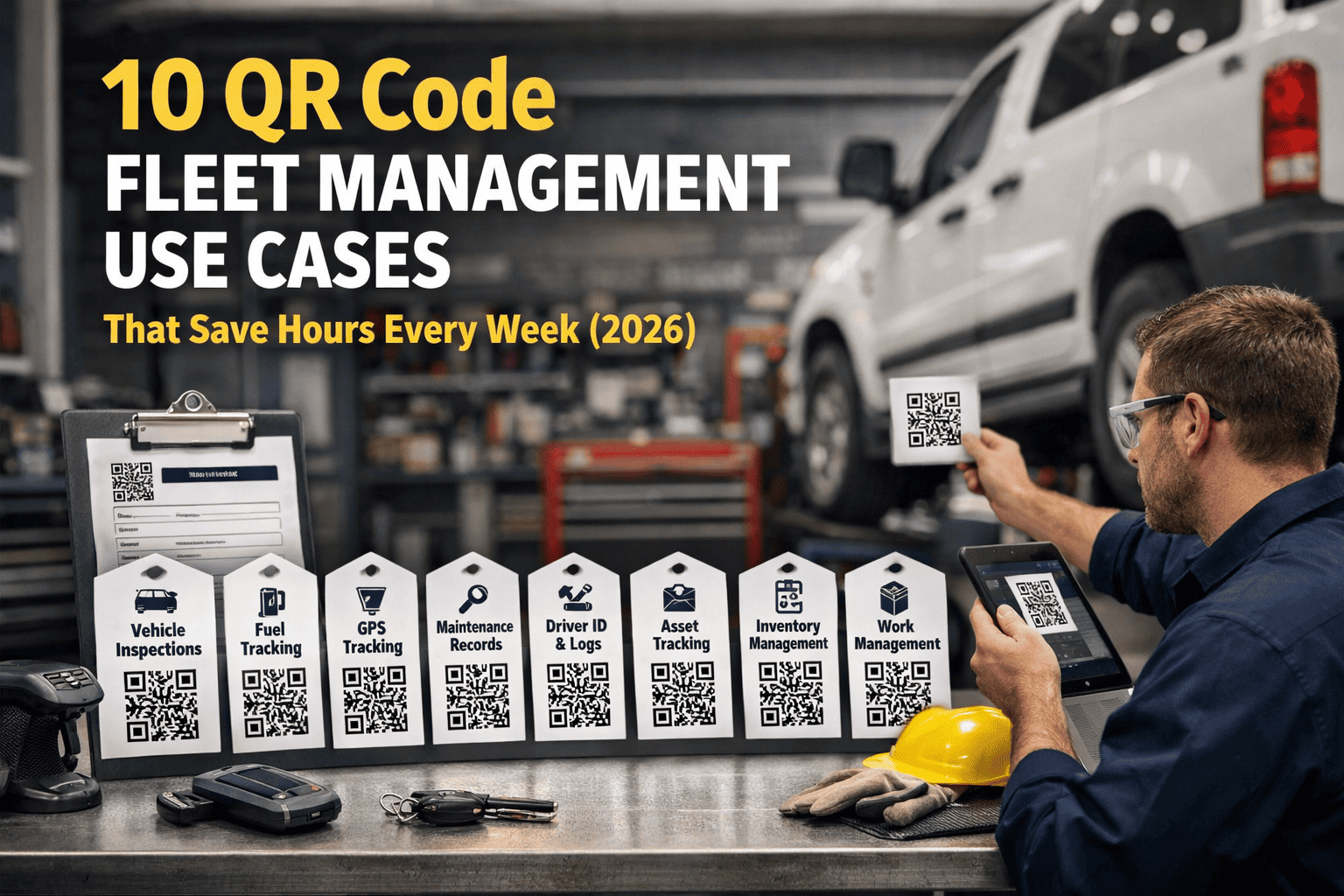
Every day, fleet managers across America lose 47 minutes per driver searching for vehicle data, inspection records, and parts history. That's nearly 200 hours per year wasted—time that could be spent on actual operations. The solution? A 2-second scan that unlocks everything you need. Here are 10 real-world QR code fleet management use cases that top US fleets use to save hours every week.
One Scan. Hours Saved. Every Week.
Discover how leading fleets transform daily chaos into instant answers with QR code technology. No expensive hardware. No complex training. Just point, scan, and access everything you need.
What Are QR Code Fleet Management Use Cases?
QR code fleet management use cases are practical applications where scanning QR codes on vehicles, equipment, or parts provides instant access to critical data—eliminating manual searches, reducing errors and saving hours of administrative time every week. From instant DVIRs to parts tracking, these use cases transform how fleets operate. Unlike GPS tracking that requires expensive hardware and monthly fees, QR codes cost pennies per asset and work with any smartphone.
The Daily Time Drain: Why Fleets Are Bleeding Hours
Before diving into solutions, let's look at where your time actually goes. According to industry research, fleet professionals spend a shocking amount of time on tasks that should take seconds. Understanding these pain points helps you see exactly where QR code technology delivers the biggest impact.
Searching for Equipment
Average time per driver per day spent locating tools, parts, or vehicle information across multiple systems
Inaccurate Records
Percentage of fleet asset records with errors from manual data entry, wrong vehicle assignments, or outdated info
Lost Equipment Annually
Average value of equipment that goes missing, gets misplaced, or can't be located across a 50-vehicle fleet
These numbers add up fast. A 25-vehicle fleet losing 47 minutes per driver daily equals over 4,800 hours of lost productivity annually. At $25/hour loaded labor cost, that's $120,000 in wasted time—not counting the equipment losses, compliance fines, and customer service failures that result from disorganization. The good news? QR code fleet tracking eliminates 85% of this waste.
How QR Code Fleet Management Actually Works
The beauty of QR code fleet management is its simplicity. No complex software training, no expensive hardware installations, no IT department required. Here's the straightforward workflow that thousands of fleets use daily:
Generate Codes
Create unique QR codes for each vehicle, tool, or asset in your fleet management system
Print & Attach
Print durable labels and attach to assets—weather-resistant vinyl for outdoor, metal tags for heavy equipment
Scan Anywhere
Point any smartphone camera at the code—no app download required, works instantly
Access Everything
View complete asset profile, take action, update records—all in seconds
That's it. No lengthy implementation projects. No vendor lock-in. Most fleets are fully operational within 15-30 minutes of signing up. Learn how this integrates with modern work order management systems for seamless maintenance workflows.
10 QR Code Fleet Management Use Cases That Save Hours Weekly
These aren't theoretical benefits—they're real workflows used by thousands of US fleets daily. Each use case below includes specific time savings, real-world scenarios and how the technology transforms daily operations.
Instant DVIR Completion
Drivers scan the vehicle QR code, and the inspection form auto-loads with all vehicle details pre-filled—VIN, license plate, current mileage, last service date. No searching for the right form, no wrong vehicle assignments. Technicians see defects in real-time with photos attached. The entire DVIR process drops from 12+ minutes to under 4.
Driver Mike arrives at 5:45 AM. Instead of hunting for paperwork, he scans the truck's QR code, taps through the visual inspection checklist, flags a small brake light issue with a photo, and submits. By 5:49 AM, the maintenance team already has a work order. Learn more about FMCSA DVIR requirements and how QR integration simplifies compliance.
Driver Assignment & Onboarding
New drivers scan their personal QR badge to instantly assign themselves to any vehicle. The system logs who has what, when they took it, and where they're using it. No manager bottleneck. No paperwork delays. No more "who has Truck 247?" phone calls disrupting operations. Fleet managers with high turnover save hours weekly on driver administration.
New hire Sarah arrives for her first day. Instead of 45 minutes of paperwork and vehicle familiarization, she scans her driver badge, then scans the assigned truck. The system confirms assignment, shows her the vehicle's quirks and notes from previous drivers, and she's rolling by 6:15 AM. Discover how QR code driver onboarding works in practice.
Maintenance History Access
Technicians scan the vehicle and instantly see complete service history—last oil change, brake inspection dates, open recalls, tire rotation history, upcoming PM schedules. No digging through filing cabinets, no logging into multiple software screens, no calling the office for records. Every repair starts with full context, leading to faster diagnosis and fewer repeat visits.
Technician Carlos sees Unit 182 roll in with a "check engine" light. Before even popping the hood, he scans the QR code and sees: "Replaced O2 sensor 3 months ago, same code appeared. Previous tech noted intermittent wiring issue." Carlos goes straight to the wiring harness, confirms the problem, and fixes it in 20 minutes instead of 2 hours of diagnosis.
Parts Inventory Tracking
Each parts bin has a QR code. Scan to see stock levels, reorder points, compatible vehicles, supplier info, and usage history. When parts are used, a quick scan automatically deducts from inventory and links to the work order. No more end-of-month inventory surprises or emergency parts runs because someone forgot to log a filter change.
Parts manager Linda used to spend 8 hours monthly on manual inventory counts. Now, every part pull is scanned automatically. When oil filter stock hits 5 units, she gets an alert. When a tech grabs brake pads, the system links them to Work Order #4521 for Unit 089. Month-end reconciliation takes 15 minutes instead of a full day. Learn how this connects to automatic parts deduction systems.
Tool & Equipment Check-Out
Drivers scan tools to assign them when leaving the yard. Managers see exactly who has what, when they took it, and where it was last scanned. This creates instant accountability and ends the endless phone tree trying to track down the pressure washer, diagnostic scanner, or specialized equipment that everyone needs but nobody can find.
Construction fleet manager Tom used to get 5-6 calls daily: "Where's the generator?" "Who has the torque wrench?" Now, a quick dashboard check shows: Generator checked out by Crew B at 6:45 AM, currently at 1842 Main St job site. Torque wrench returned yesterday, currently in Bay 3. The calls stopped. The chaos ended.
Ready to implement these use cases?
See all 10 use cases in action with a personalized demo. Most fleets generate their first QR codes within 15 minutes of signing up—no IT department required.
Document Access On-Demand
Registration, insurance certificates, annual inspection records, equipment manuals, warranty documents—all accessible by scanning the vehicle. Drivers don't need to dig through glove compartments or call dispatch for paperwork. Roadside inspectors get digital proof instantly on the driver's phone. Compliance has never been easier or faster.
Driver James gets pulled over for a DOT inspection in rural Texas. Instead of fumbling through a disorganized folder while the officer waits, he scans the door QR code and shows: current registration, insurance (updated 2 weeks ago), last annual inspection certificate, and the vehicle's maintenance log. The officer is impressed. The inspection takes 12 minutes instead of 45.
Service Due Alerts
When scanned, the QR instantly displays upcoming service alerts—oil change due in 500 miles, brake inspection required next week, annual DOT coming up in 30 days, tire rotation overdue. Technicians see priority maintenance items before looking under the hood. Drivers see alerts when they scan for pre-trip. Nothing falls through the cracks.
Fleet coordinator Rachel used to maintain a complex spreadsheet of PM schedules across 40 vehicles. She still missed 2-3 services monthly. Now, every vehicle scan shows a color-coded status: green (all good), yellow (service approaching), red (overdue). When Unit 156 gets scanned, the driver sees "Transmission service due in 200 miles" and schedules it before leaving the yard.
Instant Work Order Creation
Spot an issue? Scan the asset, tap "Create Work Order," describe the problem, snap a photo. Done. The WO is instantly routed to the right technician with full asset context, photos, and location data. No walking back to the office. No forms to fill out later. No issues getting forgotten because "I'll report it when I get back" turns into "I forgot."
Driver Angela notices an unusual vibration at highway speed. At the next stop, she scans the truck QR, taps "Report Issue," types "Vibration above 55mph, feels like front end," snaps a quick video, and submits. Back at the shop, mechanic Dave sees the work order with the video attached. He schedules Unit 203 for tomorrow's first appointment and responds to Angela that she's good to finish today's route but bring it in tomorrow.
Complete Audit Trail
Every scan creates a timestamped, GPS-tagged record. Know exactly who touched each asset and when. This audit trail is invaluable for compliance audits, theft investigation, insurance claims, and accountability tracking. No more "I didn't have the truck that day" disputes. No more reconstructing events from memory. The data speaks for itself.
A piece of expensive diagnostic equipment goes missing. Fleet manager Bill pulls up the scan history: last scanned by Tech #4 at Bay 2 on Tuesday 4:15 PM, then scanned by Driver Rodriguez at the Columbus job site Thursday 9:22 AM, then... nothing. Bill calls Rodriguez, who remembers leaving it at Columbus when another crew picked up the job. Problem solved in 5 minutes instead of a week of finger-pointing.
Zero Training Required
If your team can point a smartphone camera at a square, they can use QR fleet tracking. No specialized apps to download (though the app adds features). No complex training sessions. No adoption resistance from your team. New hires are productive from day one. This is why AI-powered fleet management starts with simple technology like QR codes before layering on advanced features.
HVAC fleet owner Marcus worried his older technicians would resist new technology. On implementation day, 62-year-old veteran tech George scanned his first vehicle QR code, said "Huh, that's pretty slick," and never looked back. Within a week, George was showing the younger guys shortcuts he'd discovered. Adoption rate: 100% in 3 days.
QR Codes vs. Other Fleet Tracking Methods
Not all tracking technologies are created equal. Here's an honest comparison to help you understand where QR codes fit in your fleet management strategy—and when you might need to combine multiple approaches.
| Feature | QR Codes | Barcodes | RFID Tags | GPS Trackers |
|---|---|---|---|---|
| Cost Per Asset | $0.10–$0.50 | $0.03–$0.10 | $2–$15 | $50–$200 |
| Monthly Fees | None required | None | Optional | $15–$35/device |
| Scanner Hardware | Any smartphone | Dedicated scanner | RFID reader ($500+) | App only |
| Data Capacity | Unlimited (cloud) | 20 characters | 2KB typical | Real-time GPS |
| Real-Time Location | Last scan location | No | Zone-based | Continuous |
| Best For | All-around fleet ops | Basic inventory | High-value assets | Vehicle tracking |
Our Recommendation
Start with QR codes for immediate, low-cost benefits across your entire fleet. Add GPS trackers for high-value vehicles where real-time location justifies the monthly cost. This combined approach gives you 90% of the benefits at 20% of the cost of an all-GPS solution. Many fleets using telematics platforms complement their GPS data with QR codes for tools and equipment.
Total Impact: What These Use Cases Deliver
When you implement all 10 use cases, the cumulative effect transforms fleet operations. Here's what our customers typically see within the first 90 days:
Time previously spent searching, documenting, and coordinating
Auto-populated forms eliminate manual entry mistakes
Reduced downtime, fewer lost tools, better compliance
Per employee—time redirected to productive work
"We went from 'who has the diagnostic tool?' being asked 10 times a day to zero times. Our techs save at least 30 minutes daily just on not searching for things. The ROI was obvious within the first week."
Why Fleets Choose FleetRabbit for QR Code Management
You could build a basic QR system with free tools, but managing a fleet requires purpose-built features. Here's what FleetRabbit delivers that generic QR generators can't match:
No contracts. No setup fees. Cancel anytime. Free for up to 3 assets forever.
Start Free Trial15-Minute Setup
Generate QR codes, print labels, start scanning. No IT department, no complex configuration, no vendor calls.
Any Smartphone Works
iPhone, Android, old phones, new phones—if it has a camera, it scans QR codes. No expensive hardware.
Complete Fleet Platform
QR codes are just the start. Full work orders, PM scheduling, parts inventory, and reporting—all integrated.
Common Questions About QR Code Fleet Management
Most fleets are fully operational within 15-30 minutes. You generate QR codes in the system (takes seconds per asset), print them on durable labels or order pre-printed tags, and attach them to your assets. Drivers start scanning immediately—no training required. The record shows one fleet of 45 vehicles was fully tagged and operational in under 2 hours.
No special hardware needed. Any modern smartphone (made after 2017) can scan QR codes natively through the camera app. No app downloads required for basic scanning—the QR code opens a mobile-optimized web page with all asset information. Our optional app adds features like offline access and faster workflows, but it's not required.
QR codes can be regenerated and reprinted instantly from the dashboard—the same code links to the same asset record. For durability, we recommend vinyl labels for indoor equipment, weatherproof polyester for vehicles, and anodized aluminum tags for heavy machinery. The digital asset record remains intact regardless of physical label condition.
They serve different purposes and work great together. QR codes provide instant access to asset information when scanned—perfect for inspections, maintenance, and check-in/out workflows. Cost: pennies per asset, no monthly fees. GPS provides continuous real-time location tracking. Cost: $50-200 per device plus $15-35 monthly. Many fleets use QR for all assets and add GPS only to high-value vehicles where continuous tracking justifies the cost.
With our mobile app and caching enabled, basic asset information can be accessed offline. Data syncs automatically when connectivity returns. For remote operations, critical data like inspection forms, safety procedures, and equipment specs can be cached for offline access. This is especially valuable for construction, mining, and rural delivery fleets.
Most fleets see positive ROI within 30 days. At $3/vehicle/month, a 20-vehicle fleet costs $60/month. If QR tracking saves just 15 minutes per driver per day (conservative estimate), that's 100 hours monthly across the fleet. At $25/hour loaded labor cost, that's $2,500 in savings against $60 in cost. The ROI is typically 40:1 or better, not counting reduced equipment loss and better compliance.
Stop Searching. Start Scanning.
Join thousands of US fleets saving hours every week with QR code fleet management. Free for up to 3 assets, then just $3/vehicle/month. No contracts, no setup fees, no IT headaches. See why fleets from 5 vehicles to 500 choose FleetRabbit.







