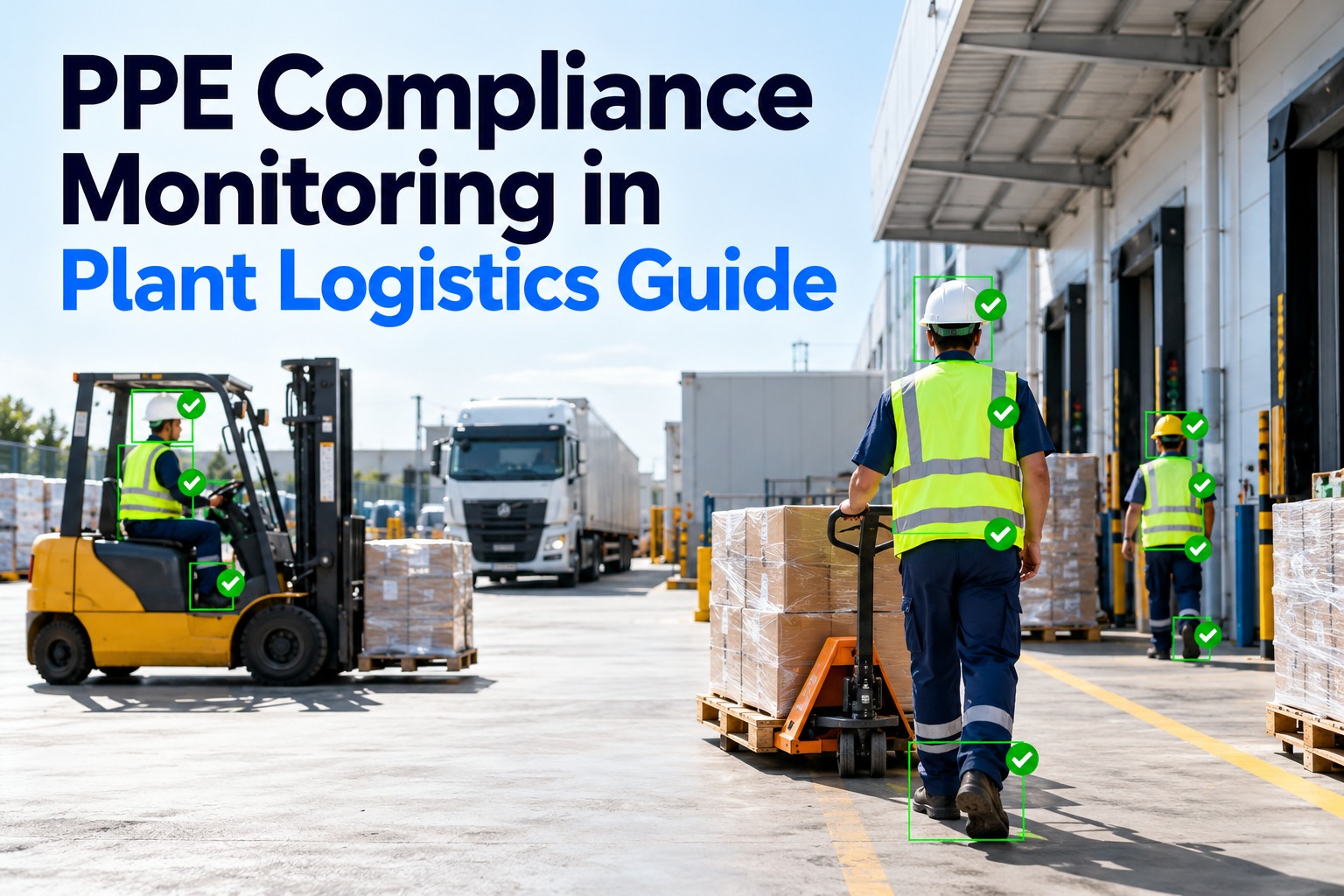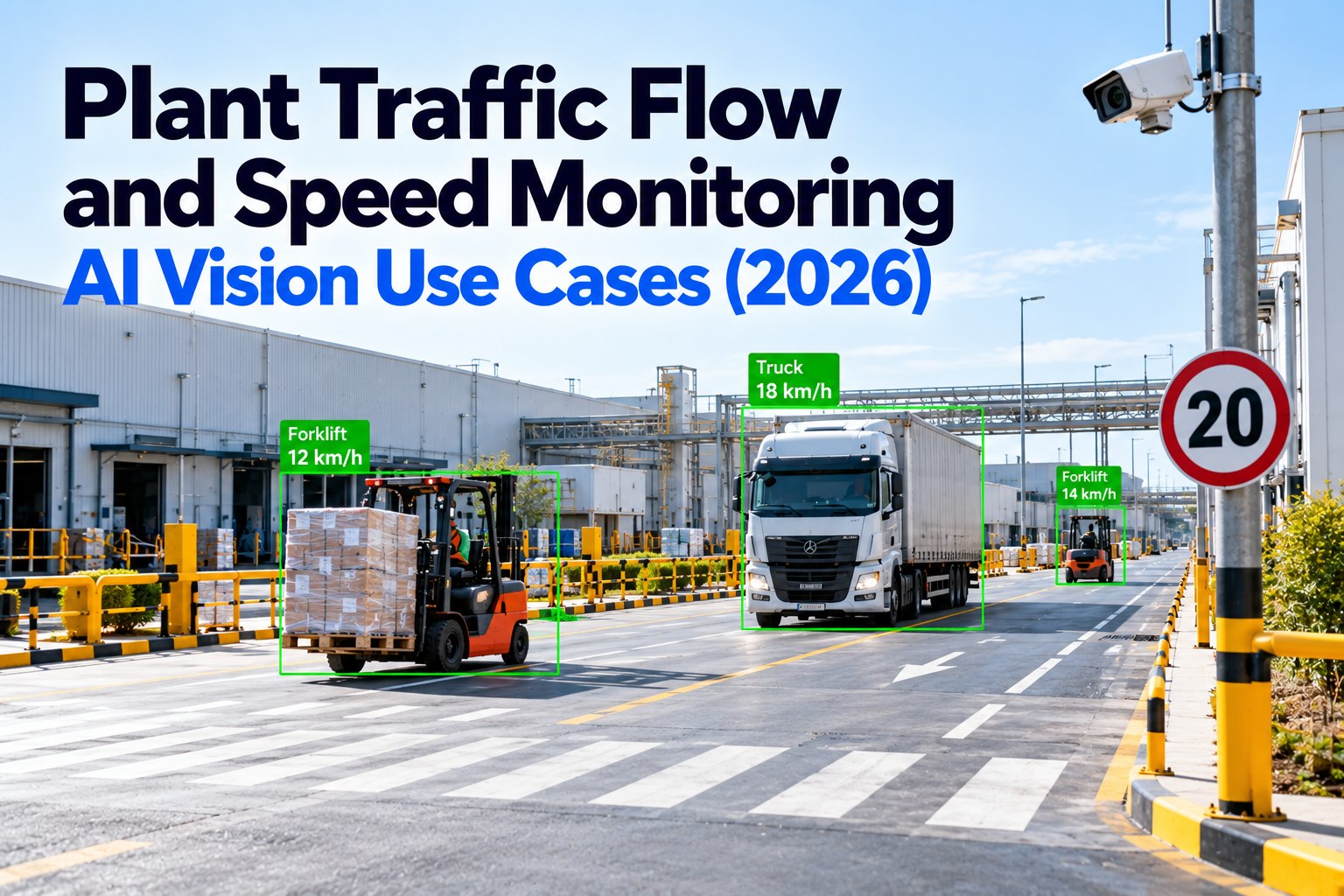
Inside a plant, the roads have no traffic police. Tractors pulling trailers, yard trucks, forklifts, contractor vans and people on foot all share the same routes, under rules the plant writes for itself. When those rules are vague or unenforced, the result shows up in the numbers: the National Safety Council reports 369 workers died in pedestrian vehicle incidents in 2024. This guide covers how to write internal traffic rules that can be measured, how to map hotspots from your own data, how to manage contractor and carrier behaviour, and how to prove incidents are falling. It also says plainly which data FleetRabbit can supply today. To see how driver and gate data come together, book a short walkthrough with our team.
Six internal traffic rules, each with a way to measure it
A traffic rule that can’t be measured can’t be enforced fairly. Write each rule with the data that will show whether it is being followed. OSHA’s powered industrial truck standard sets some of the rules for forklifts directly, and HSE’s workplace transport guidance covers the site layout.
Set speed limits by zone, not one number for the whole site
OSHA doesn’t set a forklift or yard speed. It expects the plant to set limits based on the vehicle, the load, stopping distance, the floor or road surface and pedestrian traffic. That usually means different limits for different zones. The figures below are an example of how a site might grade them, not a recommendation: set yours from your own risk assessment and manufacturer guidance.
Hotspot mapping: rank locations by how often and how badly things go wrong
Every plant has a few places where most of the near misses happen: a blind bend, a crossing by the canteen, the first dock doors that everyone heads for. Build a hotspot map from four sources. Near-miss and incident reports name the location. Harsh braking and tailgating events from dash cameras show where drivers are surprised. Reversing events show where the layout forces drivers to back up. And gate and dock timestamps show where vehicles queue. Score each location by frequency and by how severe the worst outcome could be, then fix the top three first.
The fix for a hotspot is usually physical before it is behavioural: a barrier, a mirror, a moved crossing, a one-way change or a new dock assignment rule. Coaching drivers to be careful at a corner that should be redesigned rarely lasts.
Reversing is the manoeuvre to design out first
HSE guidance names reversing as one of the main causes of workplace transport incidents, and plant yards force a lot of it: tractors backing trailers onto docks, yard trucks repositioning drop trailers, forklifts reversing out of trailers. The first control is layout. Drive-through routes, one-way loops around the drop rows and dock approaches that let a driver line up in a forward movement all reduce the number of reverses before any technology is involved. Where reversing can’t be avoided, define reversing areas, keep pedestrians out of them, and decide whether a trained signaller is needed. Reversing aids such as cameras and sensors help, but they support a driver’s judgement rather than replace a safe layout. For hotspot mapping, treat every reverse outside a designated area as an event worth recording.
Night shifts, weather and shift change move the hotspots
A hotspot map built from day-shift data can miss the worst hours. Lighting, glare from headlights, rain on mirrors and ice on dock approaches all change where drivers are surprised. So does the shift change, when car traffic, walking staff and departing trucks all use the same gate within half an hour. Split the hotspot data by shift and by month, and check whether the ranking changes. If the pedestrian crossing is only a hotspot after dark, the fix may be lighting rather than a new barrier. If the gate is only a hotspot at shift change, staggered start times or a separate staff entrance may do more than any sign. HSE guidance lists adequate lighting and firm, even road surfaces as part of a safe site for exactly this reason: the layout has to be safe in the conditions it is actually used in, not just on a clear afternoon.
Contractor and carrier behaviour: what you can measure without their telematics
Your own trucks carry your telematics and dash cameras. Visiting carriers and contractors usually don’t, so their behaviour has to be measured from the site’s side. That is less precise, but it is fair and it covers every vehicle that comes through the gate.
| Behaviour | How the site can measure it | Proportionate response |
|---|---|---|
| Speeding on site roads | Time between two fixed points, such as the gate and the dock, against the expected minimum | Feedback to the driver at check-out; repeated cases raised with the carrier |
| Wrong route or wrong door | Arrival at a door or zone that doesn’t match the assignment | Re-brief at the gate; check whether signs are clear |
| Long dwell in the yard | Gate entry and exit pair, and door occupied and released times | Usually a scheduling problem, not driver behaviour |
| Walking in vehicle routes | Guard and supervisor observations, camera touchpoints at crossings | Waiting area and walk-route briefing for visiting drivers |
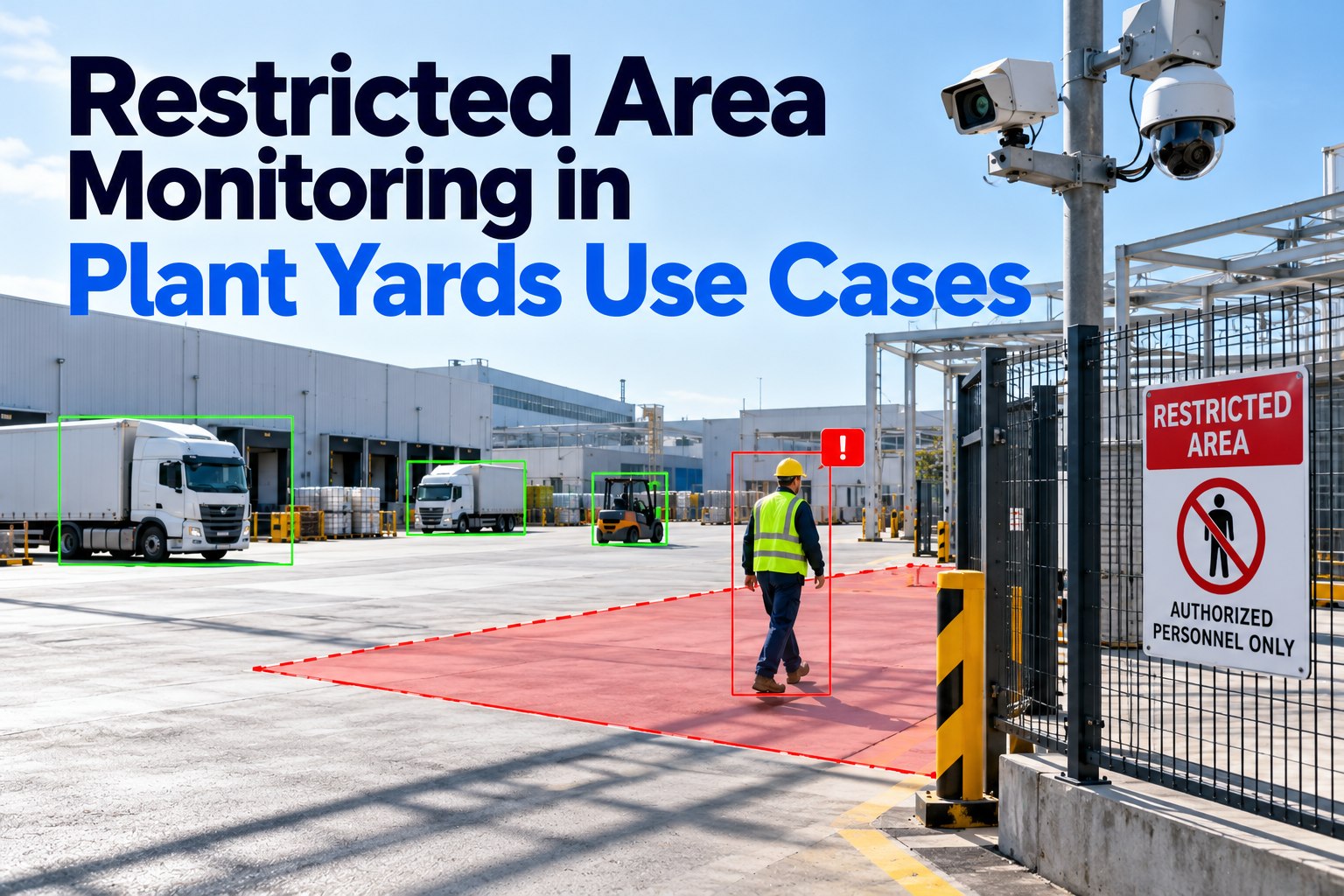
| Contractor vehicle use in restricted zones | Plate reads at zone entry, contractor induction records | Review the contractor’s zone permissions with their supervisor |
Share results with carriers as a pattern, not a list of names. Carriers respond well to a monthly note that their drivers’ average gate-to-dock time is below the site minimum, because it gives them something specific to brief.
Measurable incident reduction: track leading events, judge by lagging results
Serious incidents are, thankfully, rare at most sites, which makes them a poor measure of whether a change worked. Track leading events every week, and use lagging results to judge the programme over a year.
Set a baseline before changing anything: at least a month of leading events, and longer at quieter sites where events are few. Change one hotspot at a time and compare the same location before and after, so the result belongs to the change. Normalise by activity: more trucks through the gate means more events, so report per thousand vehicle movements or per thousand site miles rather than raw counts. A fall in near-miss reports can also mean people have stopped reporting, so read it alongside the camera and telematics events.
A 90-day rollout that produces a result you can defend
The point of the sequence is attribution. When a single change at a single location is followed by fewer events at that location, with activity held constant, the result is hard to argue with. When ten things change at once across the site, nobody can say which one worked, and the programme loses support at the first budget review.
Where the data comes from, and where FleetRabbit fits today
That split matters when you design the programme. Your own fleet can be measured in detail from telematics and dash cameras. Visiting vehicles are measured from gate, zone and dock timestamps. Both feed the same hotspot map, and every event can be opened to the record behind it.
Driver events, gate times and trips on one record for every truck on site
Safe vehicles are part of the plan too. Brakes, mirrors and lights are checked on every digital DVIR, and the defects drivers report feed preventive maintenance schedules so trucks on site roads stay in safe condition.