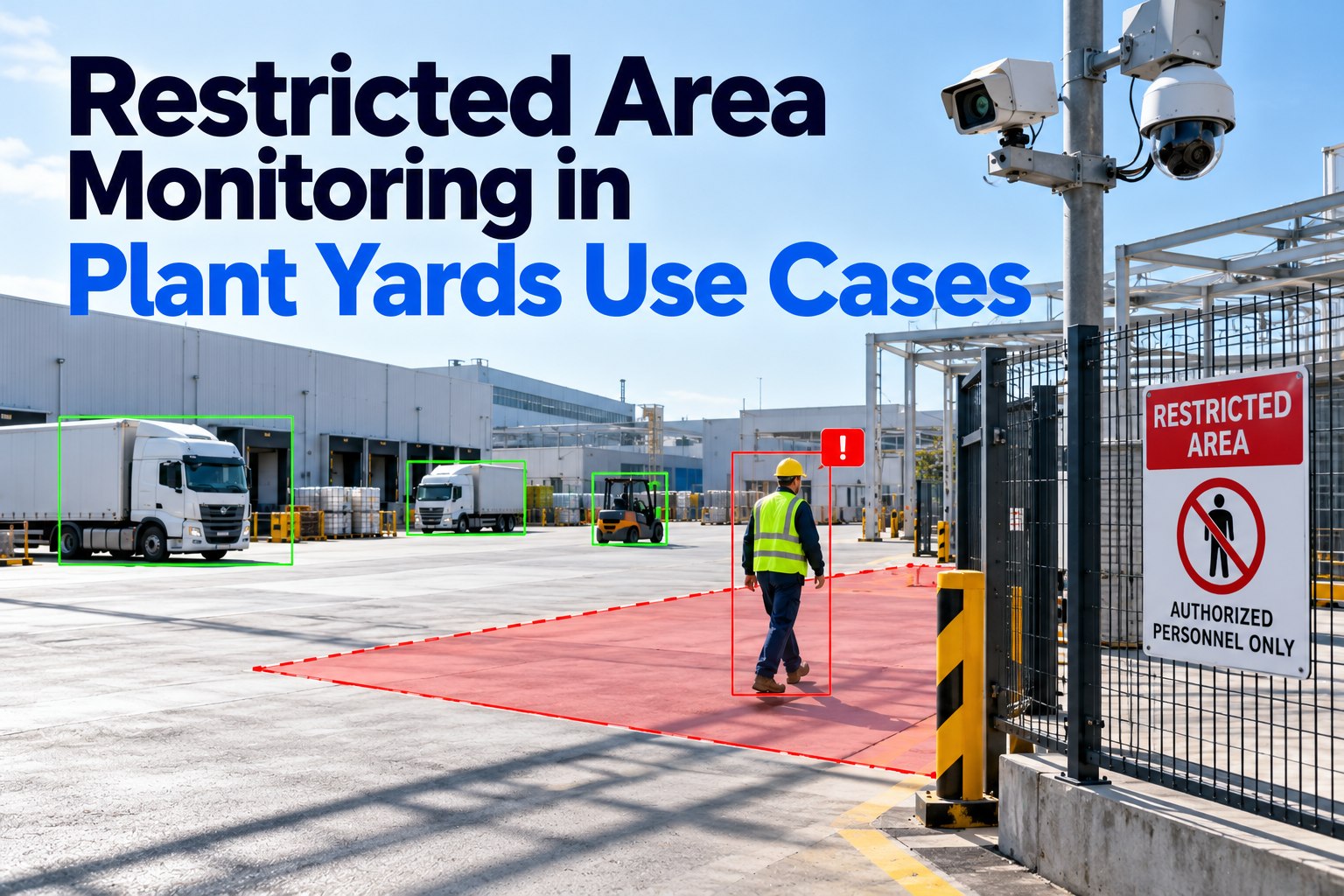
Most plants know which areas are off limits. Fewer can say who was actually in them yesterday. In a plant yard the question is harder, because the people moving through restricted areas are often not employees: carrier drivers dropping trailers, contractors servicing docks, visitors waiting for a load. And some restricted areas move, because a sealed trailer is a restricted zone too. This guide covers how to define zones by tier, how to handle contractor and carrier access, how intrusions should be confirmed and escalated, and which OSHA and CTPAT rules shape the policy. Where state plans or other national regulators apply, use their equivalent rule. To see how gate and yard records work in FleetRabbit, book a short walkthrough with our team.
Define every zone by who, when and why, before any camera goes up
Monitoring a zone that isn’t defined produces arguments, not evidence. Write a zone register first. Each entry needs the tier, the roles allowed in, the conditions for entry, and the rule behind the restriction. The camera rule should then copy the register exactly, so an alert always means the same thing as the policy.
| Zone | Tier | Who may enter | Condition | Rule behind it |
|---|---|---|---|---|
| Main yard | 1 | Checked-in drivers, yard staff | Marked walk routes only | Site rule; OSHA General Duty Clause |
| Trailer drop rows | 2 | Spotters, assigned drivers | Assigned slot; no walking between rows | Site rule |
| Chassis stacks | 2 | Yard staff with chassis duties | No foot traffic while stacking | Site rule |
| Dock aprons | 2 | Dock staff, the assigned driver | Trailer secured before entry | Site rule; forklift traffic |
| Fuel island | 2 | Authorised fuellers | Engine off, no ignition sources | Site rule; fire code |
| Sealed outbound trailers | 2 | Named loader and sealer | Seal recorded; no re-entry without a new seal | CTPAT conveyance security |
| Tanker interiors and pits | 3 | Trained entrants and attendant | Written entry permit | OSHA 1910.146 |
Review the register whenever the yard layout changes. A new drop row or a moved fuel island is a new zone, and an alert built on last year’s map will flag the wrong people.
Contractor and carrier access: the plant is usually the controlling employer
OSHA’s multi-employer citation policy recognises four roles on a shared worksite, and one employer can hold several. In a plant yard, the plant normally has general supervisory authority, which makes it the controlling employer. Its duty is to exercise reasonable care to prevent and detect violations, even when the people exposed work for a carrier or contractor.
For permit spaces the duty is explicit. Under OSHA 1910.146(c)(8), a host employer using a contractor for permit-space work must tell the contractor where the permit spaces are and what hazards they hold, share its precautions, coordinate the entry, and debrief the contractor afterwards. For everyday carrier visits, a simple four-step flow covers most of the risk:
Contractors who work on site for days or weeks need more than a visitor flow. Keep an induction record for each contractor company: which zones its people may enter, which supervisor they report to, and the date their briefing expires. When a contractor’s scope changes, from dock barrier repairs to fuel island work, the zone list changes with it. An alert that names a zone the contractor was never cleared for is then a clear, defensible finding rather than a judgment call made at the gate.
The restricted zone that moves: sealed trailers and the CTPAT inspection
For a shipment, the most important restricted area is the inside of the trailer once it is loaded and sealed. CBP’s CTPAT 17-point inspection checks ten points on the tractor and seven on the trailer, and asks for the seal numbers at arrival and departure, plus the name and signature of the employee who fixed the seal. Before a seal goes on, the door, handles, rods, hasps, rivets and brackets are inspected for tampering.
A broken or changed seal is the trailer equivalent of an intrusion alert, and it should follow the same rule: record it, hold the trailer, and make a person decide. When the seal number is recorded at both ends of a move, a mismatch is visible the moment the trailer arrives instead of being argued about later.
Trailer and damage records: what a yard camera should capture for the fleet
Restricted-area cameras in a yard see more than people. The same gate lane that watches for unauthorised entry also sees every tractor, trailer and chassis that comes in, and that record matters to the fleet as much as to security. A plate read with the image gives an arrival time a carrier can’t dispute. A photograph of a trailer at the gate shows its condition on arrival, before anyone argues about who caused a dent at the dock. The important part is where each observation goes afterwards. In Oneflow, a damage or defect observation is filed as a maintenance notification, because it is the start of a repair, not an event on today’s delivery. Arrivals and dwell go to the transport document, and odometer or tread readings are filed as measurements against the unit.
Intrusion handling: four steps from observation to a closed record
The second step is the one most systems skip. An alert that fires straight to a security call on an unclear frame trains guards to ignore alerts. A held reading with its reason shown keeps the guard in charge, and the number of rejected alerts tells you which cameras need moving.
An escalation policy set by zone tier and time of day
Decide the response before the first alert, so the night guard and the day supervisor do the same thing. The matrix below is an example to adapt; set the times and roles to your site.
Permit spaces sit at the top for a reason. Under 1910.146(i), the attendant must warn unauthorised persons to stay away from the permit space during entry, so a Tier 3 intrusion stops the work first and is investigated second. OSHA also requires employers to keep each cancelled entry permit for at least a year, which makes the permit itself part of the audit trail.
A quiet camera is not the same as a quiet zone
The most dangerous failure in area monitoring is silent. A camera that has stopped reporting looks exactly like a zone where nobody went. Every camera should check in on a schedule and show as offline when it stops, and the monthly report should state how long each zone was actually watched. A zone with no alerts and no camera uptime has no evidence at all. If the site loses its internet connection, captures should queue locally and arrive later carrying the time they were taken, so the record stays correct.
Roll out one tier at a time, starting with the highest risk
Start with Tier 3. Permit spaces are few, their rules are already written, and an entry permit gives every alert a clear answer: either a permit was open or it wasn’t. Next, cover the Tier 2 zones where vehicles and people mix most, usually the dock aprons and the drop rows. Leave Tier 1 for last, because the main yard has the most legitimate traffic and the highest false-alert risk. At each step, review the held and rejected alerts with the guards for two weeks before treating any alert as a confirmed breach, and share the zone results with the carriers that use the site most. Carriers whose drivers know the walk routes and see that alerts are checked fairly cooperate far more readily than those who only hear about breaches.
Where Oneflow fits today, stated plainly
The gate, the yard and the trailer seal on one record a guard can trust
Zone access sits next to the rest of the truck’s day. The driver who checks in at the gate also completes a digital DVIR and DOT inspection, and any damage spotted on a trailer in the yard belongs in fleet maintenance records, not a security log.