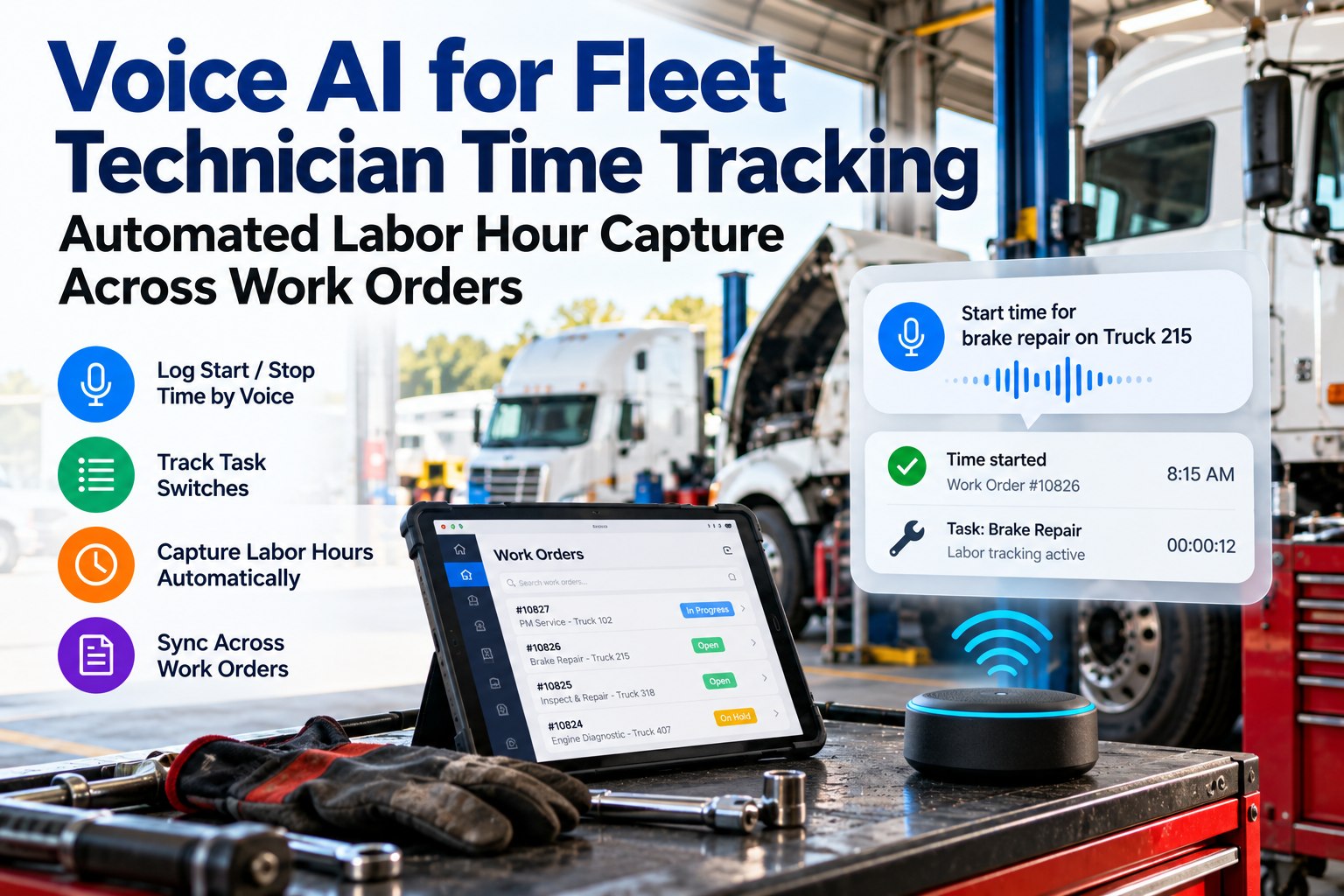
Voice AI for technician time tracking lets a technician say "start Unit 214 brakes", "switch to Unit 98" or "waiting on parts" and have the system log each start, stop and task switch against the right work order. There is no separate time clock to punch and no end-of-shift guesswork. The payoff is a labor record you can trust, and trustworthy hours are the base for repair cost per unit, shop capacity and billing. See labor hours captured by voice on a real shift, or read how voice closes a work order.
VOICE TIME TRACKING · FLEET TECHNICIANS
Stop Paying for Hours Nobody Can Account For
A technician switches jobs six times a day and remembers four of them at 4:30. Capture each switch the moment it happens, by voice, and every paid hour lands on a work order or a named reason.
A PAPER-BASED SHOP'S 8-HOUR SHIFT
Hands-on repair 58%
Parts hunting 16%
Paperwork 13%
Waiting and travel 13%
Where a Technician's Paid Hours Actually Go
Wrench time is the share of a shift spent actually working on equipment. Published benchmarks put typical maintenance operations at 25 to 35 percent and world-class ones at 55 to 65 percent. A bus-fleet analysis of a paper-based shop found 58 percent hands-on, with the rest lost to parts hunting, paperwork and waiting. Sources disagree because they measure different shops, so the useful number is your own.
WRENCH TIME BENCHMARKS (% OF SHIFT)
Typical maintenance operation
25–35%
Paper-based bus shop example
58%
0%25%50%75%100%
Why the Time Clock Misses the Real Story
A clock-in at 7:00 and a clock-out at 3:30 says the technician was present, not what the time bought. Time that moves between jobs, waits for approvals or gets spent on a parts run disappears into a rounded number on a work order. That makes cost per repair look cheaper than it is and hides the real bottleneck.
WHERE THE LOST TIME GOES IN A PAPER-BASED SHOP (% OF A SHIFT)
Parts hunting and lookup
16%
Documentation and paperwork
13%
Waiting, travel, supervisor talks
13%
Find out where your own hours go
Run one shift with voice time capture and see a breakdown by work order and by wait reason.
How a Voice Time Log Flows Across a Shift
Every command either starts a timer, switches it, or labels a pause. The system closes the previous entry when a new one begins, so there is never a gap or an overlap to clean up.
SAY
"Start Unit 214 brakes"
→
TIMER RUNS
WO 4471 · 214 · brakes
→
THEN EITHER
Switch, pause or stop
SWITCH
"Switch to Unit 98 air leak"
Closes the 214 entry, opens a new one on 98.
PAUSE WITH A REASON
"Waiting on parts"
Stops billable time and logs the wait reason.
STOP
"Done with 214"
Posts the hours to the work order for closeout.
Result: hours per work order, per unit and per technician, plus a labeled record of every wait.
A Sample Day, Fully Accounted For
Here is how an eight-hour day can look when every switch is logged. This is an illustrative day, not a benchmark. What matters is that every hour carries a label, including the ones that were not billable.
5.0 h hands-on repair across 4 work orders
1.0 h parts runs and lookups
0.75 h waiting on approval or parts
0.75 h shop tasks and cleanup
0.5 h admin and handover
What a Few Percent Is Worth
Take an eight-technician shop working 250 days a year: 16,000 paid hours. If voice capture brings 2, 4 or 6 percent of those hours back into the accounted record at a $150 shop rate, the value looks like this. Swap in your own headcount and rate. For an in-house fleet, use your loaded technician cost instead.
VALUE OF RECOVERED HOURS AT A $150 RATE
Time Clock, Spreadsheet or Voice
← Swipe to see all columns →
Five Commands a Crew Learns in an Afternoon
"Start [unit], [job]"
Opens a timer on the work order.
"Switch to [unit], [job]"
Closes the last entry and starts the next.
"Waiting on [reason]"
Pauses and labels the delay.
"Back on [unit]"
Resumes the same work order.
"Done with [unit]"
Stops, posts hours and offers closeout.
Give Every Paid Hour a Work Order or a Reason
FleetRabbit's voice AI extracts labor time from spoken narration and routes it into the work order, so the numbers behind your repair costs come from the bay, not from memory.
See what voice AI does for fleet technicians.
Live start and stop
Task switches
Wait reasons
Hours per work order
Frequently Asked Questions
What is voice AI technician time tracking?
It lets technicians log start, stop and task-switch times by speaking, instead of using a separate time clock or filling in hours at the end of the day. The system ties each entry to a work order and unit.
How is it different from a time clock?
A time clock records presence. Voice time tracking records what the time was spent on, including switches between jobs and the reasons for waiting, so labor can be allocated to specific repairs.
What is wrench time and why track it?
Wrench time is the percentage of a shift spent on hands-on work. Low numbers usually point to planning, parts or approval problems rather than technician effort, which makes the metric a diagnostic for the whole shop.
Will technicians feel monitored?
Position it as a way to show where time is lost to waiting and parts, not as a stopwatch on people. Share the wait-reason reports with the crew so the data fixes their problems, too.
Can it handle multiple jobs at once?
Yes. Each switch command ends the previous entry and starts the next, and a "back on" command resumes a paused job, so a day with many interruptions still produces clean, non-overlapping entries.
How do I check the logged time is right?
Does it work in a noisy shop?
Results depend on microphone placement and noise. FleetRabbit reports noise-cancelling processing built for shop floors, so pilot in your loudest bay and check the first day's entries.
Know What Every Hour Bought
Labor is your biggest controllable repair cost, and it only improves when it is measured while it happens. Speak the switch, keep the record.
Free tier for up to 3 vehicles · No credit card required · Hours posted straight to work orders
October 3, 2026By Derek Goes
All Blogs