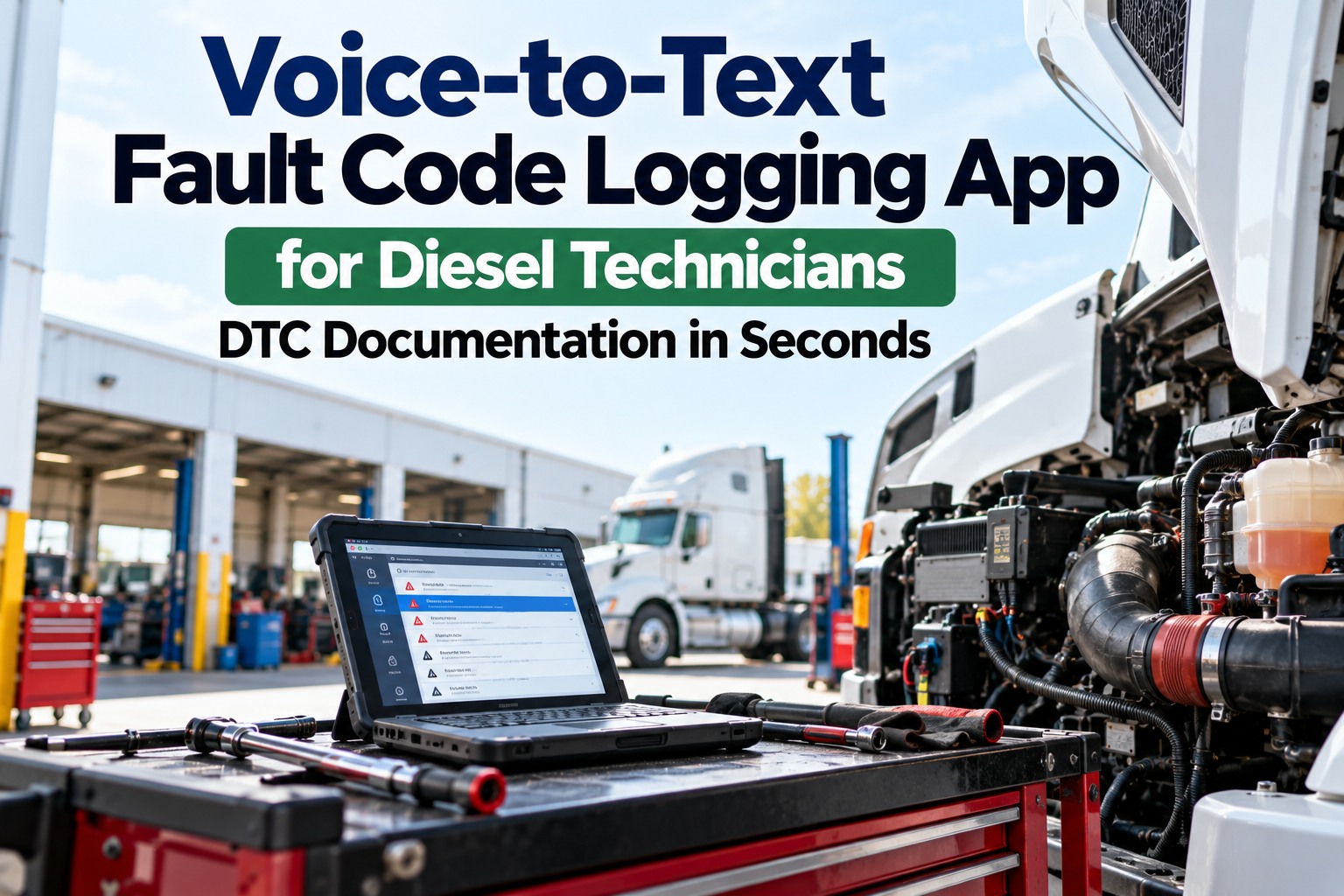
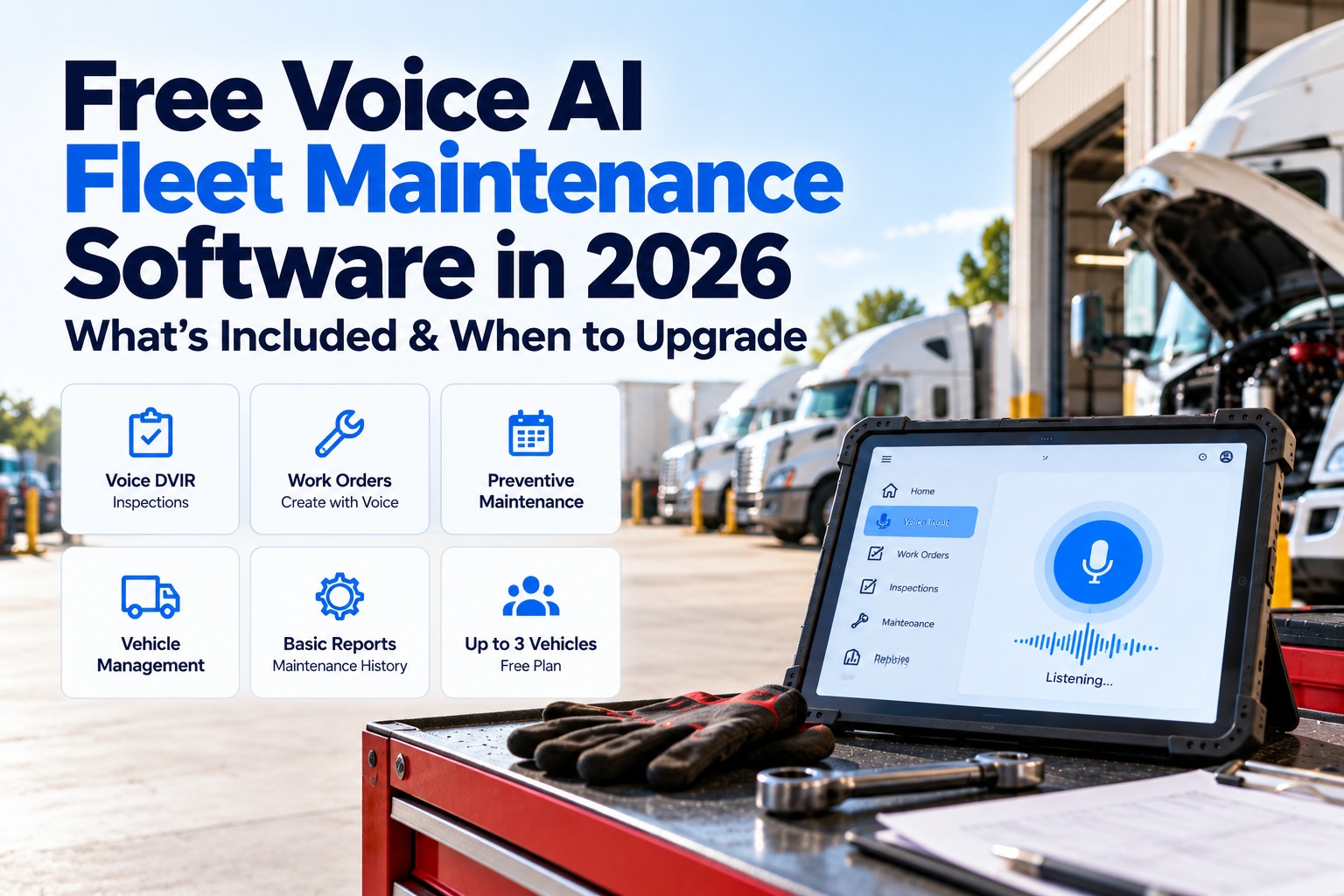
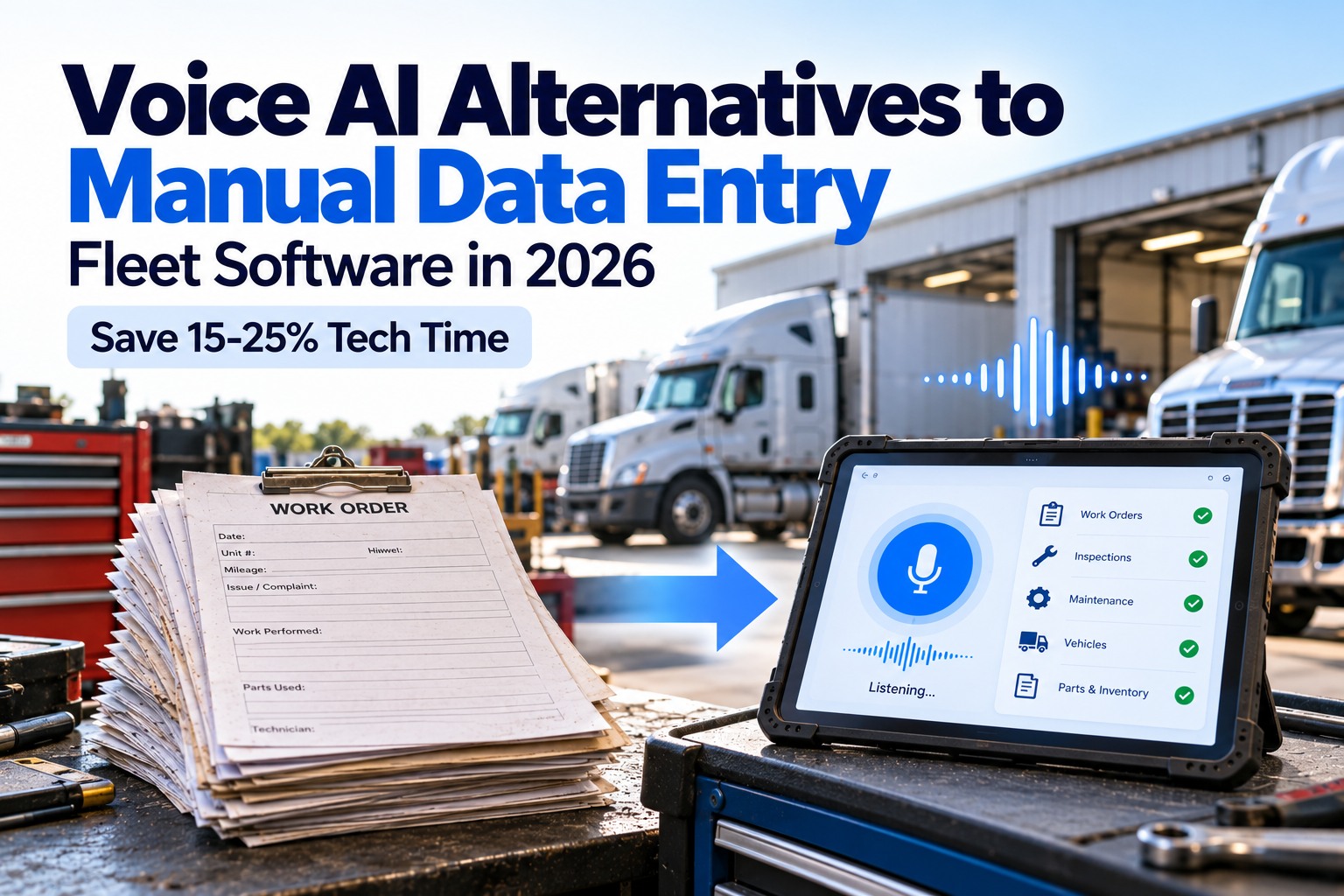
A voice-to-text fault code logging app lets a diesel technician read a diagnostic trouble code aloud and have it written into the work order as structured data: the system that reported it, the suspect parameter, the failure mode, how often it has occurred and whether it is active or stored. Fault codes are the clearest clue a truck gives, and they are also the easiest to lose, because clearing them wipes the history. Hear a fault code get logged by voice, or read how voice becomes a work order.
VOICE DTC LOGGING · DIESEL TECHNICIANS
Say the Code Before You Clear It
Once a fault is cleared, its count resets and its stored history disappears. Reading codes aloud as you scan gives you a complete record in seconds, with both hands still on the tool.
TECH READS ALOUD
"Engine, SPN 3361, FMI 5, occurrence count 4, stored."
LOGGED AS
SA 0 · Engine ECM
SPN 3361 · DEF dosing
FMI 5 · Open circuit
OC 4 · Stored
Anatomy of a J1939 Fault Code
Heavy-duty trucks report faults over the J1939 data link as a handful of numbers. Four of them belong in every log entry. Together they tell the next technician what failed, how it failed, how often and which module said so.
SA
Source Address
Which controller reported it. For example, 0 is the engine ECM, 3 the transmission and 11 the brakes.
SPN
Suspect Parameter Number
What is affected. More than 10,000 are defined, such as 110 for coolant temperature and 3361 for the DEF dosing unit.
FMI
Failure Mode Identifier
How it failed, from 0 to 31. FMI 5, for example, means current below normal or an open circuit.
OC
Occurrence Count
How many times it went from inactive to active, capped at 126. A high count on a stored code points to an intermittent.
What It Sounds Like and What Gets Written
Technicians already say codes out loud to each other. The app listens for the same shorthand and files each part in its own field. Swipe the table horizontally on mobile.
← Swipe to see all columns →
Read us a code from your last scan
Bring one real fault from a recent repair and hear how it would have been logged, with the work order attached.
Active and Stored: Capture Both Lanes
Every ECU broadcasts its current faults continuously, which is what drives dashboard warnings. Faults that cleared themselves are kept separately as previously active. The second list is where intermittent problems hide, and it is the one that vanishes when codes are cleared.
ACTIVE (BROADCAST ONCE A SECOND)
What is wrong right now
Matches the dash warnings. Say each code with its SPN, FMI and count so the work order shows exactly what the driver saw.
STORED (PREVIOUSLY ACTIVE)
What was wrong and went away
A high occurrence count suggests a loose connector or damaged wiring. Say these too, before you clear anything.
A Quick Guide to the Failure Modes You Say Most
FMI 0 / 1
Most severe
Valid data, critical high or low.
FMI 2
Erratic
Intermittent or incorrect signal.
FMI 3
Voltage high
Shorted high or above normal.
FMI 4
Voltage low
Shorted low or below normal.
FMI 5
Open circuit
Current below normal or open.
FMI 6
Grounded
Current above normal or grounded.
FMI 7
Not responding
Mechanical system not moving.
FMI 31
Condition exists
The system reports a condition.
The Capture-Before-Clear Flow
Voice logging works best when it sits inside a fixed order of operations. The record is made before the code is cleared, and checked after.
1
Connect and scan
Pull both active and stored lists.
→
2
Say every code
Source, SPN, FMI, count, status.
→
3
Diagnose and repair
Fix the cause, not the lamp.
→
4
Clear and re-scan
Confirm the code stays gone.
→
5
Say the result
Verified clear or still returning.
Why Spoken Entries Come Out More Complete
When describing a fault takes seconds instead of minutes, more of the optional fields get filled in. Oxmaint's voice work order guide reports these completion rates before and after voice capture. These are vendor figures, so treat them as directional and measure your own shop.
FIELD COMPLETION RATE, BEFORE AND WITH VOICE
6–10 min
saved per job with voice capture versus typing, per the same guide
22%
of a technician's workday spent on administrative tasks, per one fleet-software vendor
15–25%
productivity improvement within 90 days that Oxmaint attributes to AI maintenance software
What a Complete Fault Log Entry Contains
- Unit and odometer or engine hours when the code was read
- Source address for every code, not just the engine
- SPN and FMI with a plain-language description
- Occurrence count and active or stored status
- Driver complaint and symptoms that went with the code
- Action taken, including parts, and whether codes were cleared
- Re-scan result after the repair
- Follow-up flag if the code could return
What the History Lets You See
Repeat codes on one truck
The same SPN and FMI returning after a repair points to a root cause that has not been fixed.
The same code across units
A pattern across trucks of one model year or supplier shows a systemic issue, not an isolated failure.
Priorities by severity
Sort by safety and recurrence, not by whichever dash light was loudest.
Turn Every Scan Into a Searchable History
FleetRabbit's voice AI turns spoken technician notes into structured work order records, so fault codes, causes, parts and next steps stay attached to the truck they came from.
See how voice AI works for fleet technicians.
SPN and FMI by voice
Active and stored codes
Attached to work orders
Repeat-code history
Frequently Asked Questions
What is a voice-to-text fault code logging app?
It lets a technician read diagnostic trouble codes aloud and converts the speech into structured fields on a work order: source, SPN, FMI, occurrence count and status. It replaces handwritten notes and typing on a small screen.
What do SPN and FMI mean?
The SPN identifies what is affected, such as coolant temperature. The FMI says how it failed, such as voltage high or an open circuit. A code is only meaningful with both.
Why record stored codes as well as active ones?
Stored codes show faults that came and went. Their occurrence counts are how intermittent problems such as loose connectors are caught, and they are lost when codes are cleared.
Should codes be cleared after a repair?
Clear them only after the cause is diagnosed and the codes are logged, then re-scan to confirm they stay gone. Clearing without a diagnosis lets the fault return and loses the evidence.
Can a voice app read codes directly from the truck?
The technician reads the code from the scan tool, and the app records it. Linking a scan tool or telematics feed is a separate integration, so ask any vendor exactly what it connects to.
Does it recognize codes spoken with numbers and letters?
Codes are numeric strings, so the app should confirm them on screen after dictation. Test your most common SPNs during a pilot and correct any that are misheard.
Read the voice AI guide for technicians.
How does it help with repeat repairs?
Logged codes build a history per truck and per fault. When the same SPN and FMI returns, the previous repair, parts and counts are already attached to the unit.
The Code Is the Clue. Keep It.
A fault that is read aloud, logged and attached to the work order gives the next technician a head start. A fault that is cleared and forgotten gives them a blank slate.
Free tier for up to 3 vehicles · No credit card required · Codes attached to the work order
October 3, 2026By Alex Rowan
All Blogs