A frozen food trailer can pass every pre-trip check and still lose an entire load if the reefer unit drifts out of range somewhere between the distribution center and the last stop. Spot checks at pickup and delivery only capture two moments in a journey that might last ten hours, and everything that happens in between is invisible unless the trailer is reporting temperature continuously. Real-time monitoring turns that blind middle section of the route into a fully documented record, and it is quickly becoming the baseline expectation for any fleet moving frozen product under FSMA.
Why real-time beats spot checks for frozen loads
A frozen food trailer is typically expected to hold product at or below 0 degrees Fahrenheit for the entire haul, and even a short excursion above that line can compromise the load depending on how long it lasts. Checking the reefer display at pickup and again at delivery tells you the start and end points, but it tells you nothing about what happened at hour six when a door was left open a few extra minutes or the compressor briefly struggled on a grade. Fleets that sign up for continuous monitoring stop relying on those two snapshots entirely.
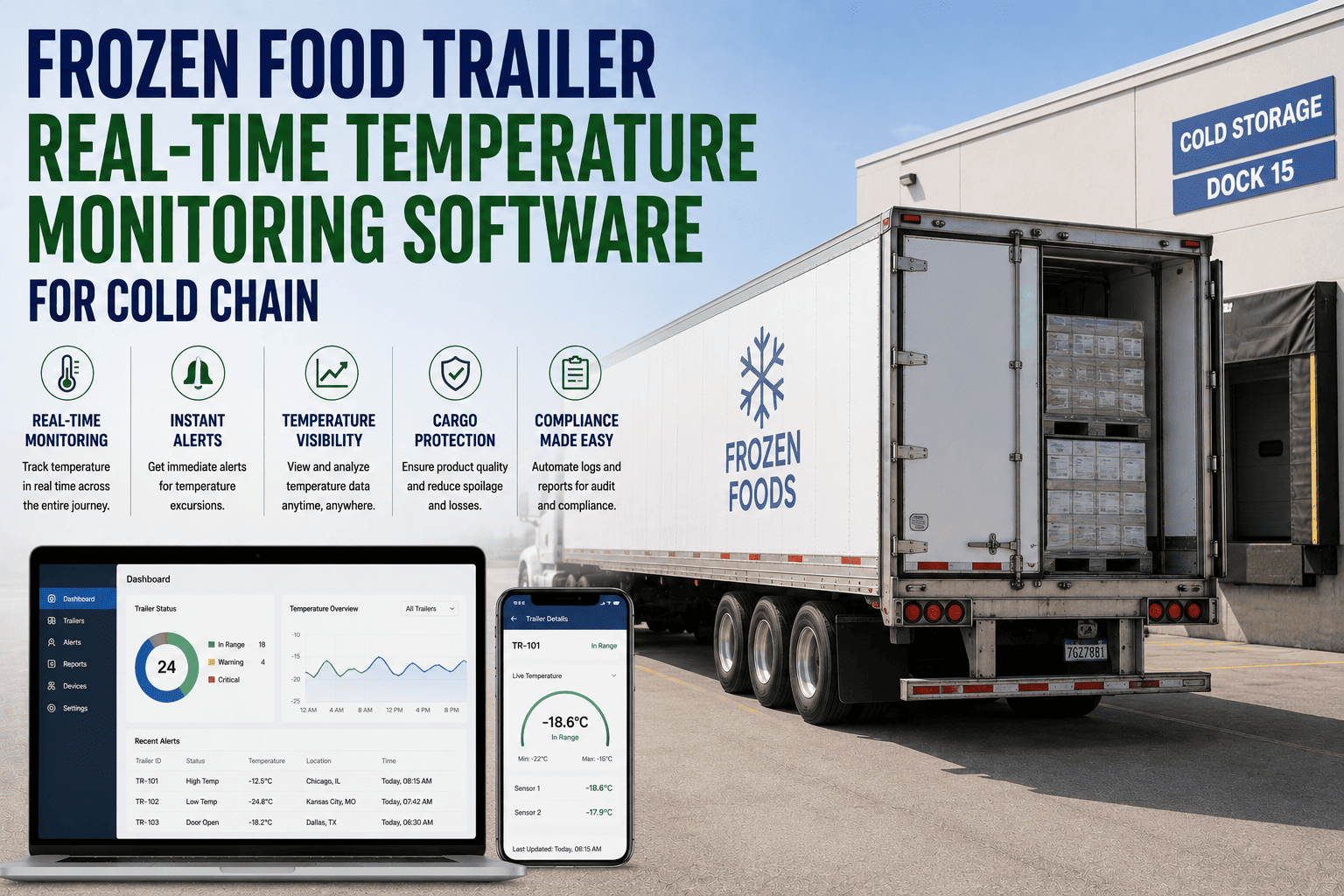
Continuous monitoring streams a reading every few minutes for the full duration of the trip, and any reading that crosses a set threshold triggers an alert immediately rather than being discovered hours later at the dock. If your team still relies on drivers writing down a number at each stop, it is worth seeing how much of that manual work disappears once the sensor is talking directly to the fleet office. You can book a demo to see a live feed from an active trailer.
What a real route looks like in the reading log
Instead of two numbers, FleetRabbit builds a full picture of the haul, reading by reading, with any point that drifts toward the threshold flagged the moment it happens.
In this route, a door-open event around hour five pushed the internal temperature up for roughly eighteen minutes. Because the reading was continuous, the fleet office was alerted before the trailer even reached its next stop.
Threshold bands, not a single pass or fail line
Not every reading above the set point is an emergency, and treating every fluctuation the same way trains dispatchers to ignore alerts. FleetRabbit separates readings into three bands so the response always matches the severity.
Three checkpoints, one continuous record
Fleets moving frozen product for grocery or foodservice customers increasingly have to prove the entire chain, not just the endpoints. Teams that sign up get that full three-checkpoint record without adding a single manual step for drivers.
FSMA and cold-chain audit readiness
Real-time monitoring is not just about catching a problem faster, it is also what turns an audit request into a one-click export instead of a scramble through paper logs.
| Requirement | What FleetRabbit provides |
|---|---|
| Continuous temperature documentation for perishable loads | Reading captured every few minutes for the full duration of the trip |
| Timely notification of a temperature excursion | Automatic alert sent the moment a threshold is crossed |
| Traceability of corrective action | Every response to an alert logged and tied to the trip record |
| Records available on request | Full reading history exportable per trailer, per trip, per customer |
Spot checks vs continuous monitoring
| Manual spot checks | FleetRabbit real-time monitoring |
|---|---|
| Two readings per trip, at pickup and delivery | A continuous stream of readings for the entire route |
| Excursions discovered hours after they happen | Alerts sent the moment a threshold is crossed |
| Driver writes the number down by hand | Sensor reports directly, no manual entry required |
| Audit records assembled after the fact | Full trip history exported in one click |
If your current process depends on a driver remembering to check and note a number at each stop, a short walkthrough usually makes the gap obvious. You can book a demo and compare it against a real route from your own fleet.