Construction fleet management and accounting operate on separate data streams in most companies — the fleet team tracks maintenance costs, fuel expenses, and equipment hours in spreadsheets or a fleet system, while the accounting team re-enters the same data into QuickBooks, Sage, or their ERP to generate invoices, job cost reports, and financial statements. This double-entry process wastes 8–12 hours per week in administrative labour, introduces transcription errors that corrupt project cost data, and creates month-end reconciliation nightmares when fleet costs don't match accounting records. FleetRabbit's accounting software integration eliminates this gap entirely — every maintenance event, fuel purchase, parts cost, and equipment hour is captured once in FleetRabbit and flows automatically to your accounting system with correct project codes, cost categories, and GL account assignments. Book an accounting integration demo with FleetRabbit.
FleetRabbit Accounting Integration
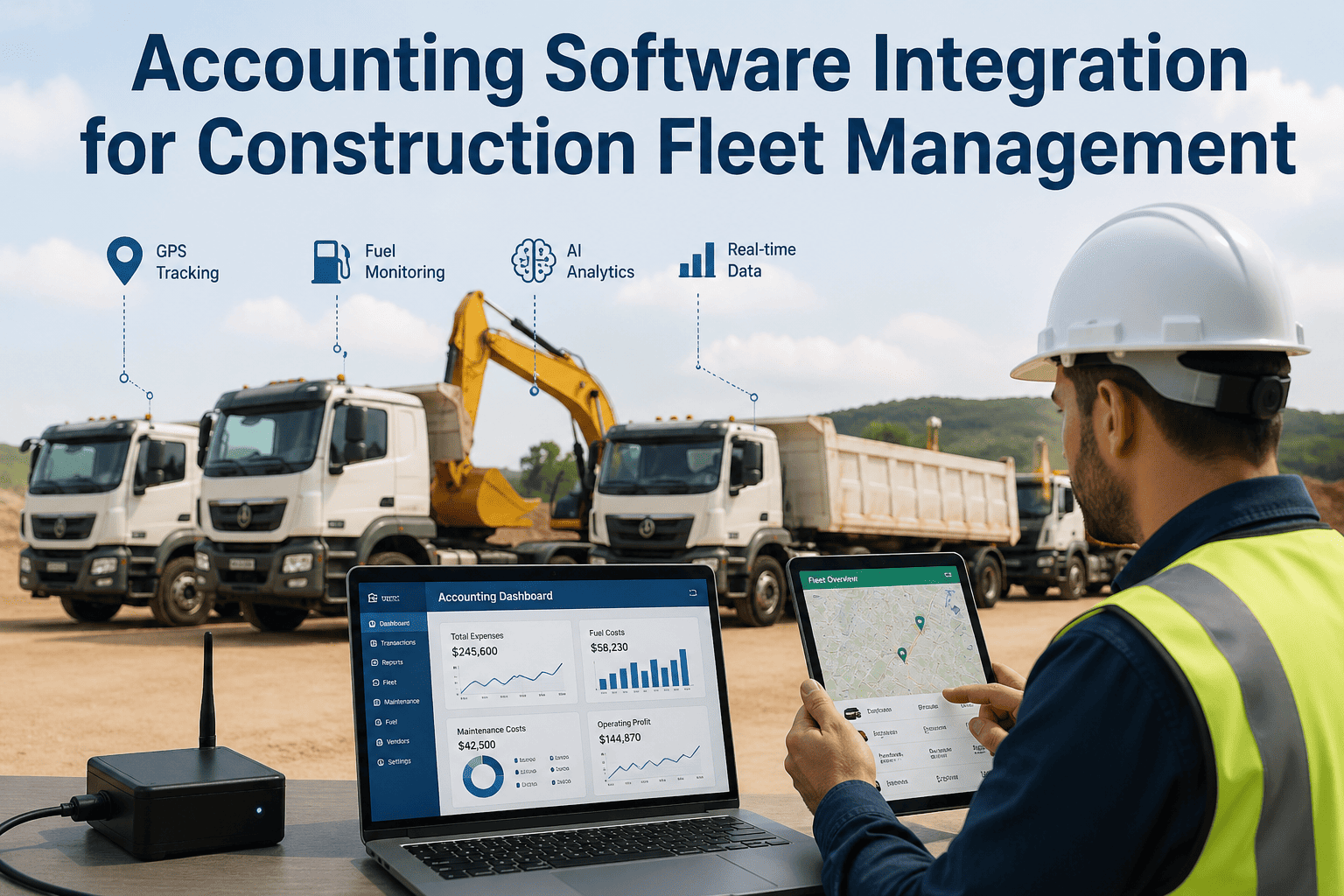
Accounting Software Integration for Construction Fleet Management
How FleetRabbit integrates with QuickBooks, Sage, Procore, and ERP systems to eliminate double-entry, automate project cost allocation, and deliver real-time construction fleet financial reporting without manual reconciliation.
8–12 hrsWeekly Admin Saved
ZeroDouble-Entry Required
Real-TimeProject Cost Sync
100%GL Account Accuracy
Why Fleet and Accounting Systems Don't Talk — and Why That Costs You
The gap between fleet management data and accounting data is one of the most expensive information silos in construction. Fleet managers know exactly what was spent on equipment — every part, every labour hour, every fuel purchase — but that data lives in a fleet system, a spreadsheet, or a stack of paper work orders that accounting never sees in real time. Accounting sees purchase orders and vendor invoices, but has no context for which equipment the cost relates to, which project it should be charged to, or whether the vendor invoice matches the actual work performed. The result is a monthly reconciliation process where accounting and fleet management teams compare notes, argue over cost allocations, and manually correct records that should have been right from day one. FleetRabbit's integration architecture eliminates this process by making fleet and accounting systems a single connected data environment — data enters once and flows to both systems automatically.
01
Transcription Errors in Cost Allocation
When maintenance cost data is manually re-entered from fleet work orders into accounting, transcription errors are inevitable. Wrong job codes, mistyped amounts, incorrect GL accounts, and missing cost items corrupt project financial reports — making it impossible to know the true cost of any project. A $12,000 engine rebuild entered with the wrong project code inflates one project's costs and understates another's — creating budgeting decisions based on false data. FleetRabbit's direct integration eliminates re-entry: costs are assigned to projects at work order creation and flow directly to the accounting system with correct codes and classifications.
02
Month-End Reconciliation Bottleneck
The month-end close process in construction companies with manual fleet-to-accounting data transfer can take 3–5 days of intensive work — comparing fleet system records against accounting entries line by line, identifying discrepancies, tracing errors back to source documents, and making journal entry corrections. This process delays financial reporting, delays project billing, and consumes accounting staff time that should be spent on analysis rather than data correction. Companies using FleetRabbit's accounting integration report reducing month-end reconciliation from 3–5 days to under 4 hours — because data is correct from the point of entry, not corrected after the fact.
03
Delayed Project Cost Visibility
Project managers need to know equipment costs in real time — not at month-end after accounting has processed everything. When fleet costs flow through a manual process with a 2–4 week lag, project managers make budgeting and resource decisions without current cost data. A project that's running 15% over budget on equipment costs might not be visible until 3 weeks after the overrun started — by which point the damage is done. FleetRabbit's integration pushes equipment costs to project cost reports in real time, giving project managers current financial visibility with no accounting lag.
04
Vendor Invoice Matching Failures
When a vendor invoice arrives for external equipment repairs, accounts payable has no context to verify it — they don't know what work was authorised, what parts were quoted, or what labour rate was agreed. Without a connected work order system, AP processes vendor invoices on trust, overpaying for work that wasn't performed or at rates that weren't agreed. FleetRabbit creates purchase orders for external repairs that flow into accounting — when the vendor invoice arrives, AP can match it against the authorised PO and FleetRabbit's recorded work order, catching overcharges and billing errors before payment is made.
FleetRabbit Accounting Integration Capabilities
FleetRabbit connects to the accounting and project management platforms that construction companies already use — without requiring custom development or middleware. The integration is configured during onboarding and maintained automatically as both systems update. Here's what flows between FleetRabbit and connected accounting systems:
Automatic Cost Posting to GL Accounts
Every work order closed in FleetRabbit generates a cost posting to the configured GL accounts in your accounting system — parts costs to the parts expense account, labour costs to the maintenance labour account, and subcontractor costs to the external services account. GL account mapping is configured once during setup and applied automatically to every subsequent transaction. No manual journal entries, no month-end batch uploads — every cost posts to the correct account the moment the work order is closed.
Project Code and Job Cost Allocation
Equipment operating on a specific project generates costs that belong to that project's job cost ledger. FleetRabbit operators and technicians assign project codes when creating work orders, logging fuel, or recording equipment hours — and those codes flow directly to the accounting system's job cost module. Project managers see real-time equipment costs in their project financial reports without waiting for accounting to manually allocate and enter costs. Job cost accuracy improves from typical manual allocation rates of 75–80% to 95%+ with FleetRabbit integration.
Parts Inventory and Purchase Order Sync
When FleetRabbit creates a purchase order for parts or external services, that PO syncs automatically to your accounting system's AP module. When parts are received and work orders are closed, inventory asset accounts adjust automatically. When vendor invoices arrive, AP can match them against FleetRabbit POs — catching quantity discrepancies, price variances, and unauthorised charges before payment is released. This three-way match (PO, receipt, invoice) is standard practice in construction but rarely achievable without a connected fleet-accounting system.
Equipment Hour Billing to Projects
Many construction contractors bill clients for equipment usage on time-and-material contracts. FleetRabbit tracks equipment hours per project via GPS geofencing and operator assignment — and those hours sync to the project billing module in your accounting system at configurable billing rates per equipment type. Rather than manually compiling equipment hours from time logs and entering them into billing software, FleetRabbit generates the billable hour records automatically, ensuring no hours are missed and no manual compilation errors reduce your revenue on T&M work.
FleetRabbit Accounting Sync
Connect FleetRabbit to QuickBooks, Sage, Procore, and Your ERP — One Setup, Zero Manual Entry Forever
FleetRabbit's accounting integration connects fleet cost data directly to your financial systems — every maintenance expense, fuel cost, parts purchase, and equipment hour flows automatically with correct project codes and GL classifications. Eliminate double-entry and give your accounting team accurate data in real time.
From the Field
"Before FleetRabbit, our month-end close for equipment costs took 4 full days — our fleet coordinator and our AP manager sitting together comparing work orders against QuickBooks entries line by line. We were finding 15–20 allocation errors every month, some of them significant enough to materially affect project profitability reports. With FleetRabbit's QuickBooks integration, costs post automatically the moment work orders close. Our month-end equipment cost reconciliation now takes about 2 hours — just a spot-check review, not a full correction exercise. More importantly, our project managers now get accurate equipment cost data by Tuesday of the following week instead of 3 weeks after month-end. They're making better decisions because they have current numbers, not stale ones."
CFO
·
Mid-Size General Contractor — 95 Assets — QuickBooks Integration
Frequently Asked Questions
QWhich accounting systems does FleetRabbit integrate with?
FleetRabbit integrates natively with QuickBooks Online, QuickBooks Desktop (Enterprise), Sage 100 Contractor, Sage 300 Construction, and Procore's financial management module. For companies using Microsoft Dynamics, SAP, or Oracle, FleetRabbit provides API access and data export in standard formats that connect to custom integration workflows. The integration team maps GL accounts, cost codes, and project hierarchies during onboarding — typically completed within the first week of implementation.
QHow are GL account mappings configured and maintained?
During onboarding, FleetRabbit's integration team works with your controller or CFO to map every FleetRabbit cost category (parts, labour, fuel, subcontractor, equipment rental) to the corresponding GL accounts in your accounting system. Mappings are stored in FleetRabbit's integration configuration and applied automatically to every transaction going forward. When your chart of accounts changes, mappings can be updated in FleetRabbit's admin panel without requiring developer involvement. Most customers complete the initial mapping session in 2–3 hours.
QWhat happens if a cost is posted to the wrong project code?
FleetRabbit allows work order cost reallocations — if a technician assigns a cost to the wrong project, a fleet manager or administrator can reallocate it to the correct project, and the correction syncs automatically to the accounting system as a reversing entry on the original project and a new posting on the correct project. The full audit trail of the original entry and the correction is maintained in both FleetRabbit and the accounting system, providing complete documentation for internal audit and external review.
QCan FleetRabbit handle multiple companies or entities in one account?
Yes. FleetRabbit's multi-entity structure allows companies operating multiple legal entities — subsidiaries, JV companies, or separate divisions with their own P&L — to manage all fleets in a single FleetRabbit account with separate accounting integrations per entity. Costs generated by assets assigned to Entity A post to Entity A's QuickBooks company file, while Entity B's costs post separately. This is critical for construction holding companies and joint venture operations that need consolidated fleet visibility with separated financial reporting.
FleetRabbit Financial Integration
Connect Your Fleet Data to Your Financial Systems — Automatic, Accurate, Real-Time.
FleetRabbit's accounting integration eliminates double-entry, eliminates reconciliation errors, and delivers real-time project cost data to every stakeholder who needs it — from project managers tracking job budgets to CFOs preparing financial statements. One connection, zero manual data transfer, complete financial accuracy.
QuickBooks Sync
Sage Integration
Job Cost Allocation
GL Auto-Posting
PO Matching
April 30, 2026
By Michael
All Posts