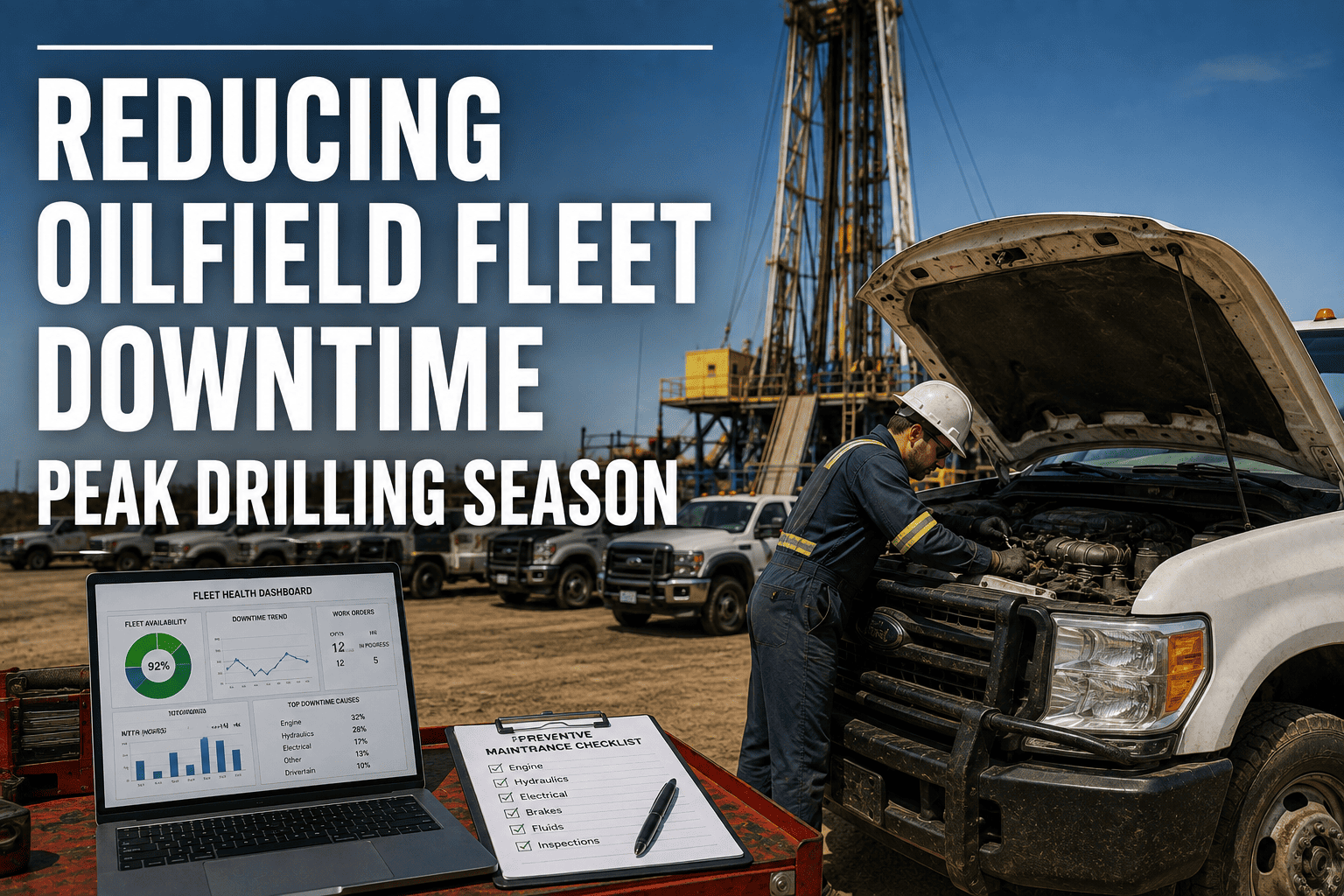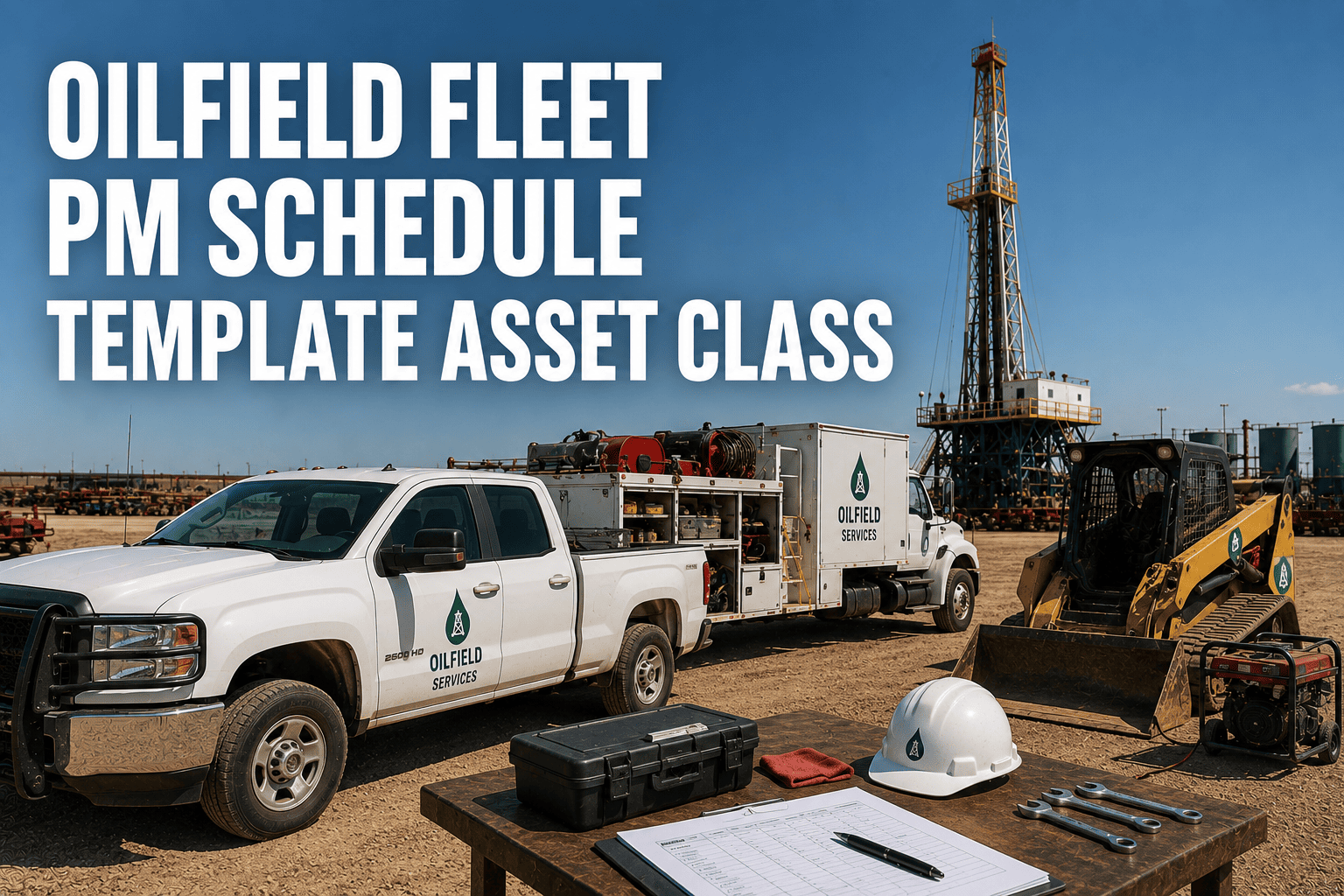
No two assets in an oilfield fleet wear out the same way. A light-duty service truck racking up highway miles between pads has almost nothing in common with a workover rig engine that idles for eighteen hours a day and barely moves. Yet a surprising number of operators still run every unit off the same generic oil-change calendar, then wonder why vacuum trucks and cranes keep failing on location. A preventive maintenance schedule built by asset class fixes that mismatch, and it's the single biggest lever oilfield fleet managers have for cutting emergency callouts before they happen. If you want to see how this looks running live across a mixed fleet, you can book a demo and walk through your own asset list with the FleetRabbit team.
An oilfield PM schedule template should group assets into classes — light-duty service vehicles, water and vacuum haulers, Class 8 tractors, and heavy or specialty equipment — then assign each class a trigger type (mileage, engine hours, calendar days, or operating condition) and a tiered task list (PM-A, PM-B, PM-C). Hour-based tiers typically run every 250, 500, and 1,000 hours for equipment that idles heavily, while mileage-based classes follow 5,000 to 25,000 mile bands depending on duty. Matching the trigger to the asset, not the calendar, is what separates a working schedule from a paper one.
Mapping Your Fleet Into Asset Classes
Before any interval makes sense, every unit on the lease needs a home in a defined class. Most oilfield fleets settle into four practical groupings, and each one drives a different maintenance rhythm.
Light-Duty Service Vehicles
Pickups, crew cabs, and light service trucks moving personnel and small tools between pads. These behave like standard commercial vehicles and respond well to mileage-based intervals, typically every 5,000 to 7,500 miles for fluids and a broader inspection every 15,000 miles.
Water, Vacuum, and Chemical Haulers
Medium and heavy trucks that combine road miles with heavy pump-off-road time. These need a blended trigger: mileage for the drivetrain and engine hours for the pump and PTO system, since pump run-time often outpaces the miles driven.
Class 8 Tractors and Trailers
Long-haul and frac sand transport units fall under standard DOT annual inspection requirements plus manufacturer-recommended service bands, usually 15,000 to 25,000 miles depending on load factor and terrain.
Heavy Equipment and Specialty Assets
Workover rigs, cranes, forklifts, generators, and pump units run almost entirely on engine hours rather than mileage, because they can sit stationary for days while the engine keeps running under load.
Why this grouping matters
Once a unit is tagged with its class, every future PM rule, checklist, and reminder inherits from that class automatically instead of being configured one truck at a time.
FleetRabbit lets you tag every unit by asset class and apply the right trigger — mileage, engine hours, calendar, or condition — automatically. Technicians get mobile work orders, and nothing slips through on a spreadsheet again.
The Three-Tier PM Framework
Once assets are classed, each class gets the same simple tier structure so technicians never have to guess what a service actually includes. PM-A covers quick, frequent checks. PM-B adds fluid and filter service. PM-C is the deep inspection that catches slow-developing failures before they become roadside calls.
| PM Tier | Typical Trigger | Core Tasks | Best Fit Asset Class |
|---|---|---|---|
| PM-A | 250 hours or 5,000 miles | Fluid levels, visual inspection, tire pressure, lights, leaks | All classes, run as the baseline check |
| PM-B | 500 hours or 12,500 miles | Oil and filter change, brake inspection, belts, cooling system | Haulers, light-duty vehicles, tractors |
| PM-C | 1,000 hours or 25,000 miles | Full inspection, fluid analysis, wear-component replacement, DOT items | Heavy equipment, Class 8, high-hour pump units |
Setting Intervals By Trigger Type
The template only works if the trigger matches how the asset actually accumulates wear. Some classes need two triggers running side by side, with whichever one arrives first initiating the service.
| Asset Class | Primary Trigger | Secondary Trigger | Typical PM-B Interval |
|---|---|---|---|
| Light-Duty Service Vehicles | Mileage | 90-day calendar | 5,000 to 7,500 miles |
| Water and Vacuum Haulers | Engine hours | Mileage | 400 to 500 hours |
| Class 8 Tractors | Mileage | DOT annual date | 15,000 to 20,000 miles |
| Heavy Equipment | Engine hours | Operating condition | 250 to 500 hours |
Adjusting For Harsh Oilfield Conditions
Dust, extreme heat, high idle time, and rough lease-road terrain all shorten real component life compared to the manufacturer's baseline number. Most operators pull intervals in by 15 to 25 percent for units running in the Permian or similar high-dust basins, and shorten filter change intervals specifically rather than the full service band, since air and fuel filtration is usually the first system to fail under those conditions.
From Template To Automated Schedule
A spreadsheet template is a fine starting point, but it depends entirely on someone remembering to check it. Moving the same class, tier, and trigger logic into a digital system removes that dependency.
Step one: load your asset list with class tags
Every unit gets a class assignment once, and every future rule inherits from it automatically.
Step two: attach hour or mileage feeds
Telematics or manual odometer and hour-meter entries feed the trigger so due dates update themselves instead of relying on a technician's memory.
Step three: push mobile work orders
When a class hits its PM-A, B, or C threshold, the assigned technician receives the checklist directly on a phone or tablet, in the field, with no paper involved.
Fleets that make this move typically see planned maintenance rise from around half of all service events to 80 percent or more within the first few months, which is the single biggest predictor of fewer roadside failures. If you're still running this off spreadsheets, it's worth seeing what the automated version looks like — you can sign up for a free trial and load your own asset list in under an hour.
FleetRabbit converts your asset classes and tier structure into automatic reminders, mobile work orders, and compliance-ready records — no more chasing spreadsheets across districts.
Frequently Asked Questions
Stop stretching one generic template across five different asset types. FleetRabbit organizes your fleet by class, applies the right trigger to each one, and puts every checklist in front of your technicians automatically.