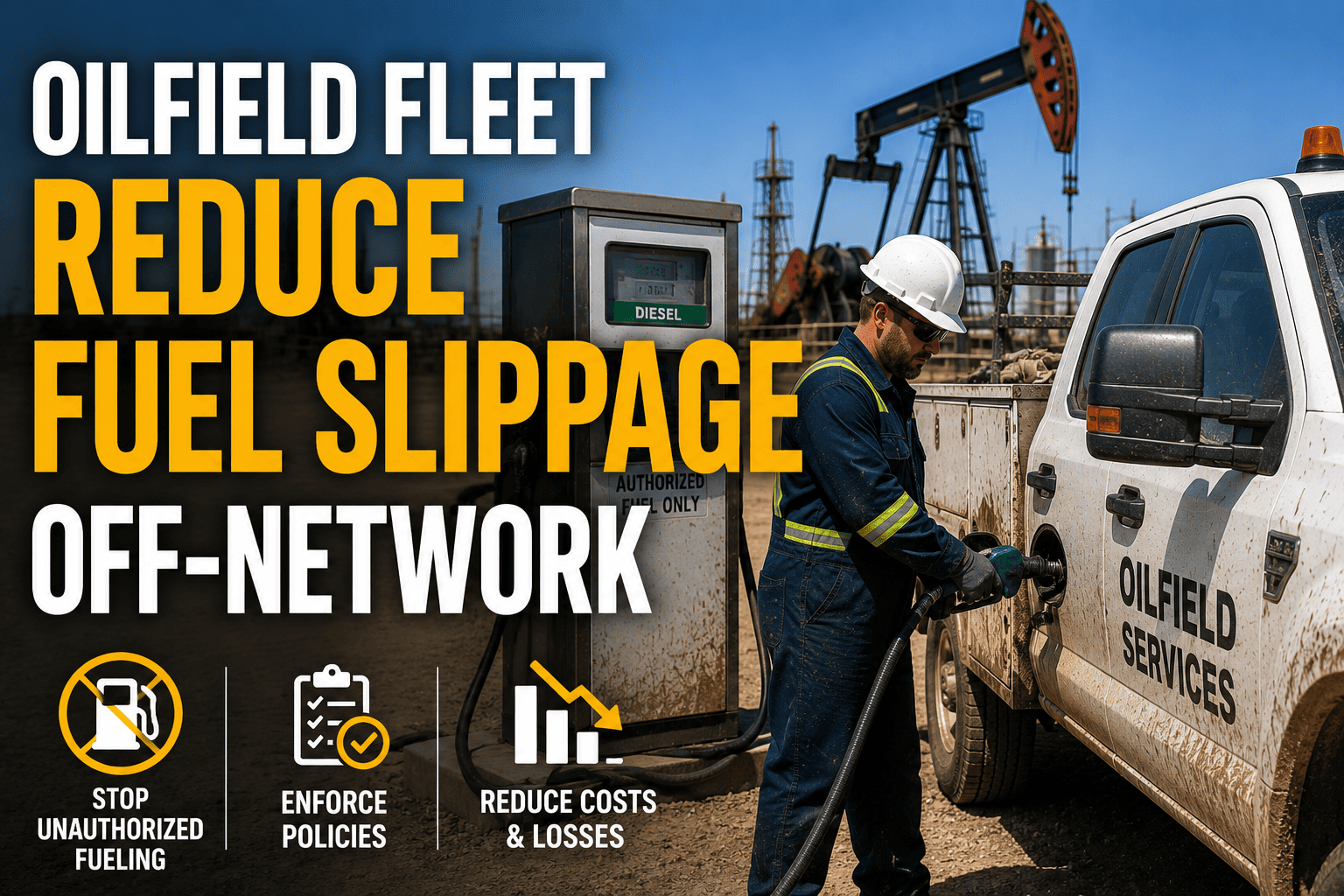
Fuel is usually the single largest line item on an oilfield fleet's operating statement, often running close to a third of total costs, which makes it the line item most worth protecting. Yet most fleets do not lose fuel dollars to one dramatic theft, they lose them a few gallons at a time, through a card swiped at a station nowhere near the route, a purchase that includes items that were never fuel, or a transaction that never gets matched back to the truck it was supposedly filling. Industry estimates put this kind of slippage and off-network spend at 5 to 15 percent of total fuel budget for fleets without transaction-to-vehicle verification in place, and on a multi-truck oilfield operation running long routes across remote basins, that gap compounds fast.
Fleets without GPS and route verification typically lose 5 to 15 percent of total fuel spend to slippage, off-network purchases, and unmatched transactions. Common patterns include side fueling personal vehicles, purchases at stations far outside assigned routes, and card use during hours when the vehicle was not even running. Matching every transaction to a vehicle, driver, location, and odometer reading in real time is what turns invisible leakage into a number a fleet manager can actually see and stop.
Three Ways Fuel Dollars Quietly Leave An Oilfield Fleet
Slippage rarely looks like theft on paper. Each individual transaction usually passes a basic check, the right card, a real station, a reasonable dollar amount. The problem only becomes visible when purchases are compared against where the truck actually was and what it actually needed.
Why These Losses Stay Invisible Until Someone Looks
Most oilfield fleets still reconcile fuel spend after the fact, pulling a monthly card statement and scanning for anything that looks obviously wrong. That approach only catches the largest, clumsiest cases. A pattern of small, repeated irregularities, a few extra gallons here, a purchase outside the route there, compounds quietly across a fleet running dozens of trucks over remote basin routes, and by the time monthly reconciliation flags it, weeks or months of loss have already occurred.
FleetRabbit matches every fuel purchase to the vehicle's live location, route, and odometer the moment it happens, so slippage and off-network spend get flagged the same day instead of buried in next month's statement.
Matching Every Gallon To A Vehicle, Driver, And Location
Closed-loop verification is the practice of checking every fuel transaction against four data points before it is accepted as legitimate: was the vehicle physically at that station, was the purchase within the expected fuel tank capacity, does the timing match when the vehicle was actually running, and was the driver assigned to that vehicle at that time. A transaction that fails any of these checks gets flagged instantly instead of surfacing weeks later on a reconciled statement.
| Verification Check | What It Confirms | Red Flag It Catches |
|---|---|---|
| GPS Location Match | Vehicle was physically present at the station at time of purchase | Card used miles away from the truck's actual location |
| Tank Capacity Check | Gallons purchased fit within the vehicle's actual tank size and last fill level | Purchase volume exceeds what the tank could physically hold |
| Time And Route Match | Purchase occurred during an active route, not off-hours or on a day off | Weekend or late-night transaction with no corresponding job activity |
| Driver Assignment Match | The driver logged into the card was actually assigned to that vehicle | Card used by someone other than the assigned driver |
What Off-Network Spend Specifically Signals
Not every off-network purchase is fraud, sometimes a driver genuinely needs fuel outside the approved network during an emergency. What matters is whether the fleet has a system to tell the difference immediately. A transaction at an unapproved station should trigger an alert the same day, with enough context, location, time, and route data, for a fleet manager to approve it as a legitimate exception or flag it as a loss within minutes rather than discovering it during a monthly audit.
Setting A Loss Rate Benchmark
Calculate flagged and confirmed unmatched transactions as a percentage of total monthly fuel spend. A rate holding steady above roughly 5 percent is a signal that current controls are not catching enough activity before it clears, and it is worth reviewing card restrictions, network approvals, and verification coverage across the fleet.
Turning Fuel Data Into A Number You Can Act On
The fastest way to see the real scale of fuel slippage is to stop relying on memory or spot checks and start matching every transaction automatically. Fleets that move from monthly reconciliation to live monitoring frequently uncover thousands of dollars in previously invisible losses within the first week of switching on verification, simply because the irregular pattern was always there, it just was never checked against real vehicle data before. Fleet managers who want to see this against their own fuel card history can sign up for a free trial and run a sample of recent transactions through automated matching.
Beyond catching individual bad transactions, this data builds a longer-term picture of where a fleet's fuel controls are weakest, which routes see the most off-network activity, which vehicles generate the most unmatched purchases, and which drivers may need a conversation about card use. Fleet managers looking to walk through how this fits into an existing fuel card program can book a free demo and see live transaction matching against a real route.
FleetRabbit ties every fuel purchase to a vehicle, driver, and verified location in real time, replacing monthly statement reviews with same-day visibility into slippage and off-network spend across your entire fleet.
Fuel slippage and off-network spend do not announce themselves, they hide inside routine transactions until someone finally checks. FleetRabbit matches every purchase to a vehicle, driver, and verified location the moment it happens, so leakage gets caught the same day, not the same quarter. Get started with no credit card required.