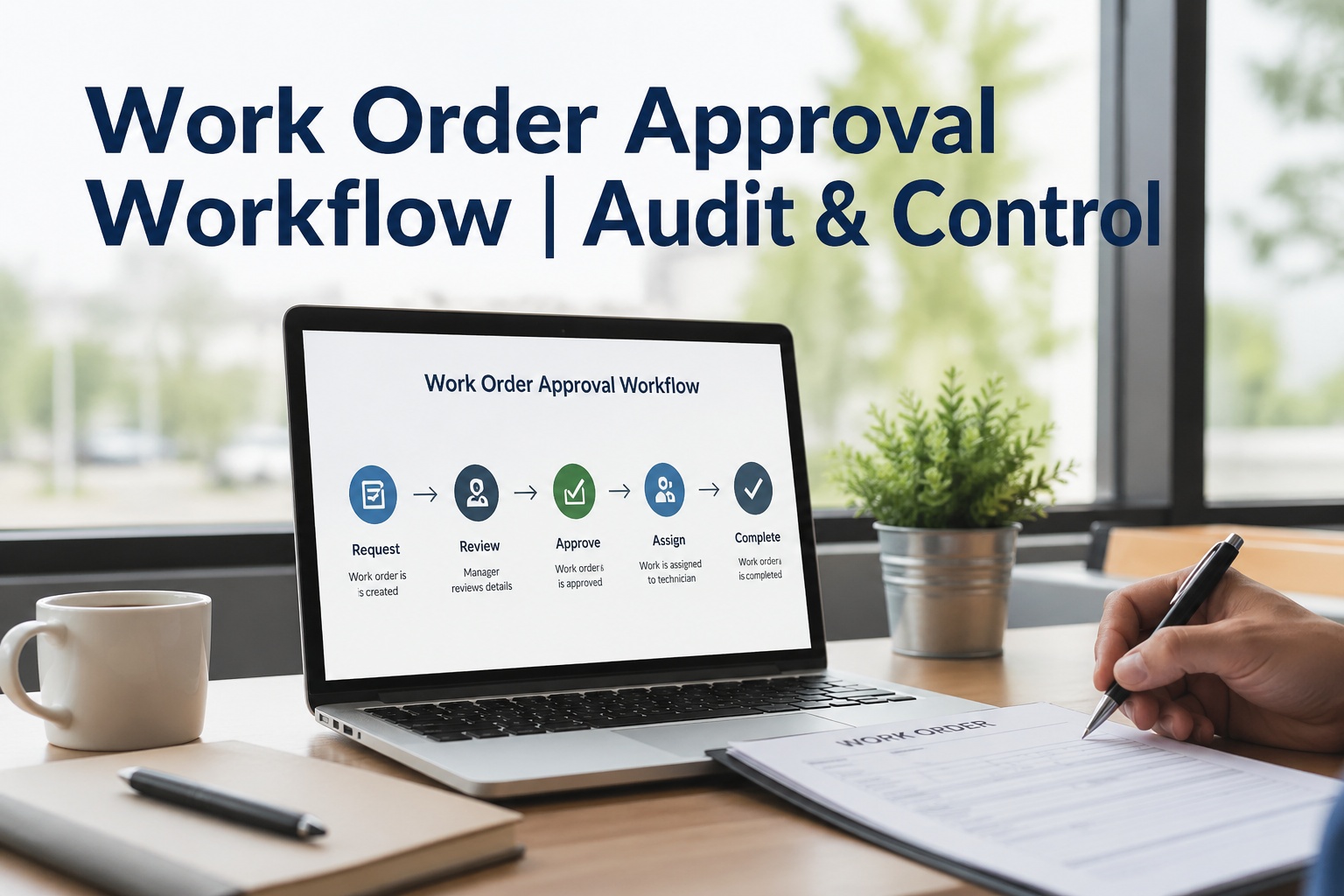
The brake light flagged on Monday at 7:14 AM. The truck didn't roll until Friday. Not because the brake was complicated. Because the approval chain was four people, three email threads, two phone tags, and one supervisor on PTO. By the time the work order cleared signatures and the parts got pulled, the truck had sat in the yard for 4 days. The repair itself took 90 minutes. This is the operational truth most fleet managers know but rarely measure: the wrench time isn't the bottleneck. The signature time is. Industry data puts the average approval delay at 4.2 days for manual fleets and 15 minutes for fleets running automated tier-routing. Same brake job. Same parts. Same labor. The platform decides whether your truck loses 4 days of revenue or 90 minutes. This guide walks through the same Tuesday morning twice once on manual approvals, once on Fleet Rabbit — then breaks down the four mechanisms, the cost-tier matrix, and the seven-point audit trail that turn a 100-hour delay into 11 minutes.
The Industry Numbers — Where Approval Delays Cost Real Money
Approval friction is the largest single source of unbilled vehicle-days in fleet operations. Manual workflows carry hidden cost in administrative hours, lost uptime, and unauthorized spending — none of which show up in a budget line item, but all of which drain margin every week.
Walk Through One Work Order — Manual Fleet, Tuesday Morning
To understand the approval problem, follow a single repair from defect to dispatch on a fleet running paper or email-based approvals. Every step below is real. Every delay below is the average, not the worst case.
Defect logged on paper DVIR card. Driver hands card to dispatcher. Dispatcher emails maintenance supervisor with a photo. Truck parked.
Forwards to shop foreman with "please look at this." Foreman is at lunch. Email sits.
Calls maintenance manager for approval — over the supervisor's $500 ceiling. Manager is in a meeting. Voicemail.
Foreman emails parts list. Manager forwards to operations director for spend over $1,500 (per a company policy nobody actually wrote down).
Foreman starts the repair. Discovers a second worn rotor not in the original estimate. Variance pushes above $2,500 — back to the manager.
Repair labor: 90 minutes. Approval bureaucracy: 100 hours. Truck lost 4 revenue days. No single person made the truck wait. The system did.
The story above happens in some form on every manual fleet, every week. The fix isn't faster supervisors — it's structural. Tier the approvals by cost. Push the routing automatic. Notify on mobile. Auto-escalate when SLA slips. See the Same Story Run on Fleet Rabbit →
The Same Truck, Same Repair, Same Tuesday — On Fleet Rabbit
Photo + GPS + signature captured. Defect routes to system. Cost auto-estimated at $1,847 from parts catalog + labor table. Tier identified: $500-$5K → supervisor.
One-tap approve from his phone in the parking lot. Audit trail captures: timestamp, user ID, device, IP, cost snapshot, tier path.
Tech receives full context on mobile: defect, photo, asset history, parts pulled, navigation to bay. Repair starts immediately.
System auto-pauses for re-approval. Supervisor mobile push with new estimate ($2,517). Approves in 3 minutes from the shop floor.
Same defect. Same parts. Same truck. Same Tuesday. Repair labor unchanged. Approval delay collapsed from 100 hours to 11 minutes. Audit trail complete and exportable.
The 4 Mechanisms That Compress 100 Hours Into 11 Minutes
Not magic. Four specific structural changes from the manual flow to the automated flow. Each one closes a specific bottleneck the manual story revealed.
System reads cost estimate, identifies the right approver tier, pushes notification — without anyone manually deciding "who should sign this." Default tiers: <$500 auto, $500-$5K supervisor, $5K-$25K manager, $25K-$75K director, $75K+ CFO. Each tier is configurable per fleet.
Approvers don't need to be at a desk to act. Mobile push delivers defect description, photo, parts list, labor estimate, asset history, and tier reason in one notification. One tap to approve, reject, or request changes. Biometric authentication on the device confirms identity.
Each tier has an SLA: 15 min for supervisor, 2 hr for manager, 4 hr for director. If the approver doesn't act within the window, the work order auto-escalates to the next tier up. Original approver still notified for awareness. Nobody on PTO ever blocks a truck for 4 days again.
If actual repair cost exceeds the approved estimate by more than 10%, work auto-pauses and re-approval routes to the same approver. Tech keeps moving as soon as the new total clears. No surprise invoices. No scope creep. No Friday-afternoon "we found more wrong" emails.
The Cost-Tier Approval Matrix — Who Approves What
The matrix below is the default Fleet Rabbit tier structure — fully configurable per fleet. Some operations split tiers further (parts vs labor), some flatten them (supervisor approves up to $10K). The platform adapts to your governance, not the other way around.
| Cost Range | Approver | Channel | SLA | Auto-Escalate | Use Case |
|---|---|---|---|---|---|
| < $500 | Auto-approved | System | Immediate | — | Routine PM, light bulbs, minor parts |
| $500 - $5,000 | Shift supervisor | Mobile push + email | 15 min target | 2 hours | Brake job, tire replacement, fluid services |
| $5,000 - $25,000 | Maintenance manager | Mobile push + email | 2 hour target | 4 hours | Transmission service, engine work, body repair |
| $25,000 - $75,000 | Operations director | Email + dashboard | 4 hour target | 1 business day | Engine overhaul, major collision repair |
| $75,000+ | CFO / VP Operations | Email + scheduled review | 1 business day | Manual escalation only | Powertrain replacement, capital-grade repairs |
The Approval Dashboard — One Screen, Every Decision
Approvers don't sift through email folders or chase Slack threads. The Fleet Rabbit dashboard surfaces what needs their attention right now — sorted by urgency, SLA proximity, and cost magnitude.
Every tile drills into the underlying work orders with one click. Approvers can act in batch on similar requests or dive into individual cases. See the Live Approval Dashboard →
The Audit Trail — 7 Data Points Per Approval Action
Every action — approve, reject, escalate, modify — generates an immutable audit record. Append-only, server-timestamped, identity-attributed. The kind of record that survives FMCSA review, OSHA citation defense, SOX audit, and litigation discovery without needing a paralegal to reconstruct it from email folders.
Date, time, timezone of the approval action. Server-side timestamp prevents client-side tampering.
Approver's authenticated user ID, name, role, and email. Tied to the active SSO/login session — no shared accounts.
Approve / Reject / Request Changes / Escalate. Plus any note the approver added at the time of decision.
Estimated cost at time of approval — parts + labor. Locks the estimate the approver actually saw, not later revisions.
Which tier triggered this approver, why this tier (cost, asset class, urgency override), and any prior approvers in chain.
Mobile vs desktop, app version, device ID, IP address. Forensic-grade detail for compliance investigations.
When the approver was notified, on which channel, and acknowledgment time. Proves the SLA clock started correctly.
The complete audit trail exports as a single PDF per work order in under 30 seconds. Every approval, modification, and decision visible in one document — exactly what FMCSA auditors and SOX reviewers expect to see. See a Sample Audit Export →
Frequently Asked Questions
Can we configure our own approval tiers?
Yes — fully configurable per fleet. The default 4-tier matrix (auto / supervisor / manager / director / CFO) is a starting point. Some fleets split parts and labor approvals separately. Some require dual-sign for repairs above $10K. Some route by asset class. Configuration takes 30-60 minutes during onboarding and updates anytime via the admin panel.
What about emergency repairs that can't wait for sign-off?
Critical severity defects can auto-approve up to a defined cost ceiling — typically $5K — to keep safety-critical work moving. The system logs the bypass reason and routes to a post-completion review queue. The audit trail is preserved; the difference is just that work proceeds before sign-off rather than after. Bypass abuse triggers automatic review.
What if the approver is on vacation?
Two options: (1) configure a delegate who receives all approvals during the absence period, or (2) let auto-escalation trigger after the SLA window — work auto-routes one tier up. Most fleets use a delegate for planned absences and rely on auto-escalation for unexpected gaps. Both paths preserve the audit trail. See PTO Routing Demo →
Can the audit trail be modified after the fact?
No — append-only by design. Approvals can be supplemented with later notes (e.g. "post-completion review confirmed work necessary") but the original action records cannot be edited or deleted. This is what makes the trail audit-defensible. Immutability is the entire point.
How does mobile push approval work technically?
Approvers receive a push notification with the full work order context — defect, photo, parts list, labor estimate, asset history, requesting tech. One tap to approve/reject with optional note. The action logs immediately to the audit trail and the work order moves forward. No login required from the notification — biometric authentication on the device (FaceID, fingerprint) confirms identity.
How is approval workflow priced?
Included in the $3/vehicle/month standard subscription. No per-approver fee, no separate workflow module pricing. Free tier (up to 3 assets) includes the full approval workflow for testing. Book a Demo to See Pricing →
Cost-tier auto-routing. Mobile push with biometric approve. Auto-escalation when SLAs slip. Emergency bypass with post-audit. Variance re-approval. Append-only audit trail with 7 data points per action. One-click PDF export for FMCSA, OSHA, SOX. Free for up to 3 assets indefinitely.







